Racqt
RacqtComing soon WebiOSAndroid
Data protection & deleting your account
Read the privacy policy, adjust notification and privacy settings, and permanently delete your own account.
Not released yet. This feature belongs to version 1.4.0, 1.5.1, 1.7.0 and will be available shortly. To the changelog
On this page
Racqt processes your data in accordance with the General Data Protection Regulation (GDPR). You can adjust your settings or delete your account completely at any time.
Privacy policy
You’ll find the full privacy policy at racqt.app/en/privacy (an English courtesy translation; the German version is binding). It explains which data is collected, for what purpose and how long it is stored. If you use the portal of a club or tennis school, their own privacy provisions also apply, which are available on their respective pages.
Adjusting notifications and privacy
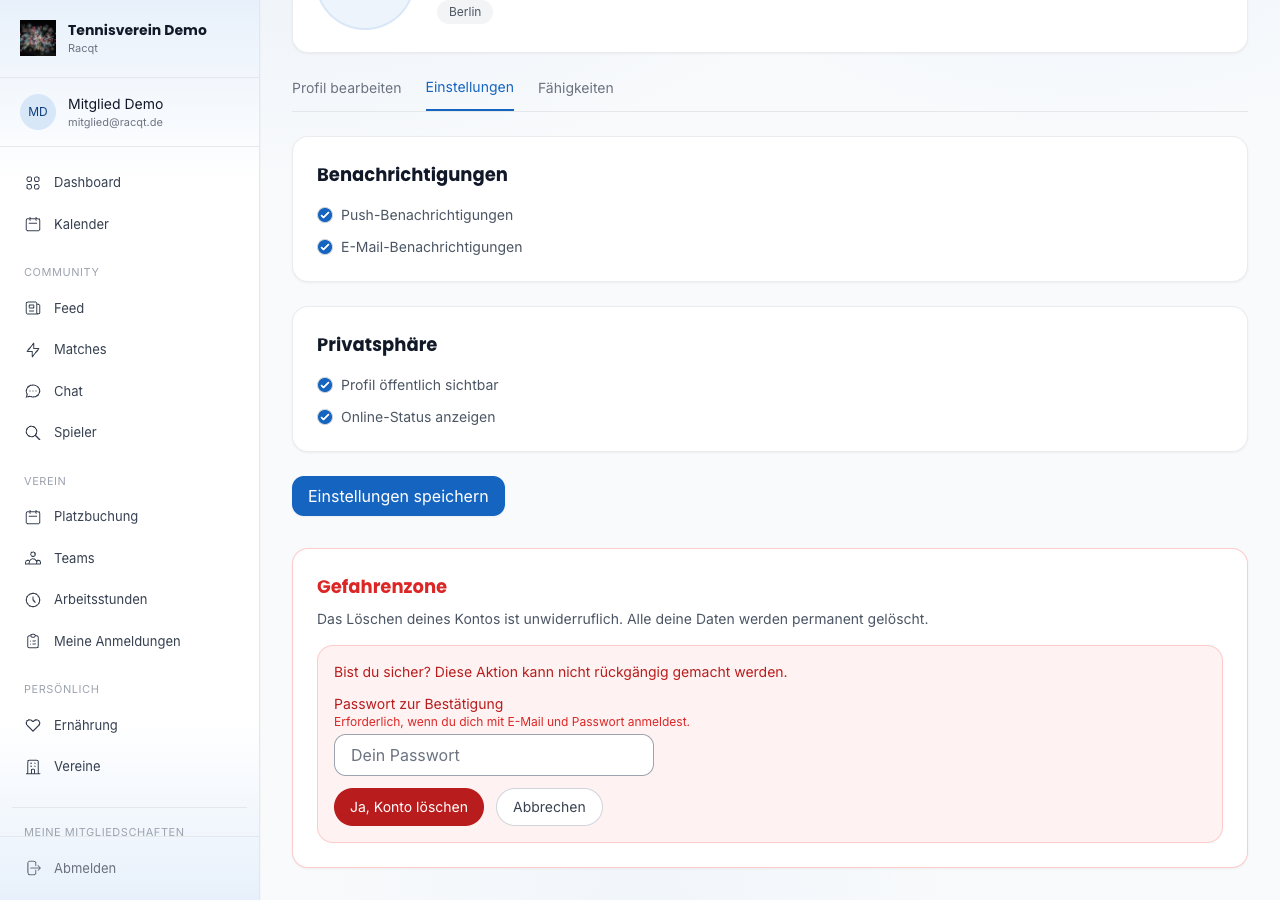
In the member portal under Profil › Einstellungen (Profile › Settings) you can control:
- Push-Benachrichtigungen (push notifications) — turn on or off
- E-Mail-Benachrichtigungen (email notifications) — turn on or off
- Profil öffentlich sichtbar (profile publicly visible) — decides whether other players can find your profile in the search
- Online-Status anzeigen (show online status) — controls whether your activity status is visible to others
Save the changes with “Einstellungen speichern” (Save settings).
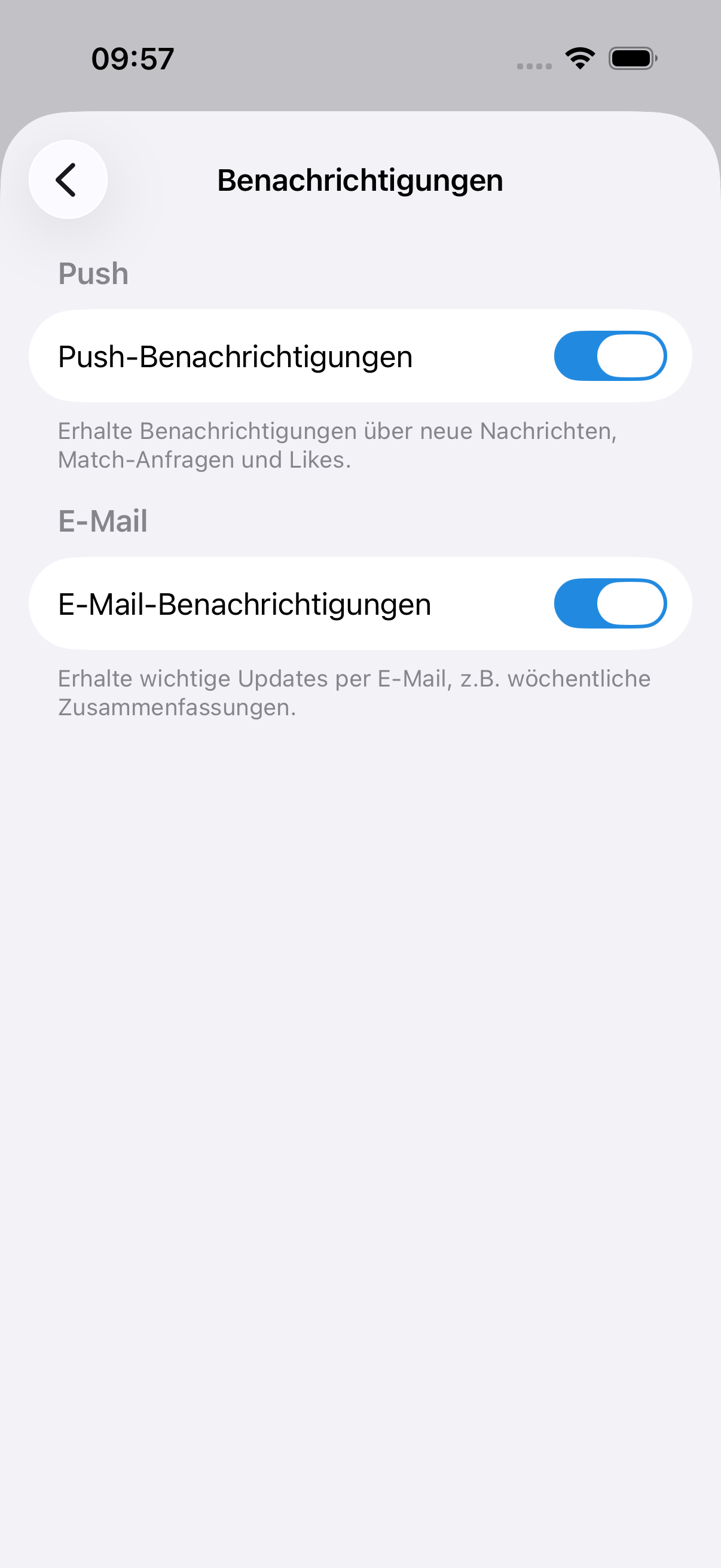
The same settings are also available in the iOS and Android apps in the profile tab.
Youth protection: community feed from age 13
The community feed — posts, comments and likes among all Racqt members — is open to members aged 13 and over. For younger members it’s hidden.
Everything around your own club remains fully usable: training times, teams with fixtures and table, court booking, club news, events and the club and team chats.
How Racqt knows the age. On the iPhone, the app asks the operating system — Apple only passes on an age range, never your date of birth. So you don’t have to enter anything. If a date of birth is stored in the profile, it’s taken into account too.
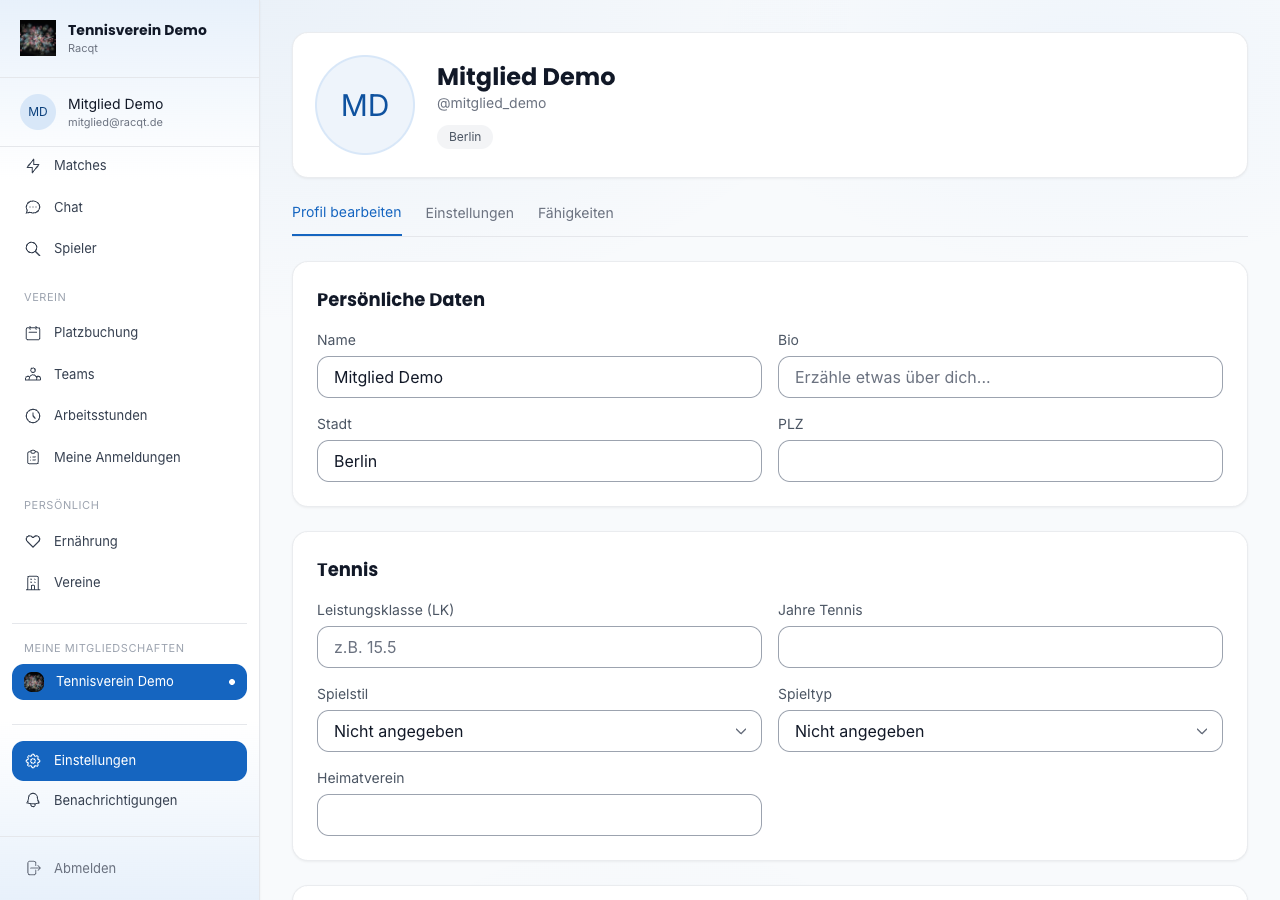
For parents. The restriction applies automatically and can’t be switched off in the app. If your child accidentally entered the wrong age, correct the date of birth in the profile under Profil › Profil bearbeiten (Profile › Edit profile).
Requesting your data
Would you like to know what Racqt has stored about you? In the iOS and Android apps you’ll find Meine Daten anfordern (Request my data) under Profil › Einstellungen (Profile › Settings). After a short confirmation, Racqt compiles all data relating to your account – profile, posts, matches, court bookings, donations and chat messages – and sends you a download link by email.
Deleting your account
Deleting your account cannot be undone. All stored data — profile, messages, matches and club memberships — is removed permanently.
Here’s how:
- In the portal, open Profil › Einstellungen (Profile › Settings) and scroll to the “Gefahrenzone” (Danger zone) section.
- Click Konto unwiderruflich löschen (Permanently delete account).
- Confirm with Ja, Konto löschen (Yes, delete account).
After confirming, you’re signed out immediately and taken to the home page.