 Racqt
RacqtWebiOSAndroid
Registration & invitation
Create a free player account or accept a club or school invitation by email — with or without an existing account.
On this page
Every Racqt account starts with a free registration. Players can sign up themselves at any time. Members of a club or tennis school also receive an invitation by email that admits them to the organisation directly. The registration pages are in German; we name the German labels.
Your account in four steps
Registration guides you step by step: choose the account type, enter your login details, complete your profile and finally check everything. A progress bar at the top shows where you are; with “Zurück” (Back) you can correct things at any time.
Choosing the account type
When you open racqt.app/register, you first choose what describes you best:
- Spieler (Player) — free, available immediately. For everyone who wants to find hitting partners or track matches.
- Tennisschule (Tennis school) — for coaches and tennis schools (30 days free, then cancellable monthly).
- Verein (Club) — for tennis clubs (30 days free, then cancellable monthly).
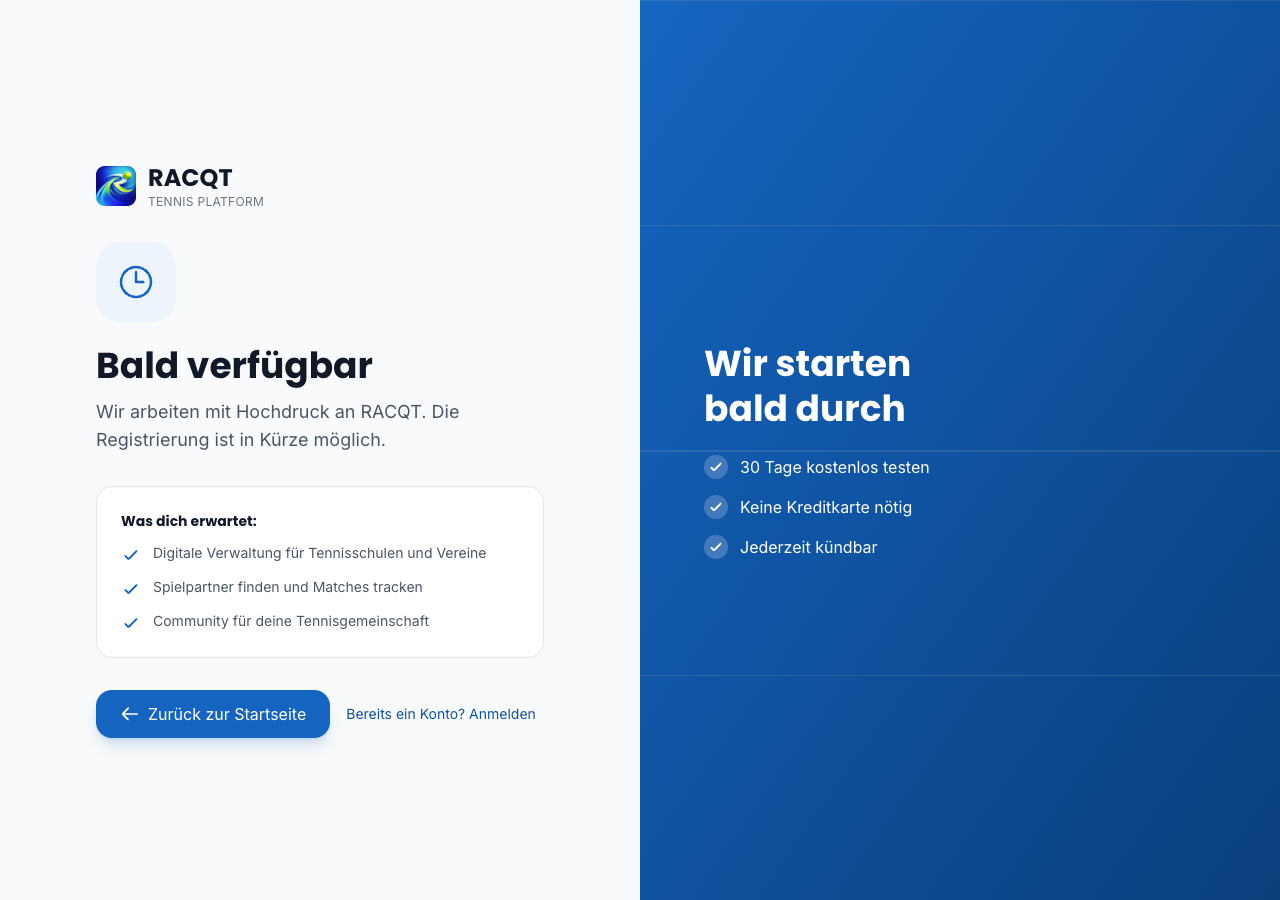
Creating a player account
After choosing “Spieler”, enter your name, email address and a password (at least 8 characters). We suggest a username based on your name — you can change it freely.
In the third step you can add your playing profile straight away: rating, home club, town and playing style. Everything is optional and can be changed later in your profile, but it helps right away to show you suitable hitting partners near you.
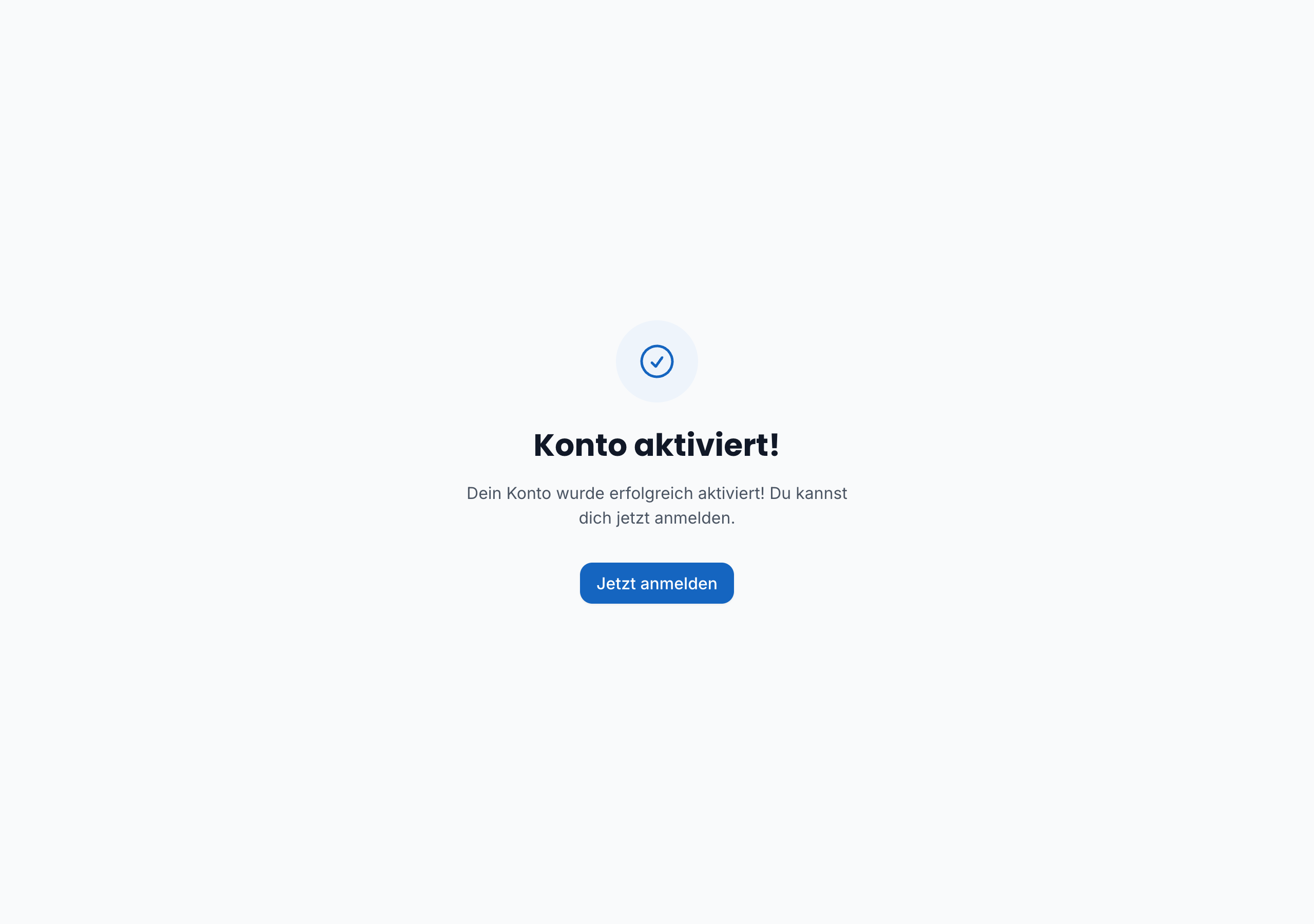
The last step shows all your details once more. After accepting the terms and the privacy policy, you receive a confirmation email — the link in it activates your account.
Accepting an invitation
Clubs and tennis schools can invite members by email. You receive a personal invitation link.
You already have an account: open the link — if you’re signed in, the buttons “Einladung annehmen” (Accept invitation) and “Ablehnen” (Decline) appear right away. With one click on “Annehmen” you’re a member of the organisation immediately.
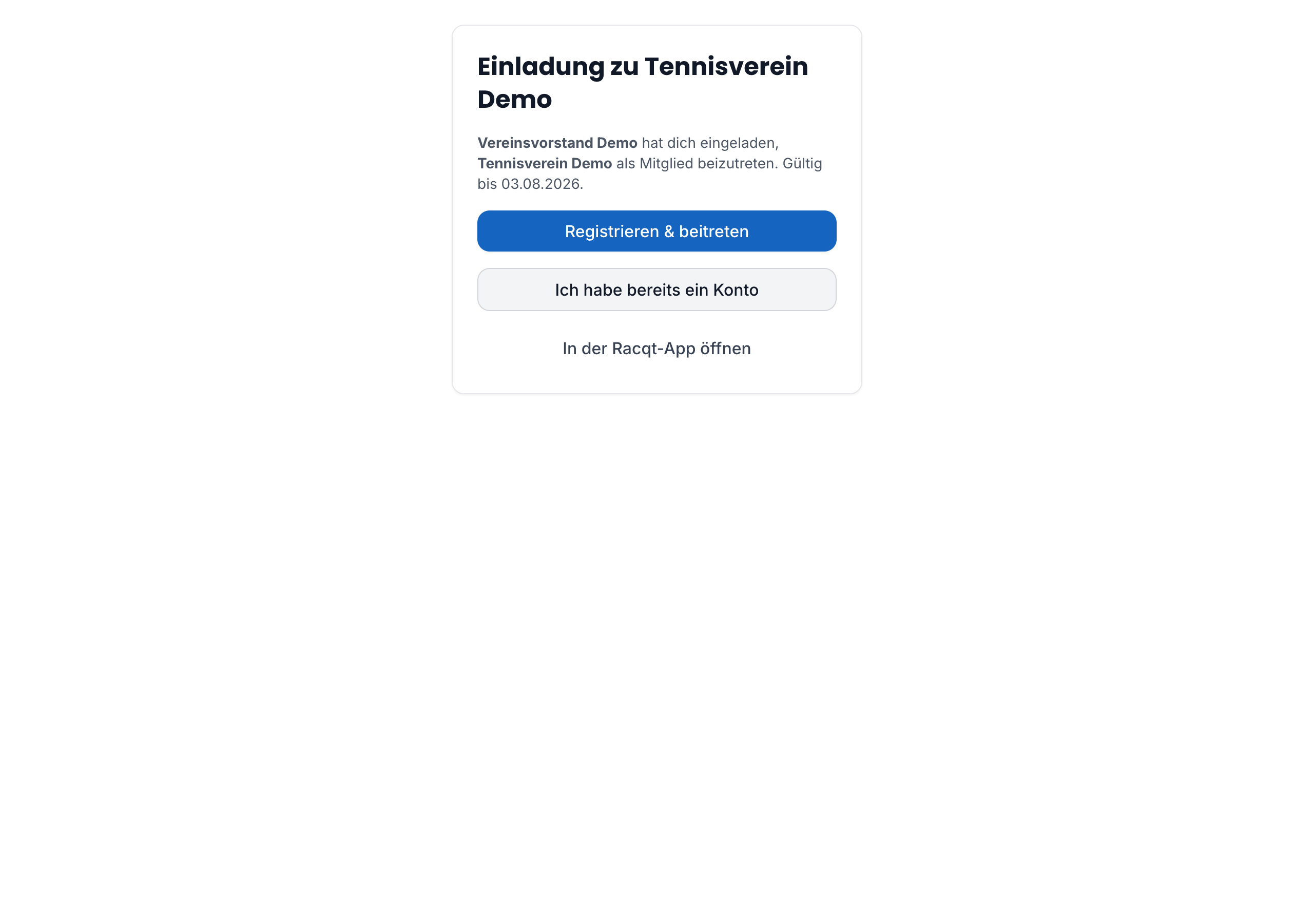
You don’t have an account yet: the invitation page offers you the options “Registrieren & beitreten” (Register & join) and “Ich habe bereits ein Konto” (I already have an account). When you register via the invitation link, your email address is already filled in and the account is automatically assigned to the organisation after activation.
Staying signed in
Once signed in, you stay signed in: if your session expires in the background, it’s renewed automatically the next time you open a page — you don’t have to enter your password again. A new sign-in is only needed if you sign out yourself or haven’t been active for a very long time.
Forgotten password
When signing in, tap “Passwort vergessen” (Forgot password) and enter your email address. You get an email with an 8-character code of letters and digits. Enter the code together with your new password in the app or in the portal at racqt.app/password-reset — wherever you requested it. If you already have the code, choose “Code schon erhalten?” (Already got a code?) in the portal. Upper and lower case don’t matter for the code.
The code is valid for one hour and only works once. If it has expired, simply request a new one. The new password needs at least 8 characters, including an upper-case letter, a lower-case letter and a digit.
Too many sign-in attempts
To protect your account, Racqt only allows a limited number of sign-in attempts in quick succession. If you’ve mistyped several times, sign-in shows “Zu viele Anmeldeversuche” (Too many sign-in attempts) and — if known — how many seconds you should wait. Your login details aren’t the problem: wait a moment and then sign in normally. The same applies to registration and “Passwort vergessen”; there you get your email as usual after the pause.
Wrong email address
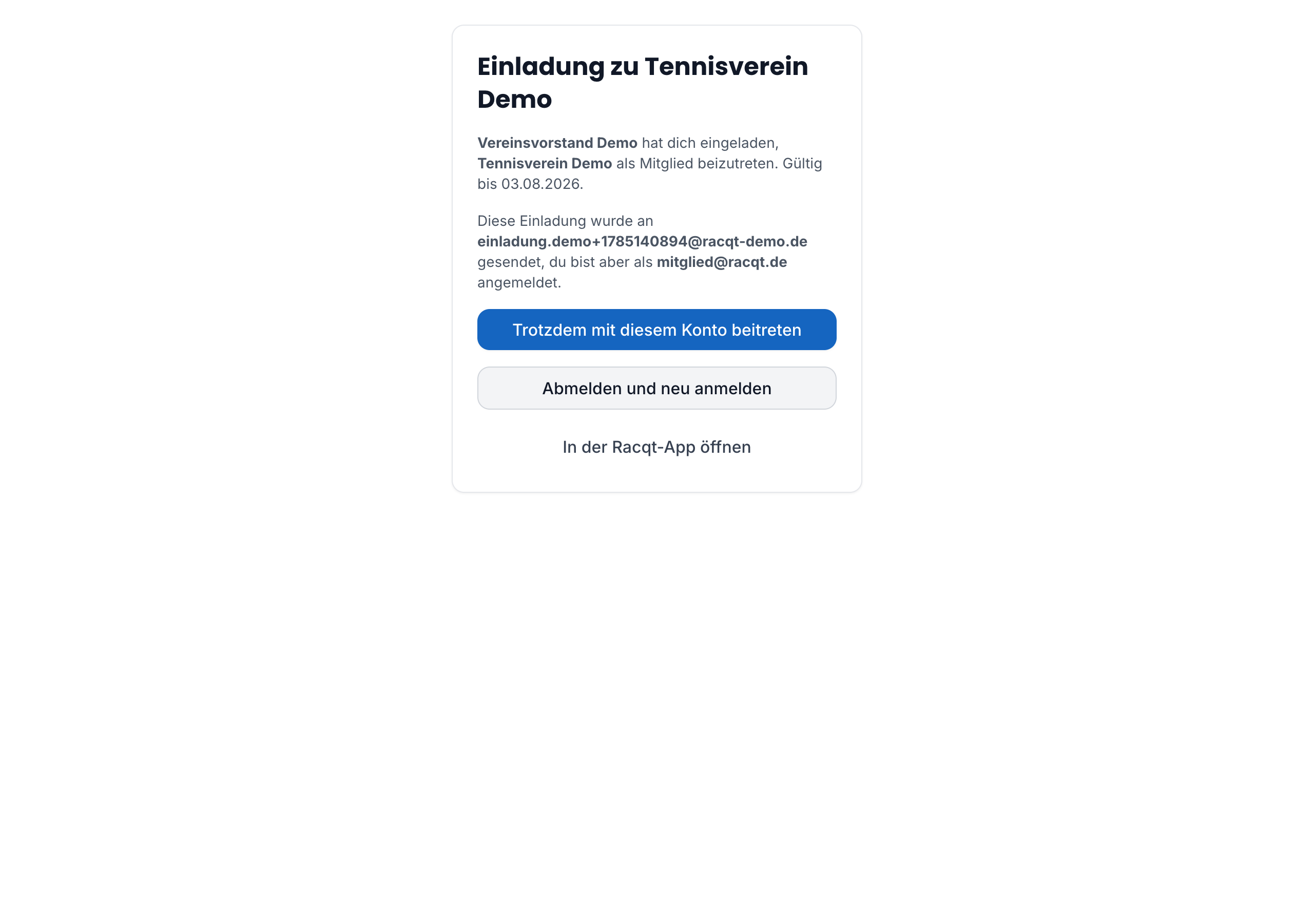
If the invitation was sent to a different email address from the one on your current account, the page shows a note. You can then either sign out and sign in again with the right address, or join with your existing account.