 Racqt
RacqtNew in 1.6.0 WebiOSAndroid
First steps in the portal
How to sign in, find your way around the portal and switch between your club memberships.
On this page
The Racqt portal is your central place as a player or club member. You reach it in
the browser via your club’s subdomain (for example verein.racqt.app) or via the
Racqt apps for iOS and Android. The portal’s interface is in German; we name the
German labels.
Signing in
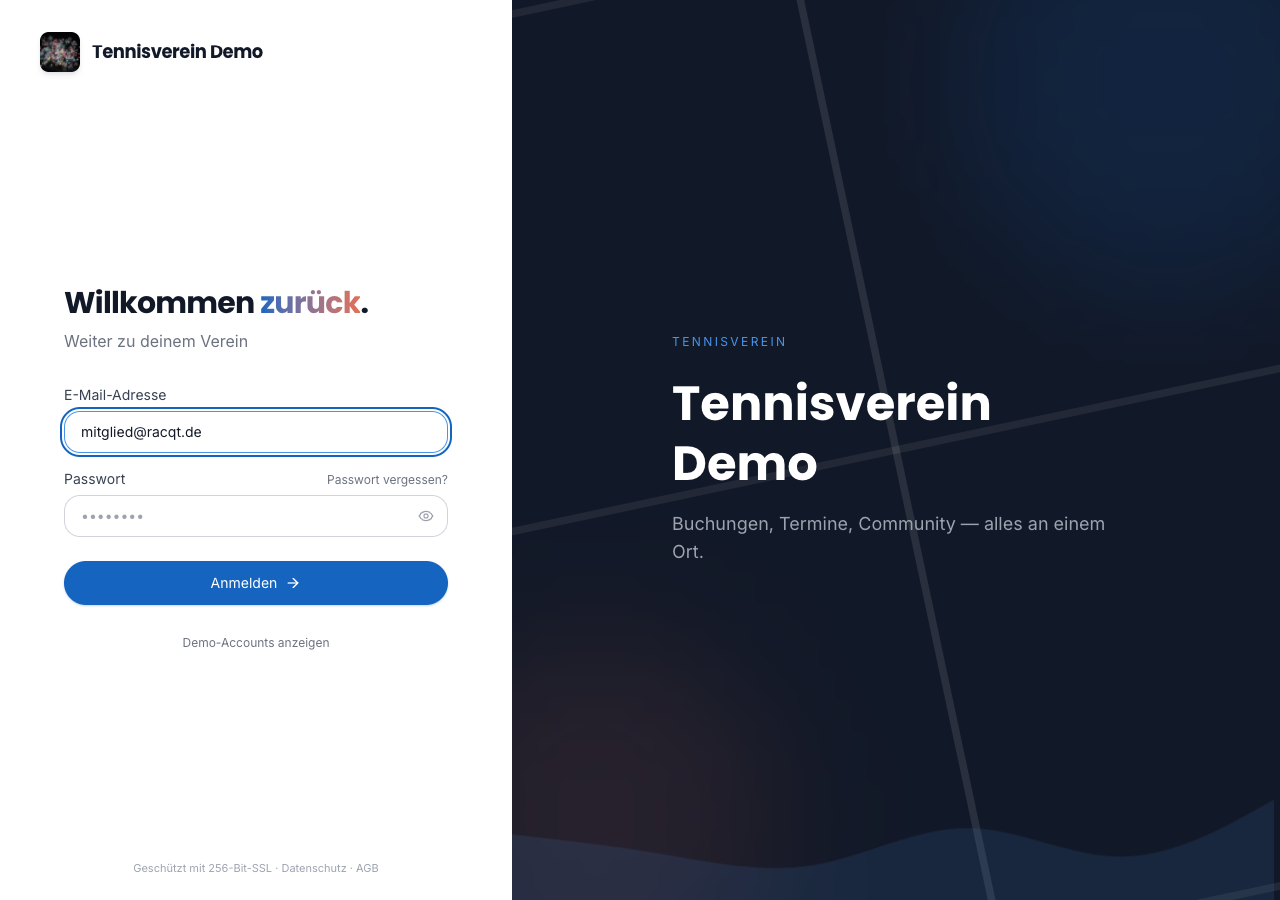
Open your club’s address in the browser and click “Anmelden” (Log in). Enter your email address and password and confirm with “Weiter” (Continue). Alternatively you can sign in with your Google or Apple account if it’s linked to your Racqt profile.
Overview: the dashboard
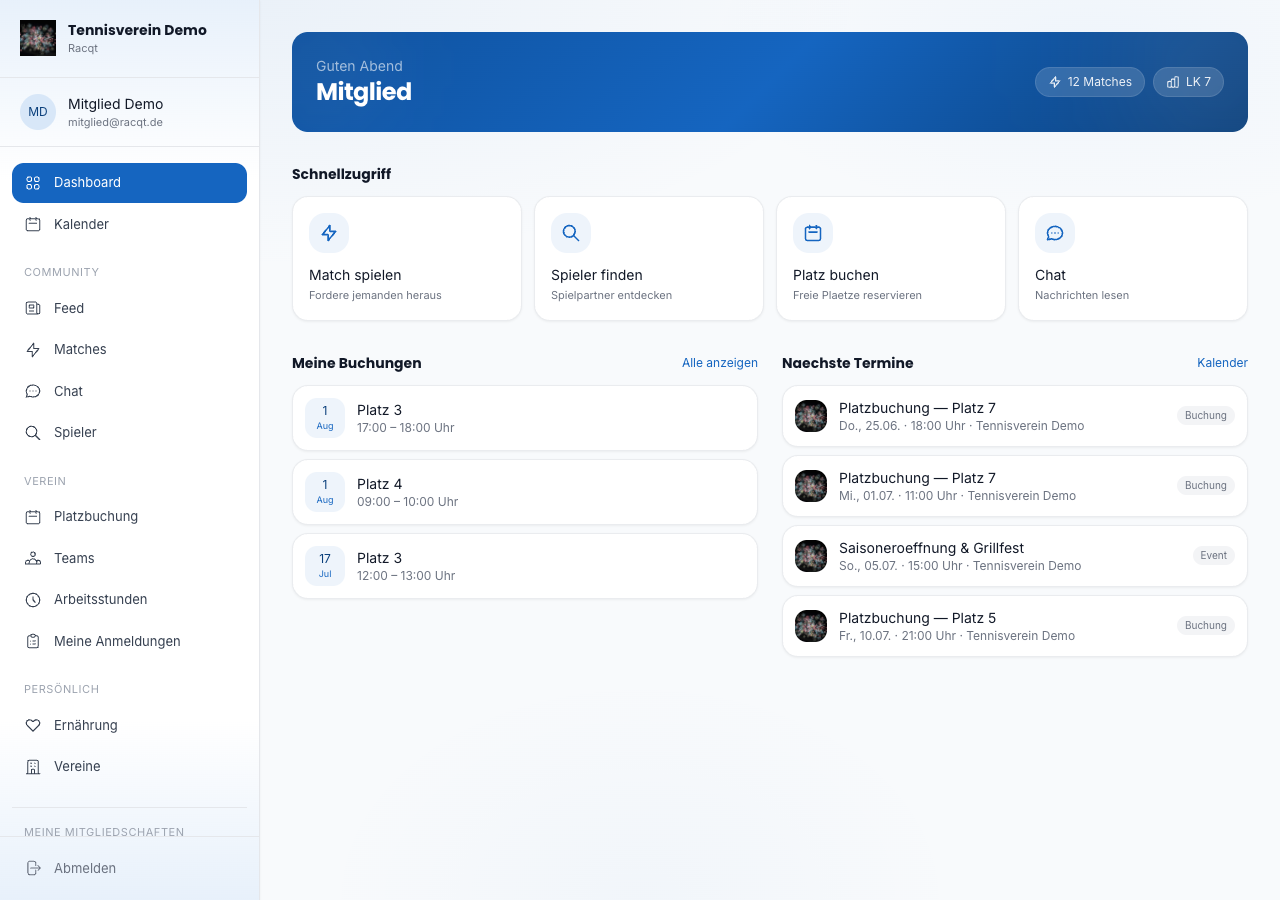
After signing in you land on the dashboard. At the very top the portal greets you by name and shows your rating (LK) at a glance. Below you’ll find four shortcut tiles for the most common actions: play a match, find players, book a court (only with a club membership) and open chat.
At the bottom of the dashboard you see your next dates from the calendar — team matches and events appear there automatically.
Navigation
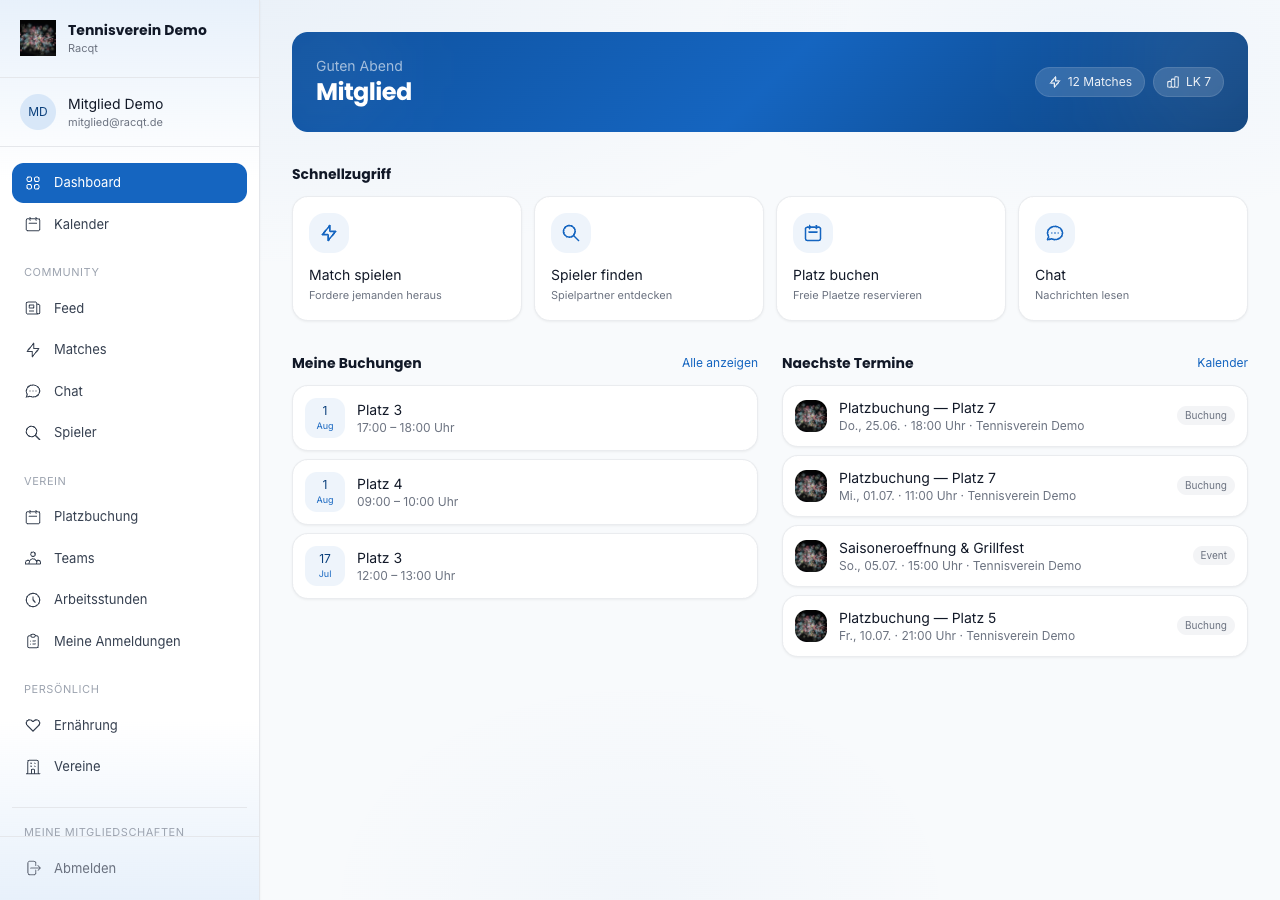
The sidebar organises all areas into clear sections:
- Community — feed, matches, chat, find players
- Verein (Club) — court booking, teams, volunteer hours, my registrations (depending on the type of club)
- Persönlich (Personal) — nutrition, clubs
At the bottom of the sidebar you reach settings, notifications and signing out. On mobile devices you open the navigation via the menu icon at the top left.
Switching between clubs
If you’re a member of several clubs, the sidebar shows the Meine Mitgliedschaften (My memberships) section at the bottom. Click the club you want to switch to its portal. The currently active club is highlighted in colour. If you’re also an admin or staff member there, a link to the administration appears right below.
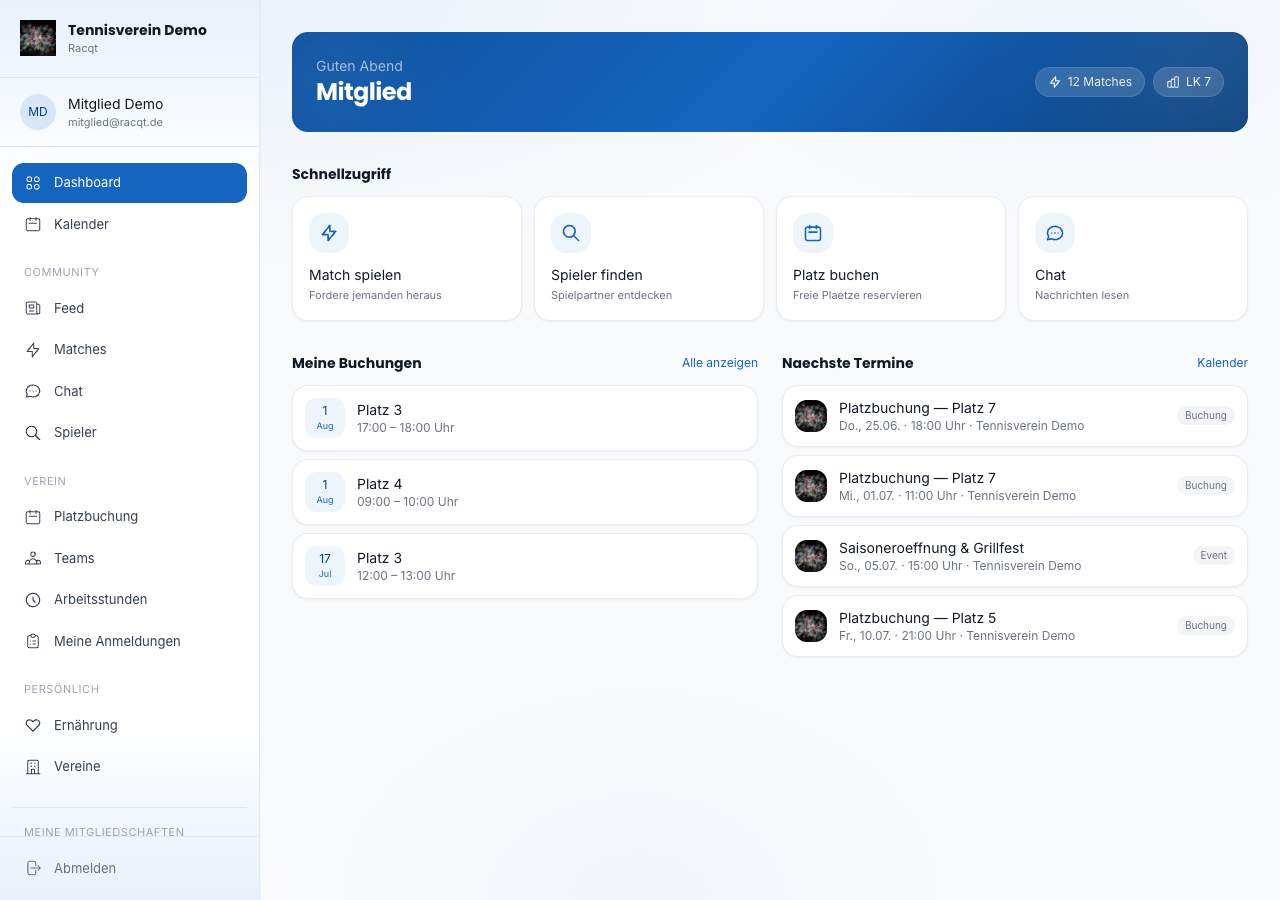
The list only contains clubs you can actually open. If a club is no longer active or your membership ends, it disappears from your memberships – in the portal just as in the apps. You’ll find more on how the apps then switch to another club under My Club mode.
In the apps
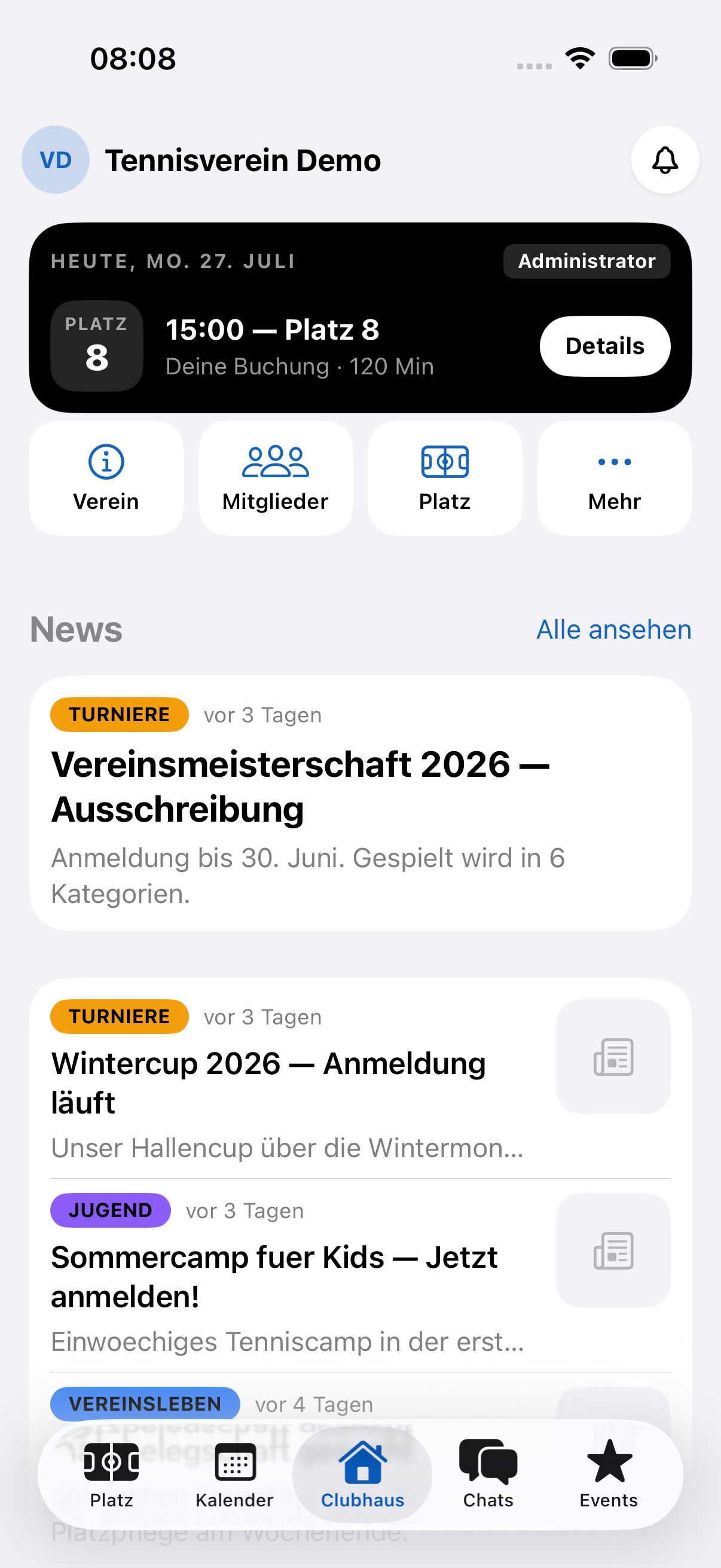
All portal features are also available in the Racqt app for iOS and Android. There you navigate via the tab bar at the bottom of the screen. Sign in with the same login details as in the browser.
Related articles: Community feed · Chat & messages · Finding players & match requests
In the changelog:1.6.0