 Racqt
RacqtWebiOSAndroid
Community feed
In the community feed you share news, see posts from other players and your club, and can like or comment on posts.
On this page
The community feed keeps you up to date on what’s happening in your club and among your fellow players. Posts from clubs are highlighted in colour so you recognise club announcements at first glance.
Reading and discovering posts
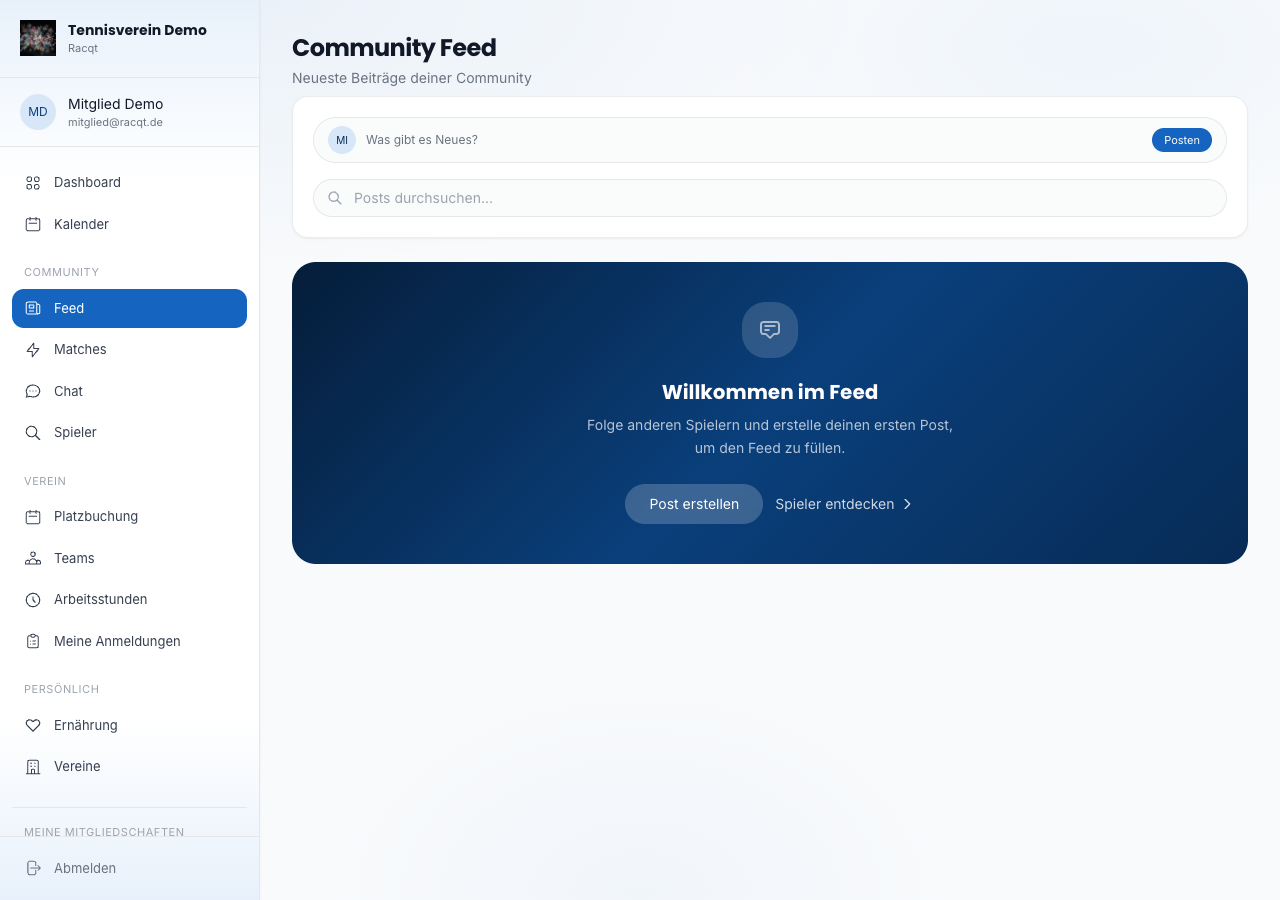
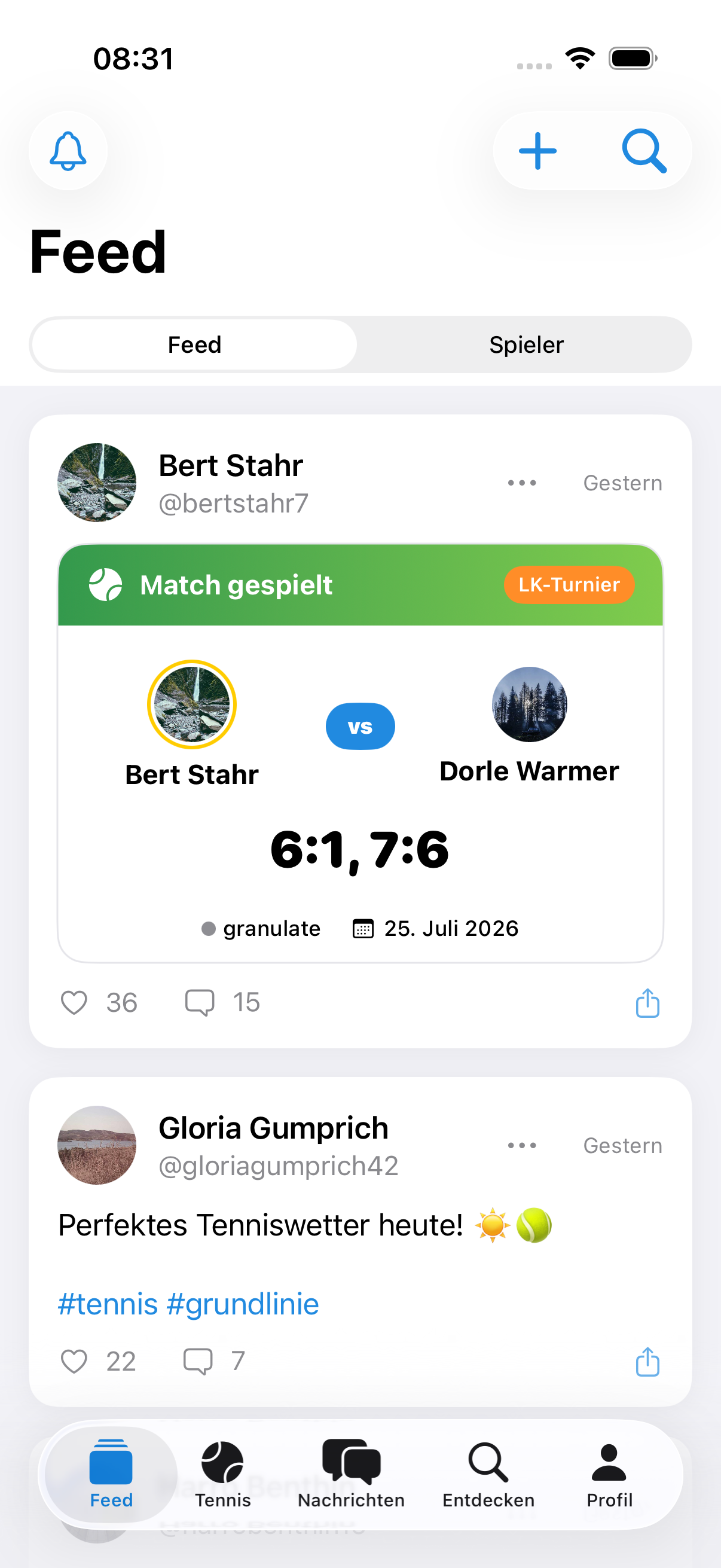
Open the feed via the navigation (section “Community → Feed”). The newest posts appear as soon as it loads. Each post shows the author’s name, a timestamp and — if present — images. With the heart button you like a post; the current number of likes is shown right next to it.
Creating a post
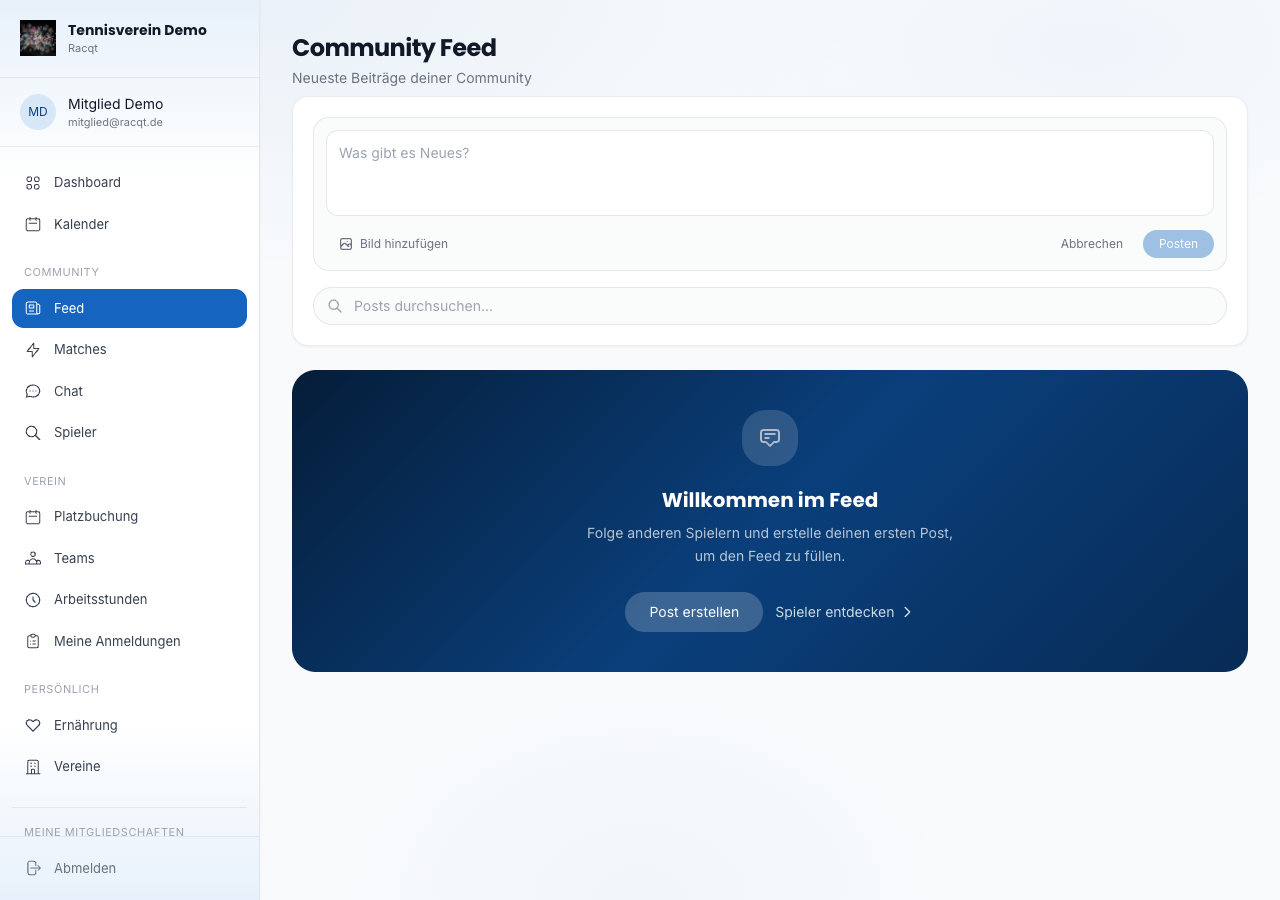
Click “Posten” (Post) in the compose bar or directly in the text field. An input
area expands where you can write your text. With the image button you add up to
ten photos (max. 10 MB per image). Add hashtags directly in the text with # —
for example #tennis or #match. Then click Posten to publish the post.
Hashtags and search
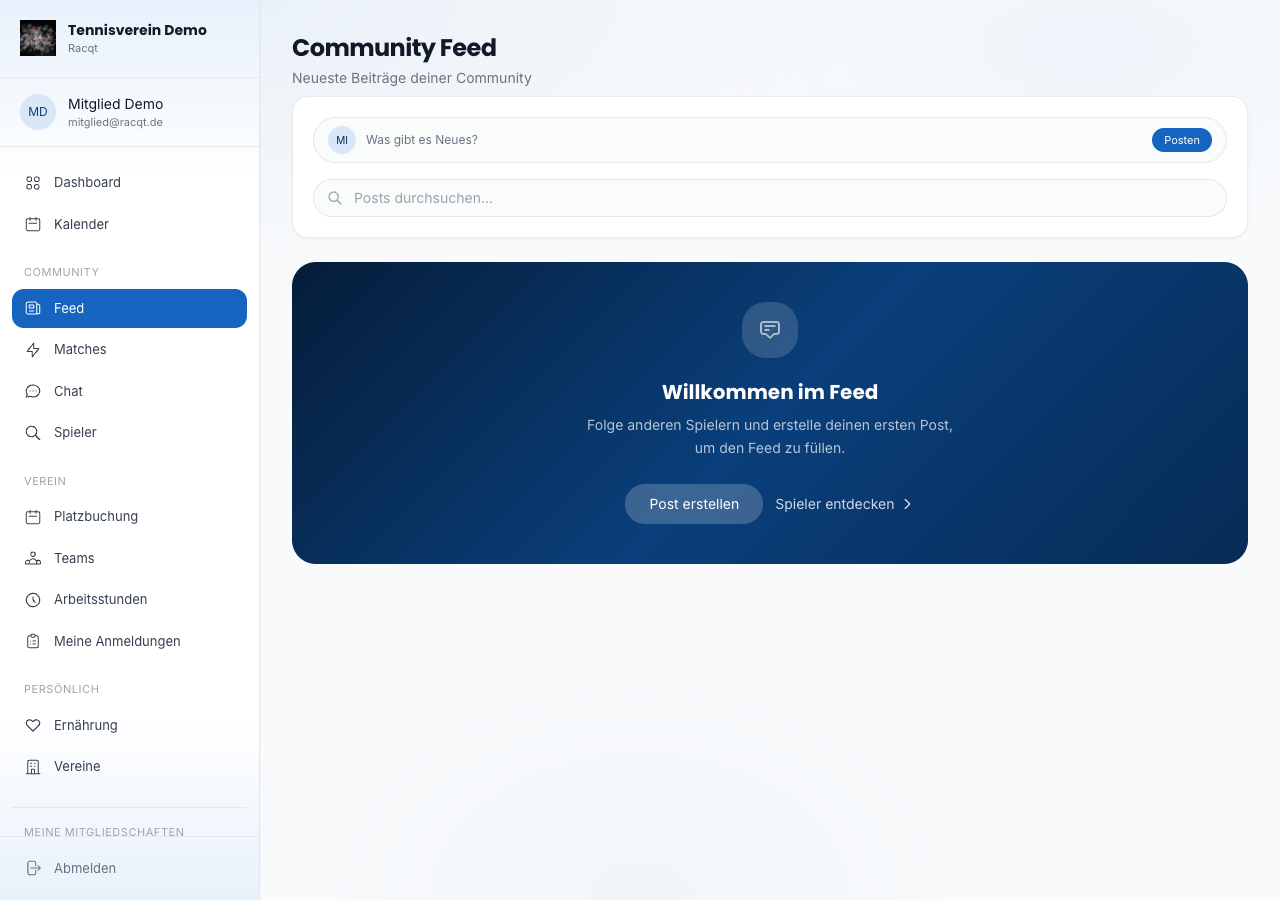
Below the compose bar you’ll find the search bar and a row of trending hashtag chips. Click a hashtag chip to see all posts with that hashtag. Use the search bar to search for any term; “Zurück” (Back) returns you to the regular feed.
If something doesn’t work
If the feed can’t be loaded for once – for example with a weak internet connection – Racqt shows this directly on the page. Then simply reload the page. When creating a post or uploading images, you also get clear feedback straight away if something goes wrong: your text is kept, and you can try again right away.
In the apps
The feed is also available in the iOS and Android apps. Creating posts, liking and searching hashtags work there just as in the browser.
Related articles: First steps in the portal · Finding players & match requests · Chat & messages
In the changelog:1.5.1