 Racqt
RacqtComing soon WebiOSAndroid
Events
Discover club events, register and manage the status of your registrations.
Not released yet. This feature belongs to version 1.4.0, 1.7.0 and will be available shortly. To the changelog
On this page
Clubs and coaches publish tournaments, training days or other events directly in Racqt. You can register via the portal and check the status of your registrations at any time.
Discovering events
All public events of your club or coach appear on the corresponding club page. Open an event to read details about date, place, description and entry fee, and complete your registration there.
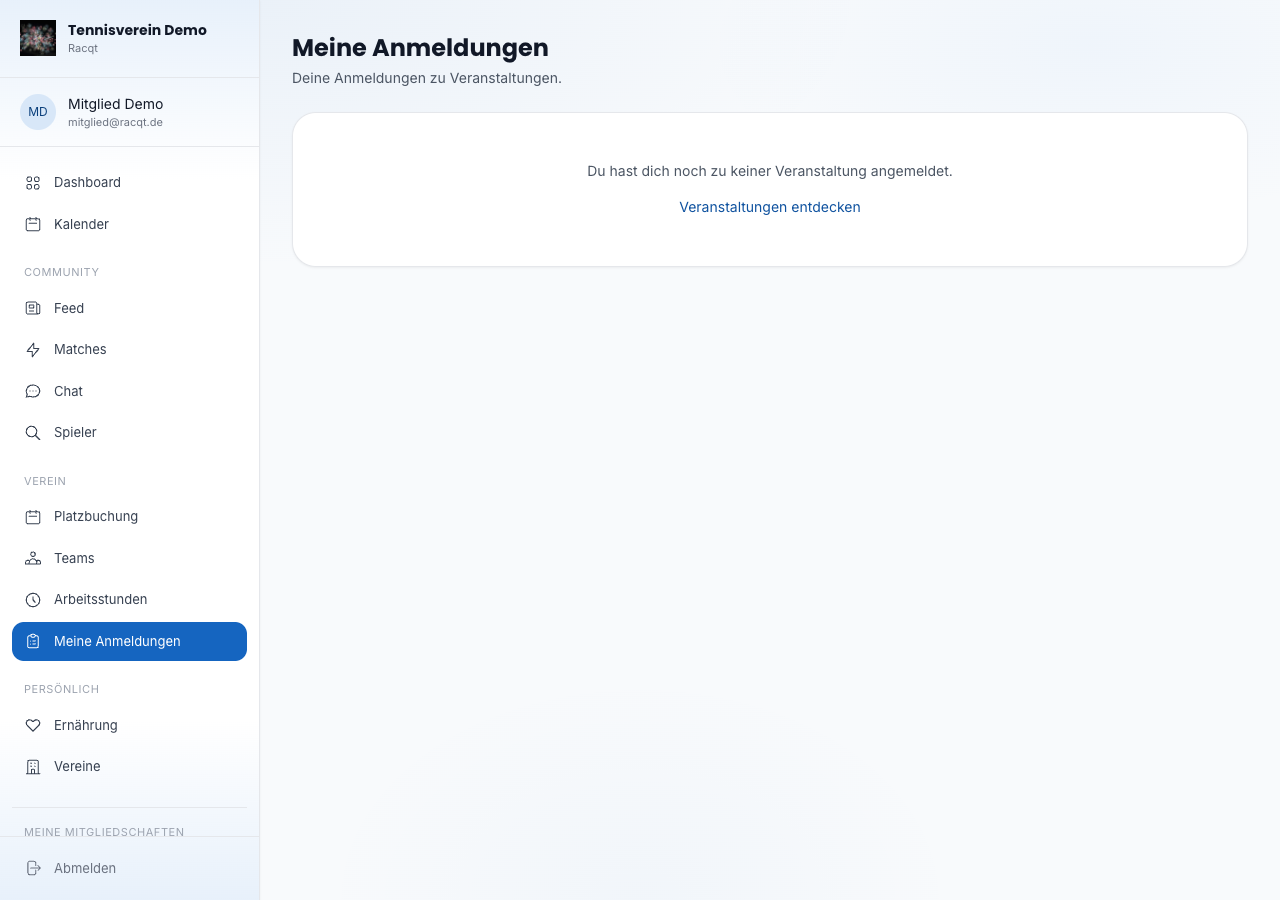
My registrations
Under “Veranstaltungen” (Events) in the portal you see all your registrations at a glance. Each registration shows its current status:
- Bestätigt (confirmed) — your place is secured.
- Warteliste (waiting list) — you’re on the list and move up as soon as a place becomes free. Your current position on the waiting list is shown.
- Zahlung offen (payment open) — the registration is reserved but not yet paid.
- Storniert / Erstattet (cancelled / refunded) — the registration was cancelled.
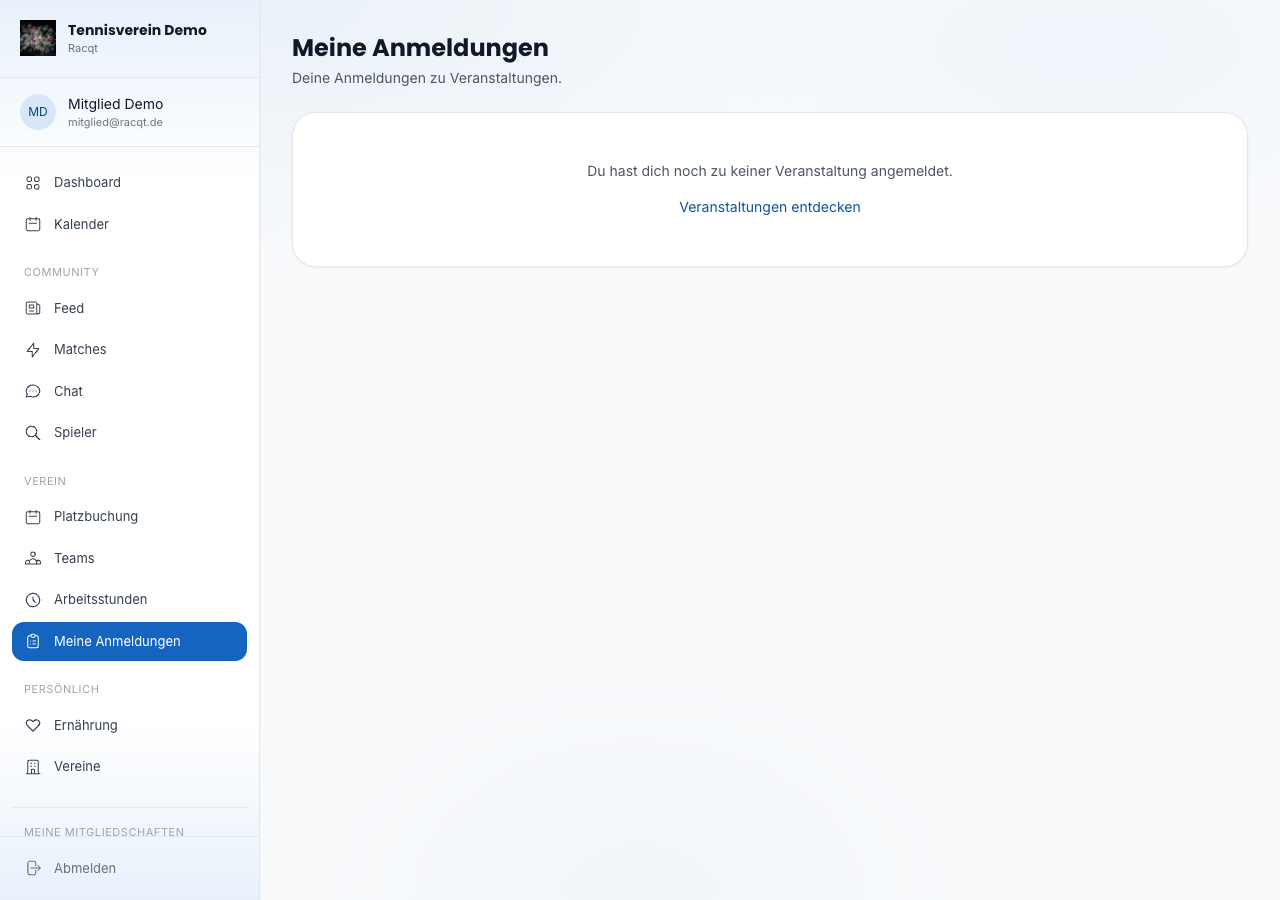
Completing payment
If the status is “Zahlung offen”, a “Jetzt bezahlen” (Pay now) button appears. Click it to complete payment by PayPal or another available payment method. After successful payment, the status changes to “Bestätigt”.
Cancelling a registration
Confirmed and waiting-list registrations can be cancelled with the “Stornieren” (Cancel) button. If you’ve already paid, you get your money back automatically: the full amount up to the event’s cancellation deadline, after that minus the fee set by the organiser. The apps show you right when cancelling until when the full refund applies.
After cancelling you get a notification and an email “Abmeldung bestätigt” (Cancellation confirmed) – with the amount we’ll refund you. Tapping the notification opens the event.
In the apps
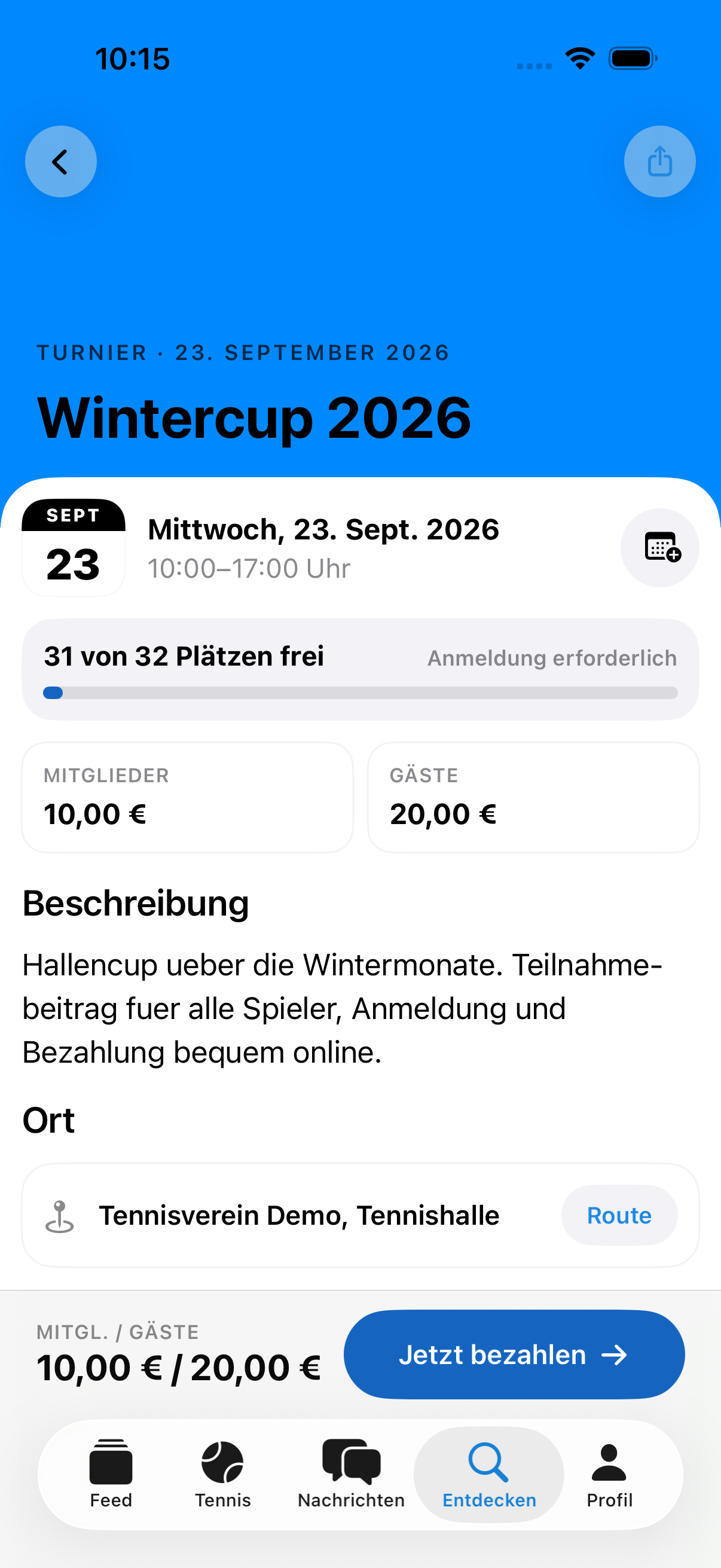
In the iPhone and Android apps, every event opens as a large detail page: the cover image at the top, below it the date at a glance — tapping the calendar icon adds it straight to your phone’s calendar. You see immediately how full the event is (“18 von 32 Plätzen frei”, 18 of 32 places free, with a bar), what it costs for members and guests, and “Route” opens the venue in your maps app.
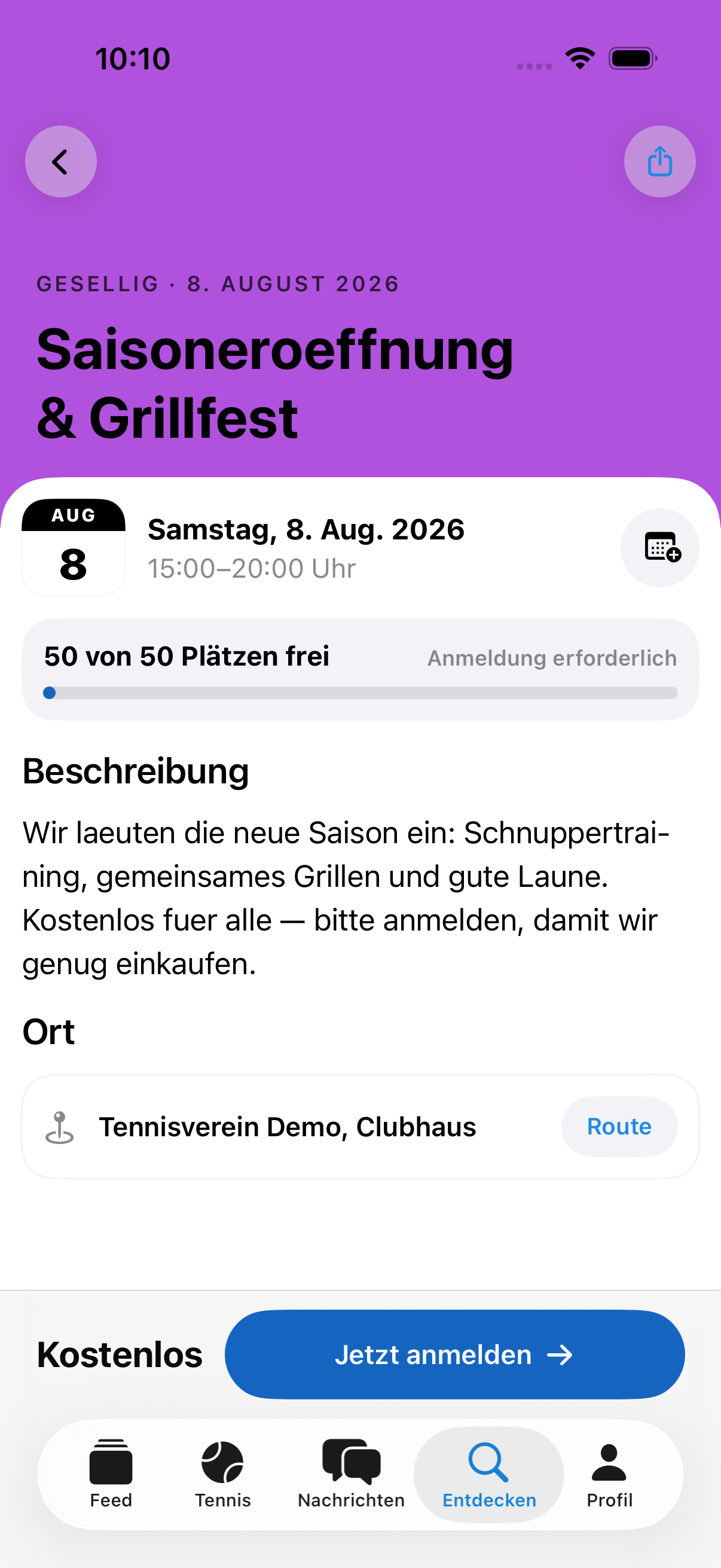
You register, pay or cancel directly via the bar at the bottom: it shows your price, and after registering it changes to “Du bist dabei” (You’re in) — with “Absagen” (Cancel) including a refund preview in case you can’t make it after all. The event list is organised by month and shows each event’s date, status (open · waiting list · registered) and free places.
Under “Meine Anmeldungen” (My registrations) you keep the overview: split into upcoming and past, each card shows status, price, whether it’s already paid and until when you can cancel free of charge. If a payment is still outstanding, a banner at the very top reminds you — with a direct “Bezahlen” (Pay) button. When cancelling you see exactly what will be refunded beforehand; with “Behalten” (Keep) everything stays as it is.