 Racqt
RacqtWebiOSAndroid
Nutrition tracking
Log meals, keep an eye on nutrients and follow your calorie progress every day.
On this page
Nutrition tracking helps you log meals and keep an eye on calories and nutrients — right in the portal, without an external app. Daily statistics, entries and achievements are available in the web portal just as in the iPhone and Android apps. Your local day always counts: even if you log a snack after midnight, you see it on the right date — and the daily streak continues reliably.
Daily overview
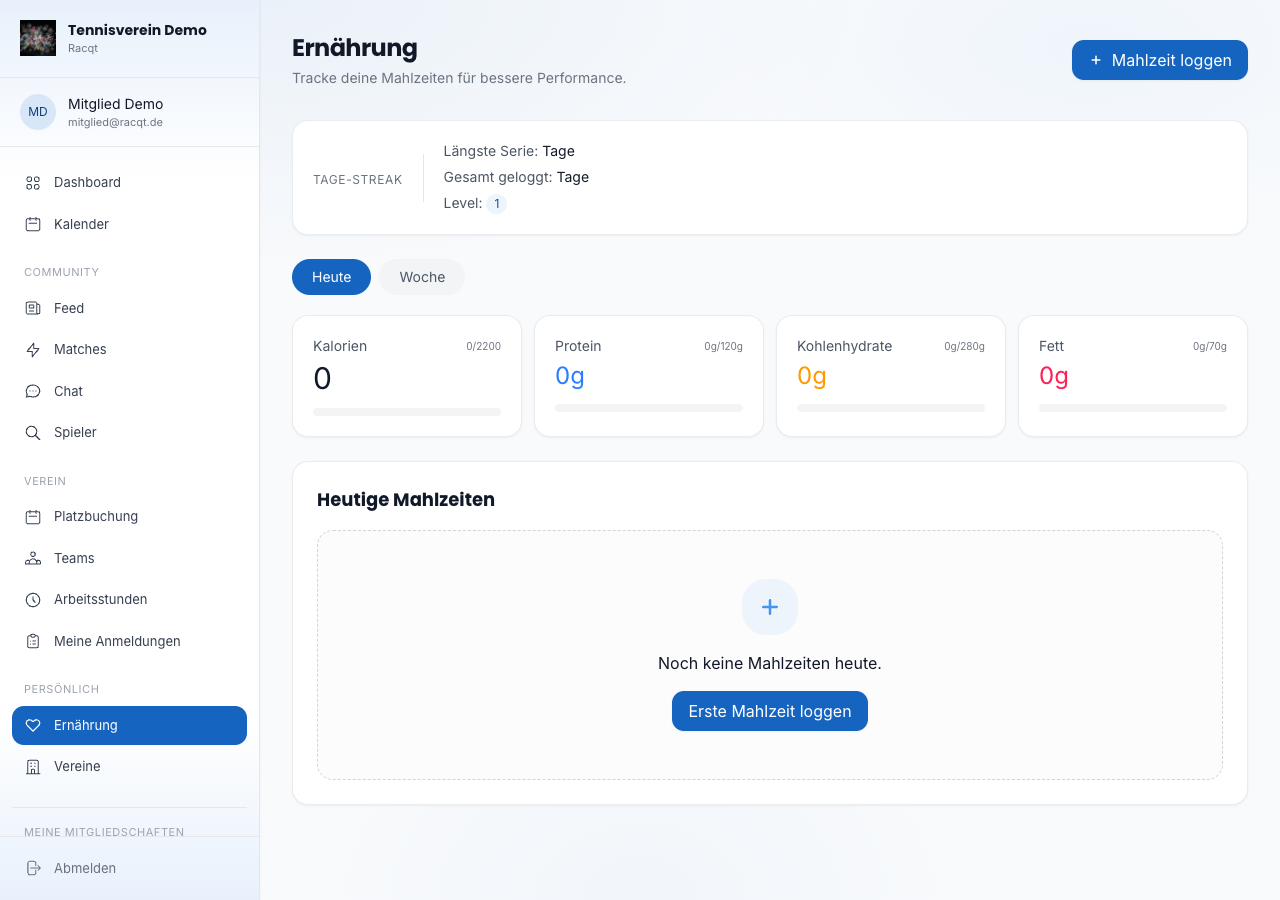
The start view shows how much you’ve already eaten today. Four tiles with progress bars show calories, protein, carbohydrates and fat compared with your daily goals.
Below you’ll find the list of today’s meals, split into breakfast, lunch, dinner and snack.
Logging a meal
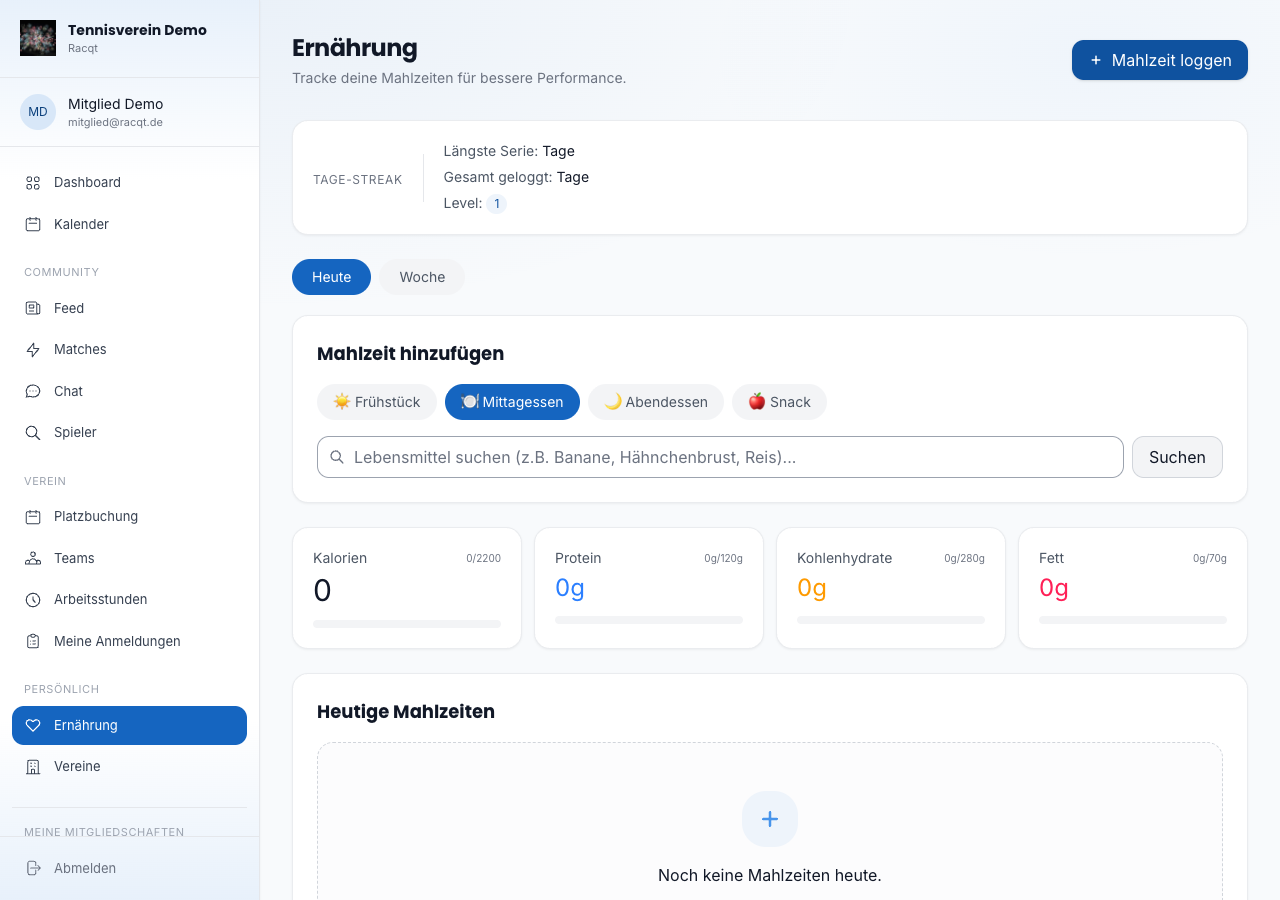
Click “Mahlzeit loggen” (Log meal) to add a new meal. First choose the meal type (breakfast, lunch, dinner or snack) and then search for the food. The search finds products with calorie and nutrient information. Clicking a search result logs it immediately.
Weekly overview
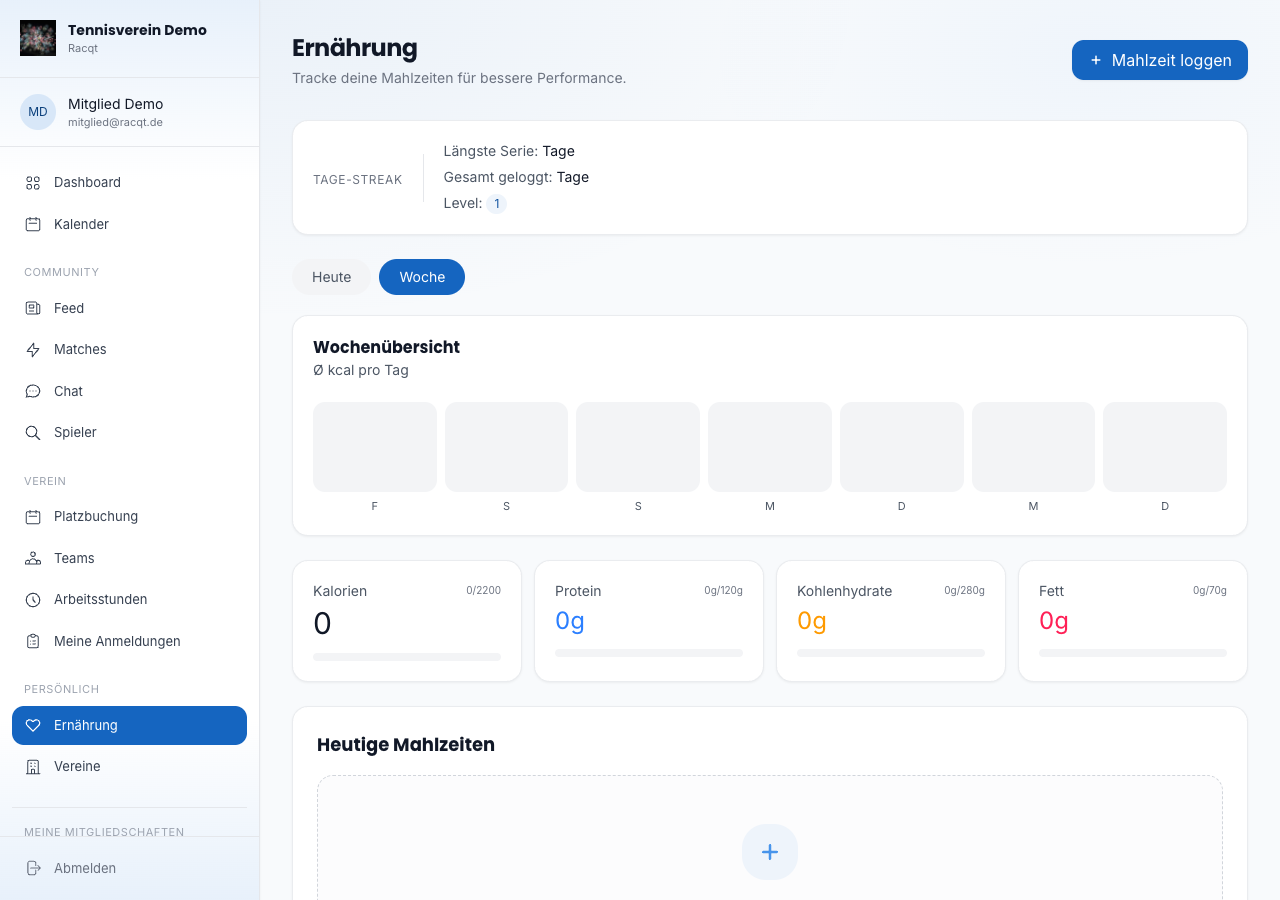
Switch to the “Woche” (Week) tab to see your calorie intake over the last seven days as a bar chart. The average in kilocalories per day is shown as well.
Streak and achievements
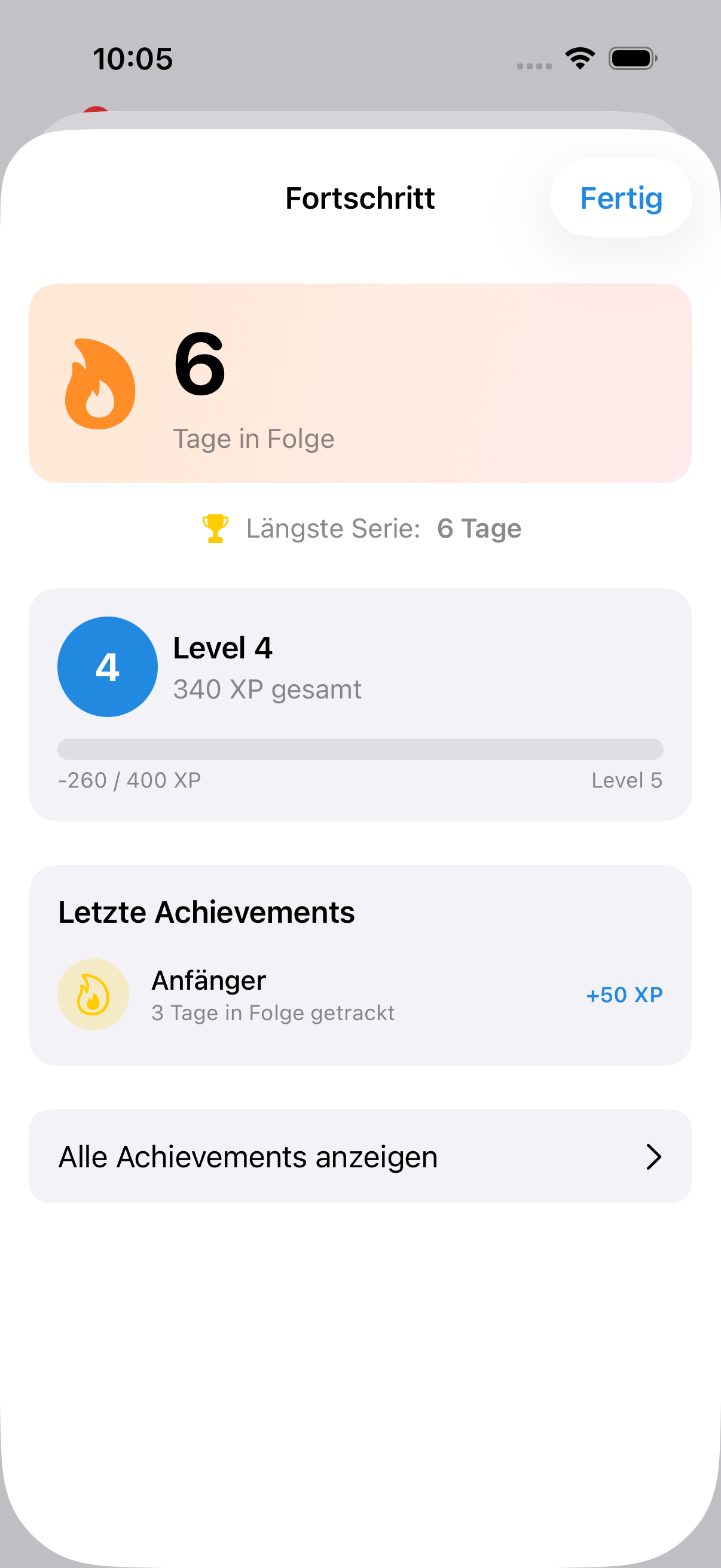
The more often you log meals every day, the longer your streak gets. The app shows your current streak, longest streak, total number of logged days and your level. Unlocked achievements appear as a row of badges above the daily overview.
In the apps
Nutrition tracking is fully available in the iOS and Android apps.
In the changelog:1.5.1