 Racqt
RacqtWebiOSAndroid
Finding a club’s members
Join a club, view its member list and – in the iOS and Android apps – search it by name.
On this page
Every club has its own member list. That way members can see who else belongs to the club – handy for finding fellow players or contact persons.
Opening a club
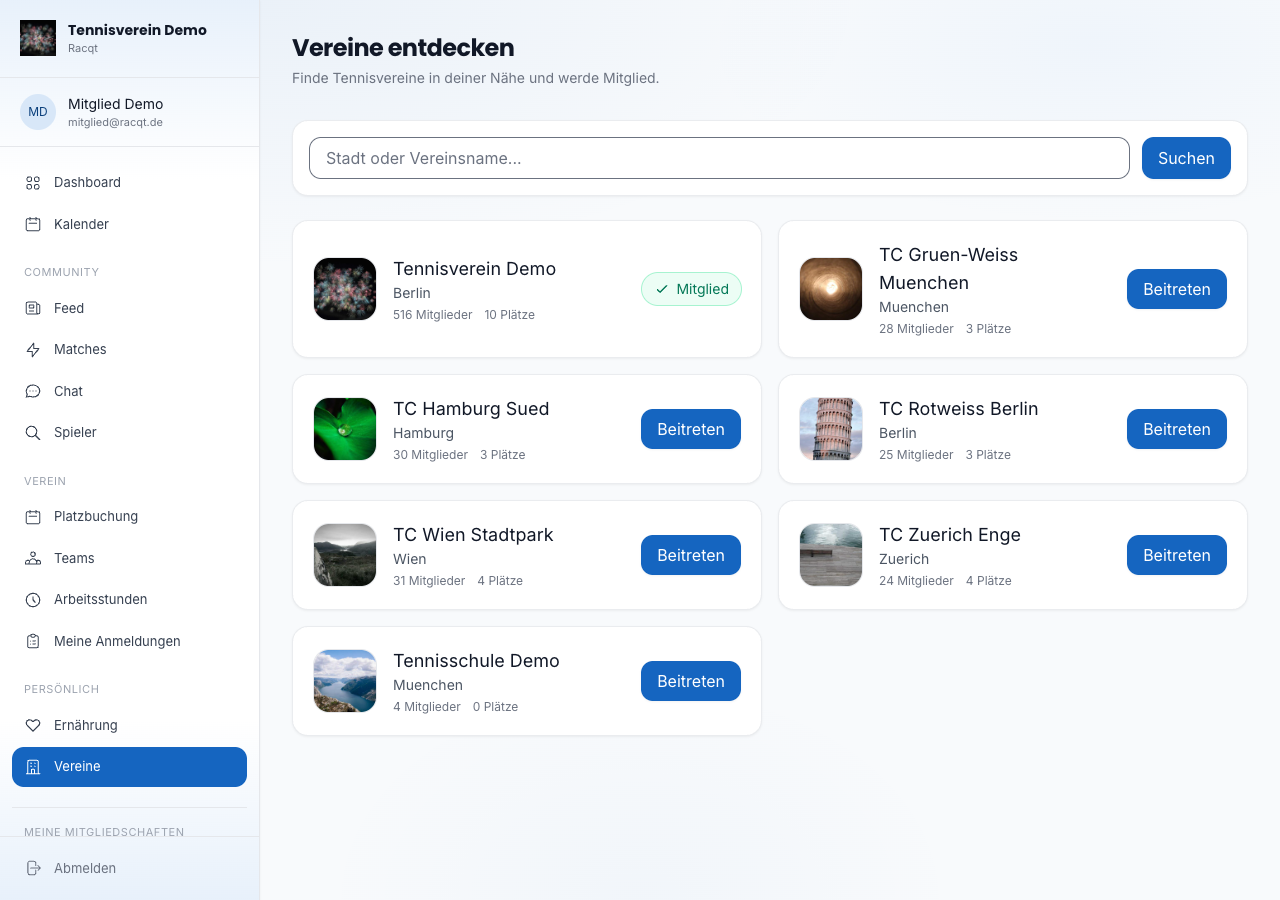
Under Vereine (Clubs) you’ll find all clubs you can join — tennis schools aren’t listed here. Clubs you’re already a member of are at the top; others can be found via the search field by town or club name. Tap a club to open its page.
Joining a club
For clubs you’re not yet a member of, it says Beitreten (Join). One click opens a window with everything you need at a glance:
- Bevor du beitrittst (Before you join) — the documents you have to agree to, such as the statutes or the fee schedule. With Öffnen (Open) you read them, with Gelesen und einverstanden (Read and agreed) you confirm them. Only when all are confirmed can you send the request to join.
- Weitere Dokumente (Further documents) — material the club provides to read. You can open it but don’t have to confirm it.
If the club admits new members directly, the button says Beitreten (Join). If it wants to check every request first, it says Anfragen (Request), and you can send the club a short message.
If the club has updated a document in the meantime, Racqt tells you and shows you the new version straight away — read it and confirm it again. In the iPhone and Android apps, joining works the same way.
Viewing the member list
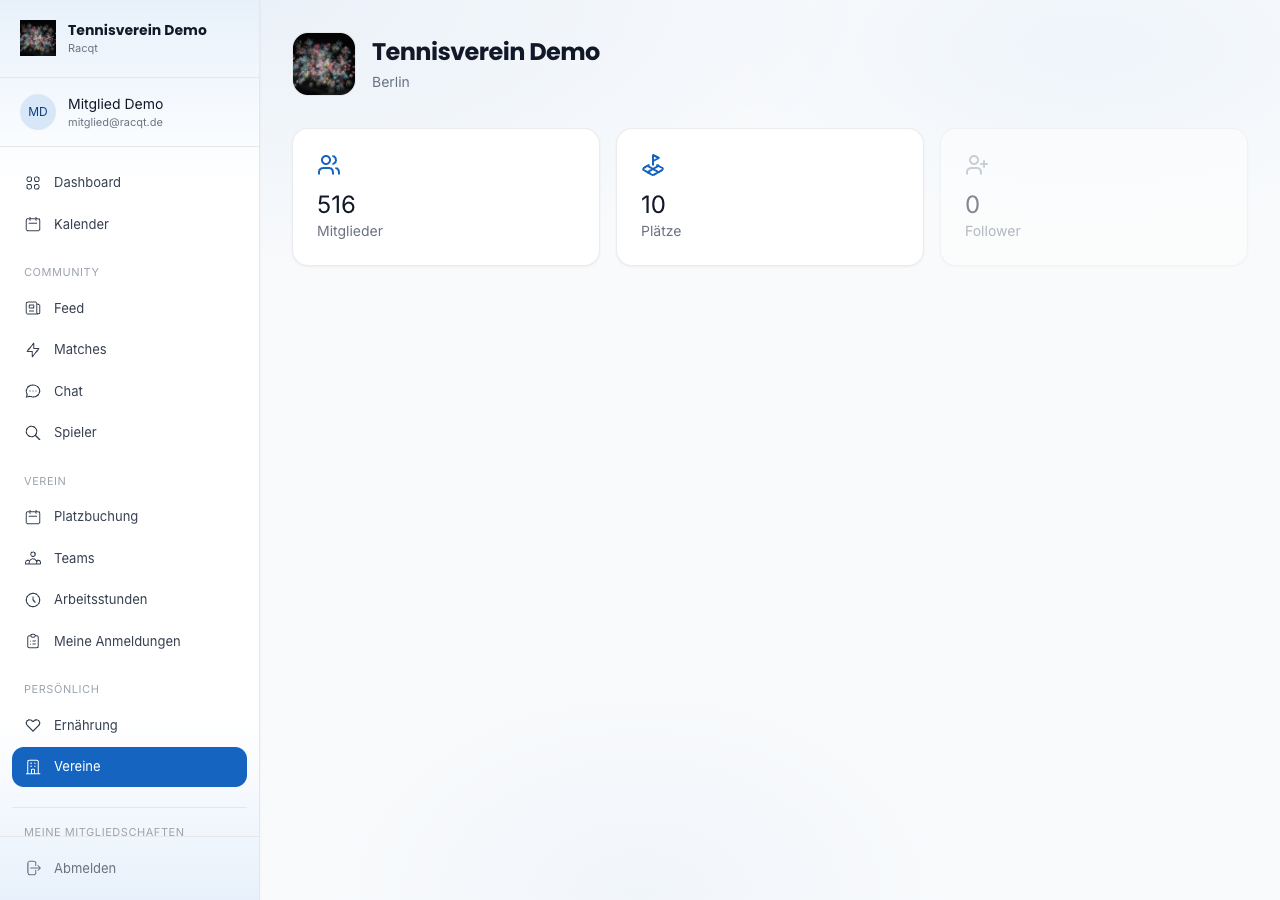
On the club page, open the Mitglieder (Members) section. The list shows all members with the total number. More on switching between your own memberships is under First steps in the portal.
Searching by name (app)
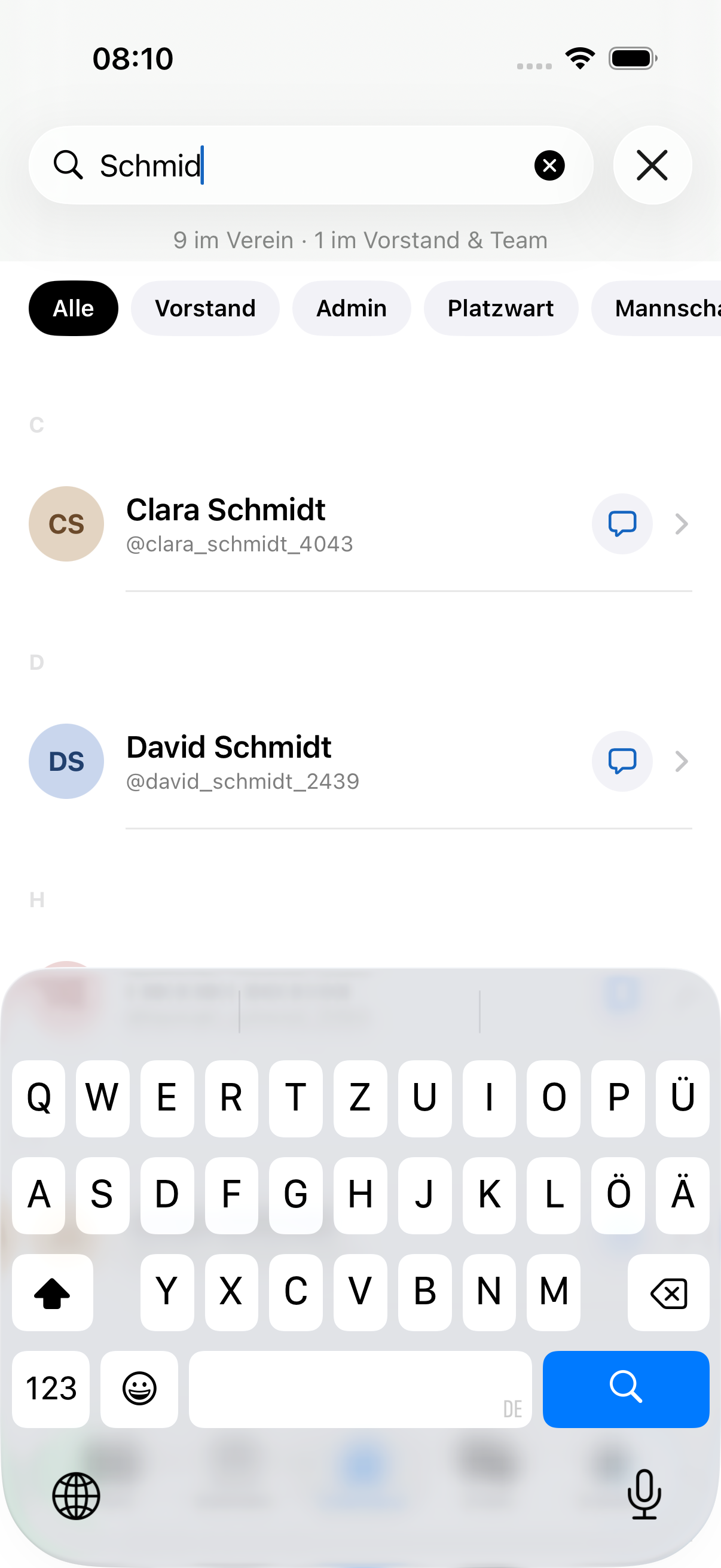
In the iOS and Android apps the member list has structure: committee & team are at the top, then it continues alphabetically — with coloured initials, role badges and team · rating right below the name. You search by name, team or rating (for example “Damen 30” or “9,8”), and with one tap you filter by role (committee, groundskeeper, team captain). The speech bubble next to each member starts a chat straight away. For large clubs the list loads more automatically as you scroll, so even many members are shown in full.
If you’re looking for fellow players by playing strength or availability, Finding players & match requests will help.