 Racqt
RacqtComing soon WebiOSAndroid
Chat & messages
With the built-in chat you write to other players directly – direct messages and group chats are always available, with real-time messages and a “typing …” indicator in the apps.
Not released yet. This feature belongs to version 1.4.0, 1.7.0 and will be available shortly. To the changelog
On this page
The Racqt chat lets you send direct messages to other players. New messages appear in real time – they’re there immediately, without you having to reload the page or wait.
Your conversations at a glance
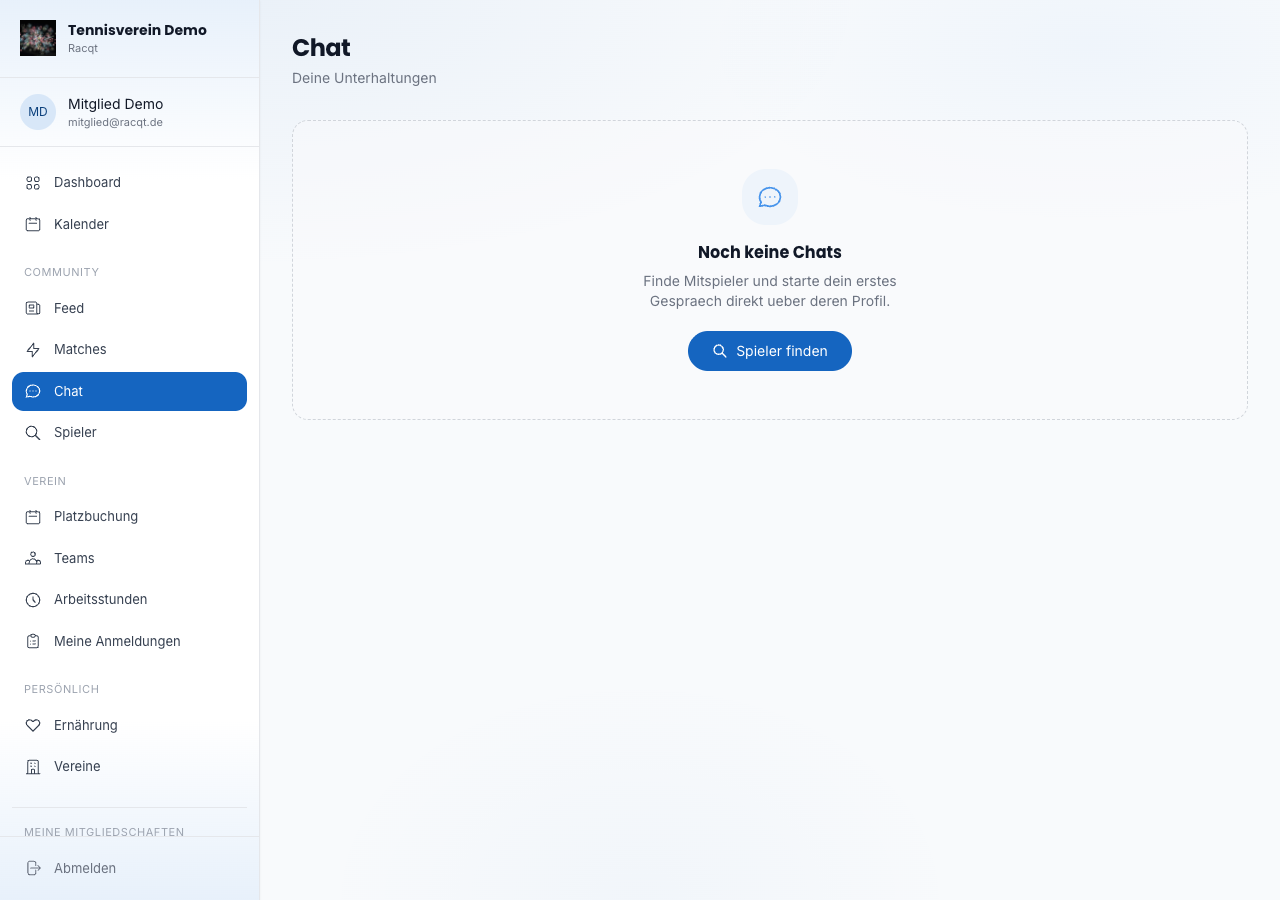
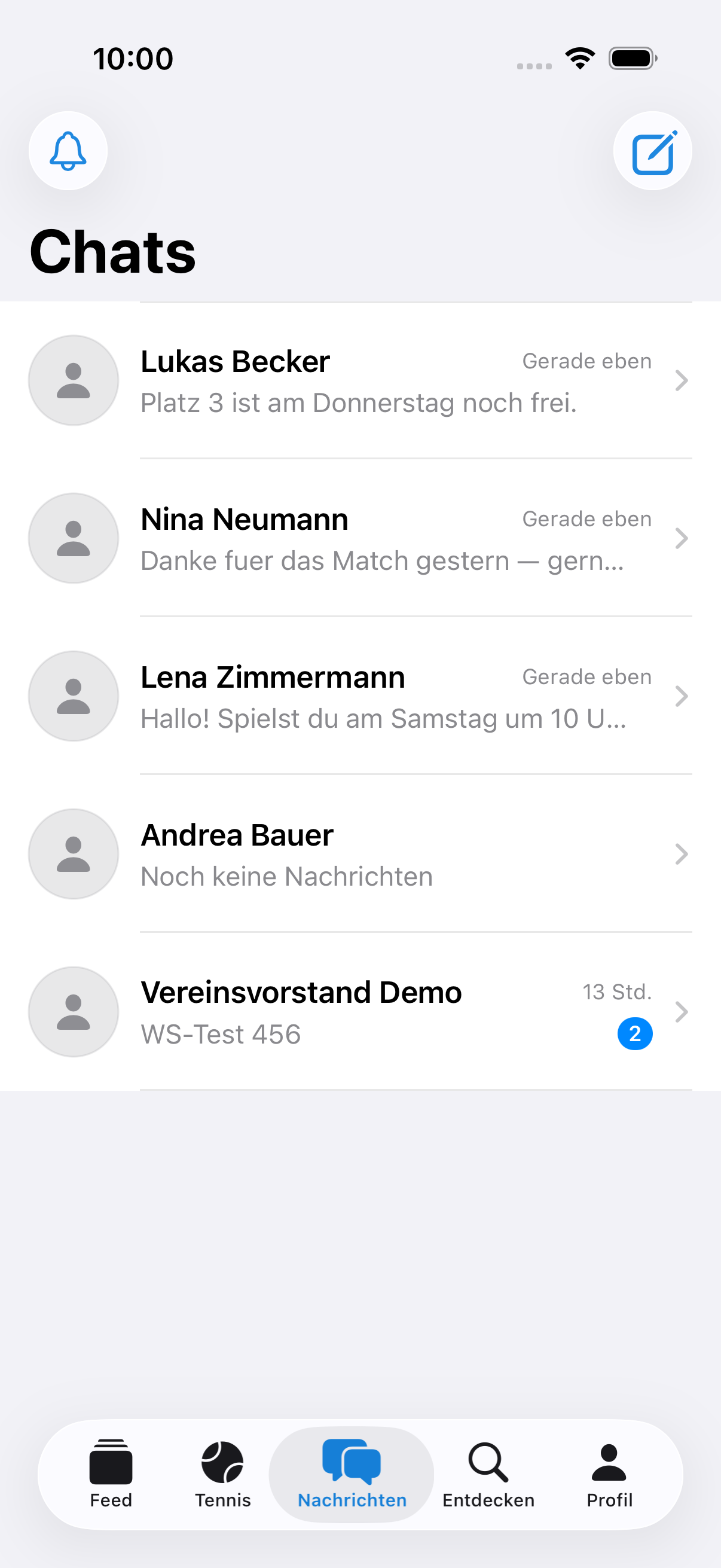
Open the chat via the navigation (section “Community → Chat”). The list shows all your conversations with avatar, name and the time of the last message. A blue dot on the avatar indicates unread messages. Direct messages carry the other person’s name; group rooms show the number of participants.
Reading and writing messages
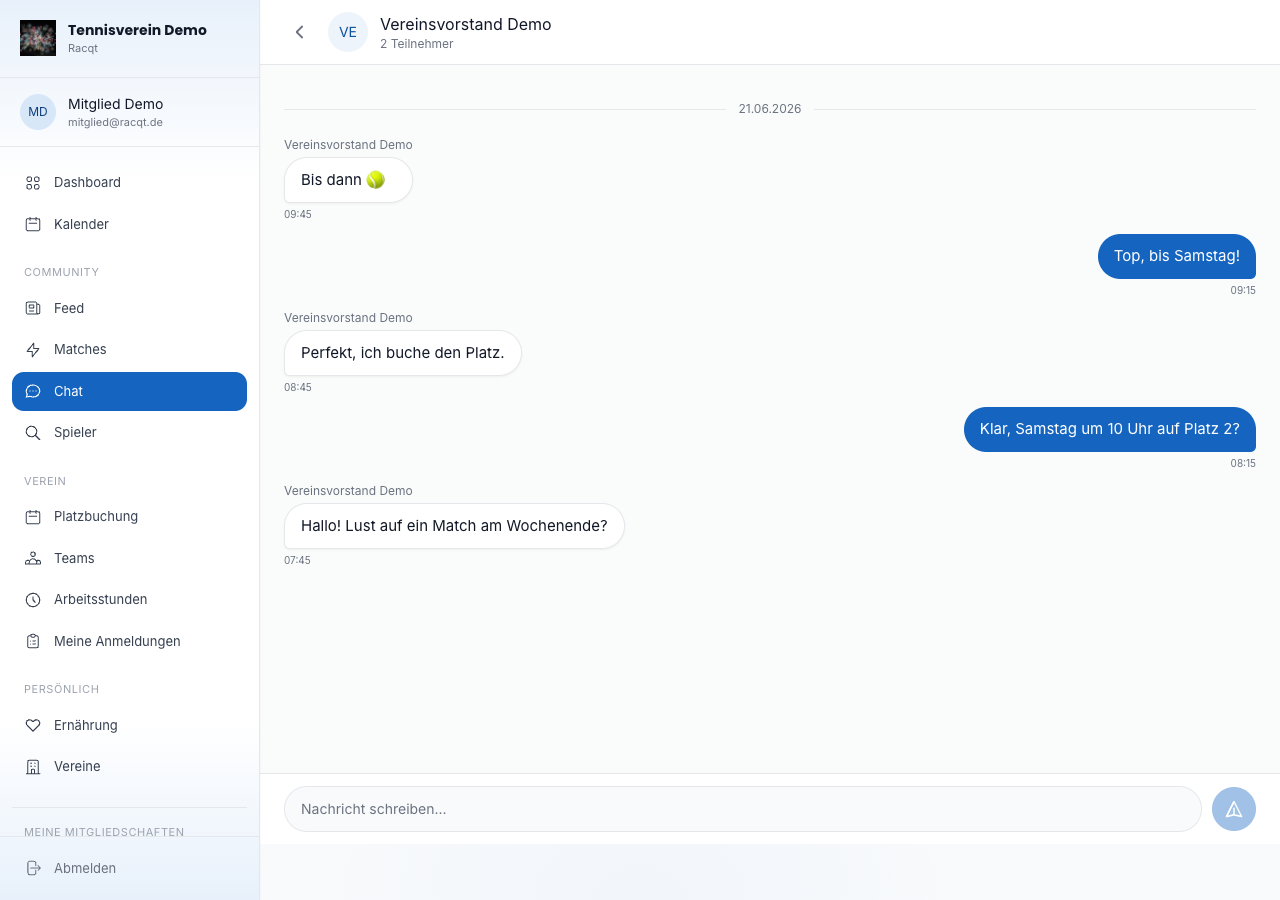
Click a conversation to open it. The history scrolls automatically to the newest messages – the newest is always at the bottom. Type your message in the input field at the bottom and send it with the Enter key or the send button.
Real-time messages & “typing …” indicator
Your chat is live: if someone writes to you, the message appears in your history without you having to reload the page – whether the other person is writing in the portal or in the iPhone or Android app. In the apps you also see when a reply is on its way: as soon as the other person starts typing, a discreet “tippt …” (typing …) indicator above the input field shows that a message is coming.
Handy: if you have the chat open and read the message straight away, you no longer get an extra push notification for the same message.
If someone else starts a conversation with you or adds you to a group, the new chat appears at the top of your list immediately — you don’t have to reload the page or pull down the list. In the apps the overview also syncs every time you open it again: whatever arrived while the app was in the background is already there when you look.
Muting or deleting a chat
In the chat list you’ll find a three-dot icon to the right of each conversation. It opens the chat options:
- Stummschalten (Mute) — you still receive messages but are no longer disturbed by notifications. A mute icon appears next to the other person.
- Chat löschen (Delete chat) — the chat and its history only disappear for you; the others keep it. If someone writes again afterwards, the chat reappears – with only the new messages. Only once everyone has deleted it is it gone for good. This doesn’t make you leave a group; that’s what “Gruppe verlassen” (Leave group) is for. Club, team and event chats can’t be deleted.
In the apps, Racqt asks briefly before deleting.
Starting a chat
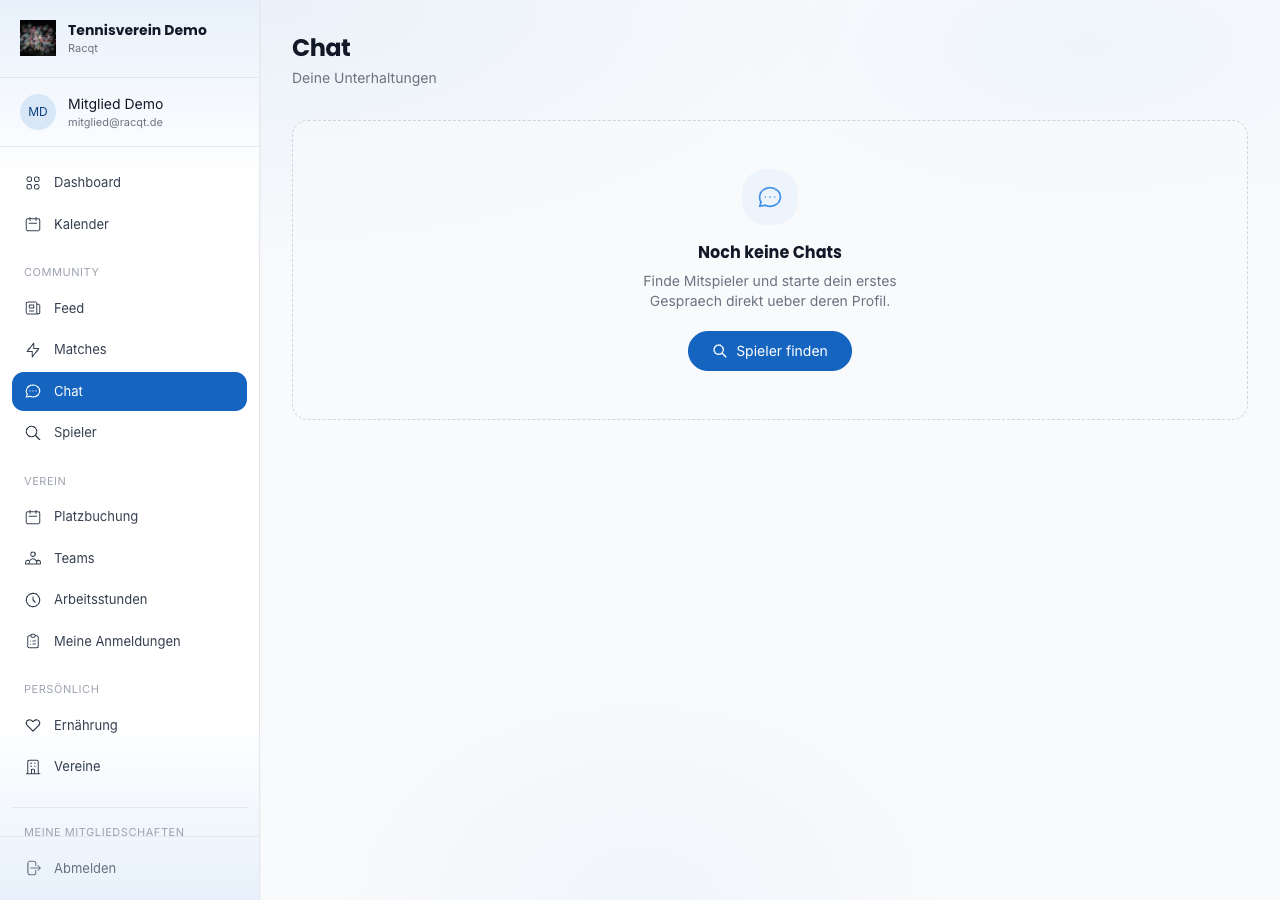
The easiest way to start a chat with another player is via their profile: open the profile via Finding players and click “Nachricht senden” (Send message) there. Racqt creates a direct chat and takes you straight into the conversation.
In the apps
The chat is available in the same form in the iOS and Android apps. Push notifications tell you about new messages, even when the app is running in the background.
In a direct chat you open the chat details via the menu at the top right: there you can see who you’re writing to and mute the chat.
Related articles: First steps in the portal · Finding players & match requests