 Racqt
RacqtWebiOSAndroid
Profile & playing strength
Maintain personal details, rating, playing style, availability, skills for your club and privacy settings.
On this page
In your profile you maintain all the information available to other members, coaches and your club: personal details, rating, playing style, availability and privacy settings.
Profile header
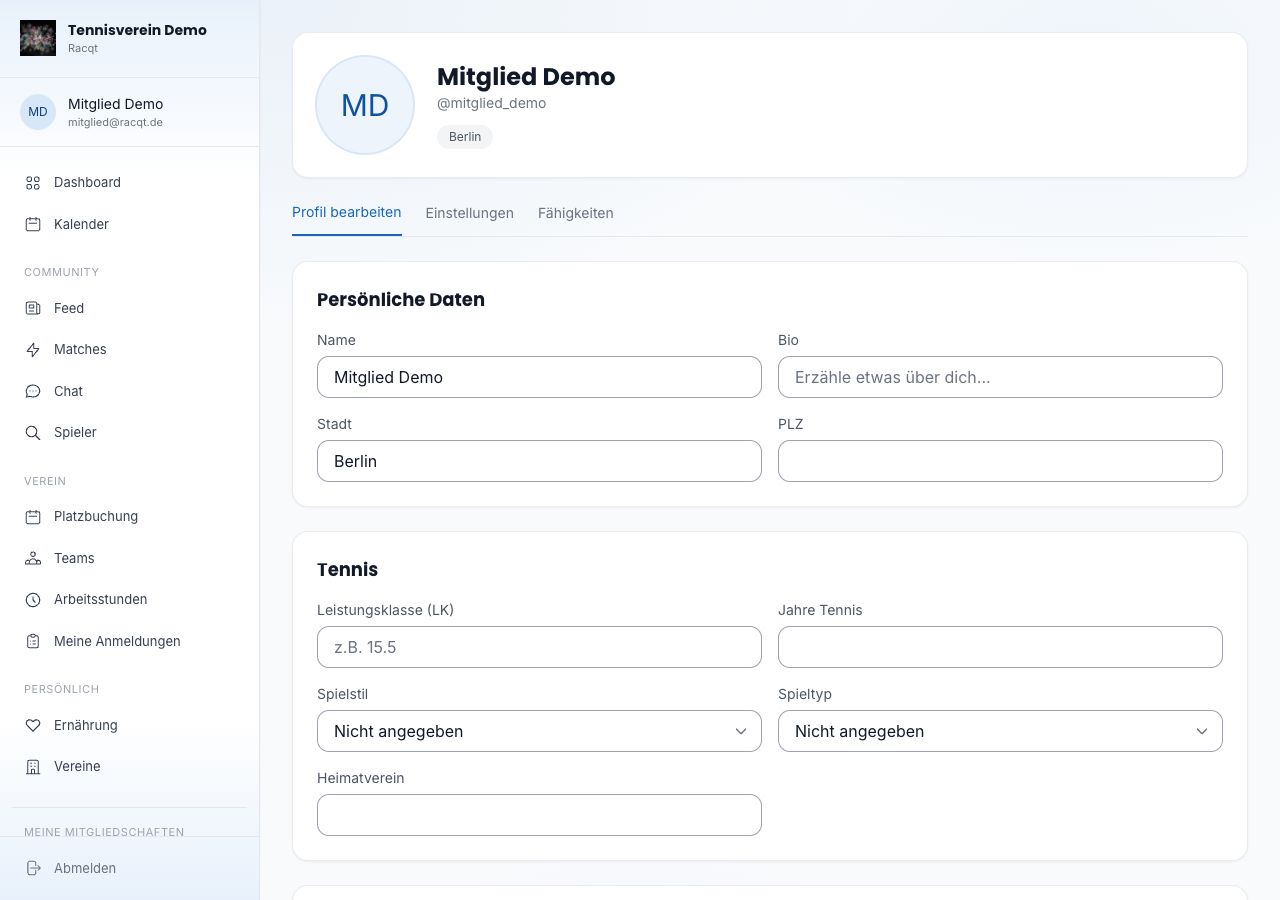
At the top of the profile page you see your profile picture (or initials avatar), your display name and username and — if maintained — your rating badge, playing style and town.
Editing your profile
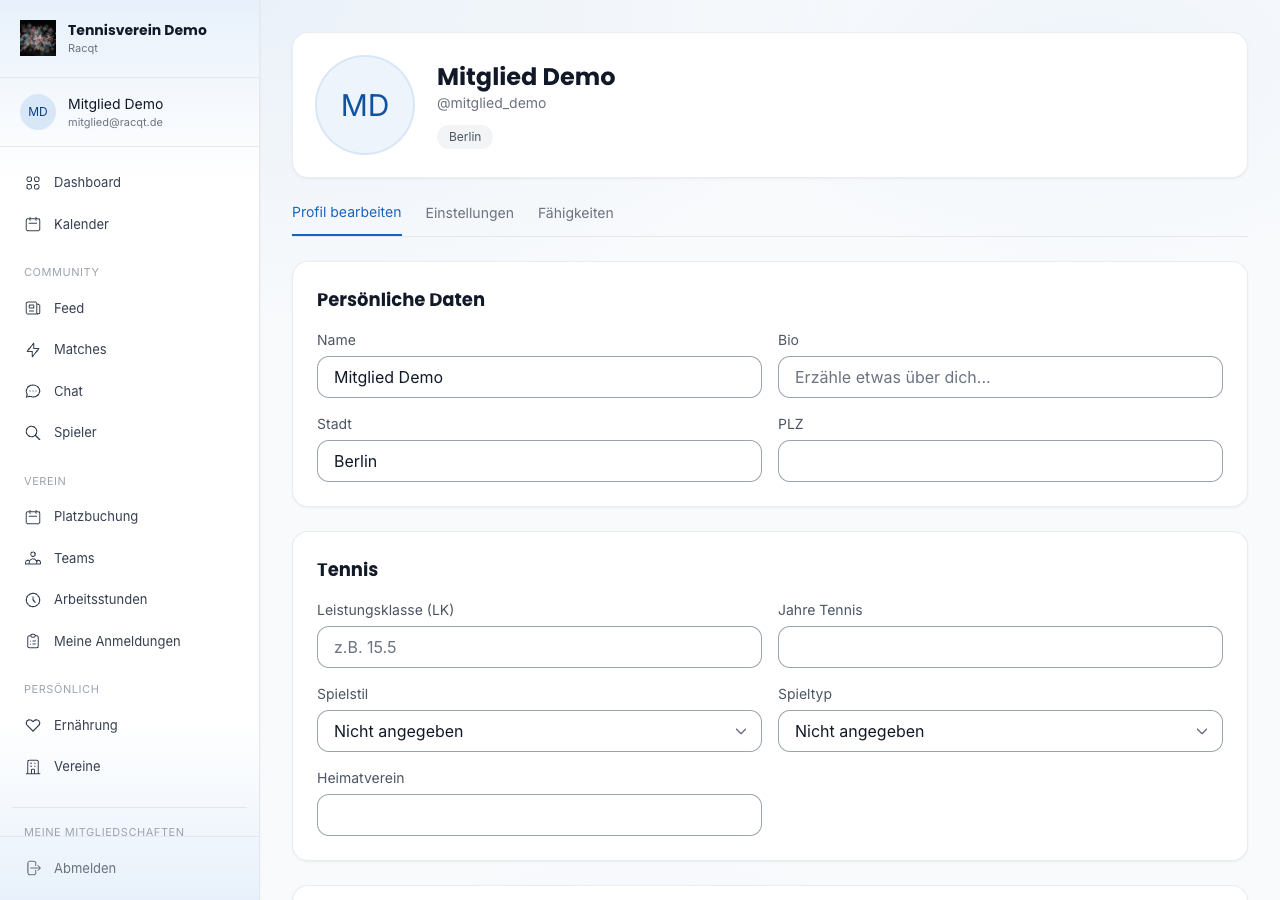
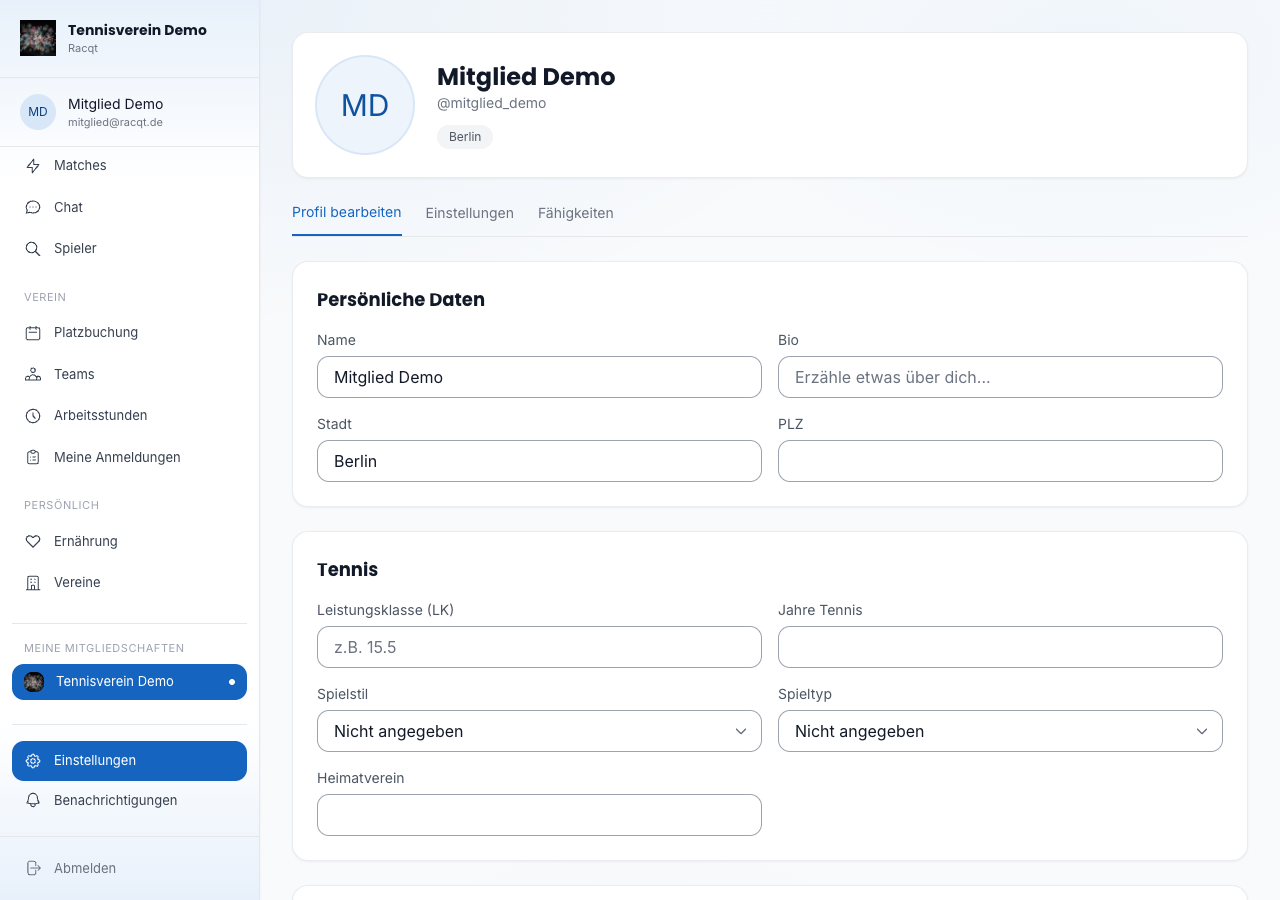
In the “Profil bearbeiten” (Edit profile) tab you’ll find two sections:
Persönliche Daten (personal details) — name, bio, town and postcode.
Tennis — enter your rating (the German LK rating), for example 15.5. Also
choose your playing style (baseliner, serve & volley or all-rounder), match type
(singles, doubles, mixed or both), how many years you’ve been playing and your home
club.
Availability
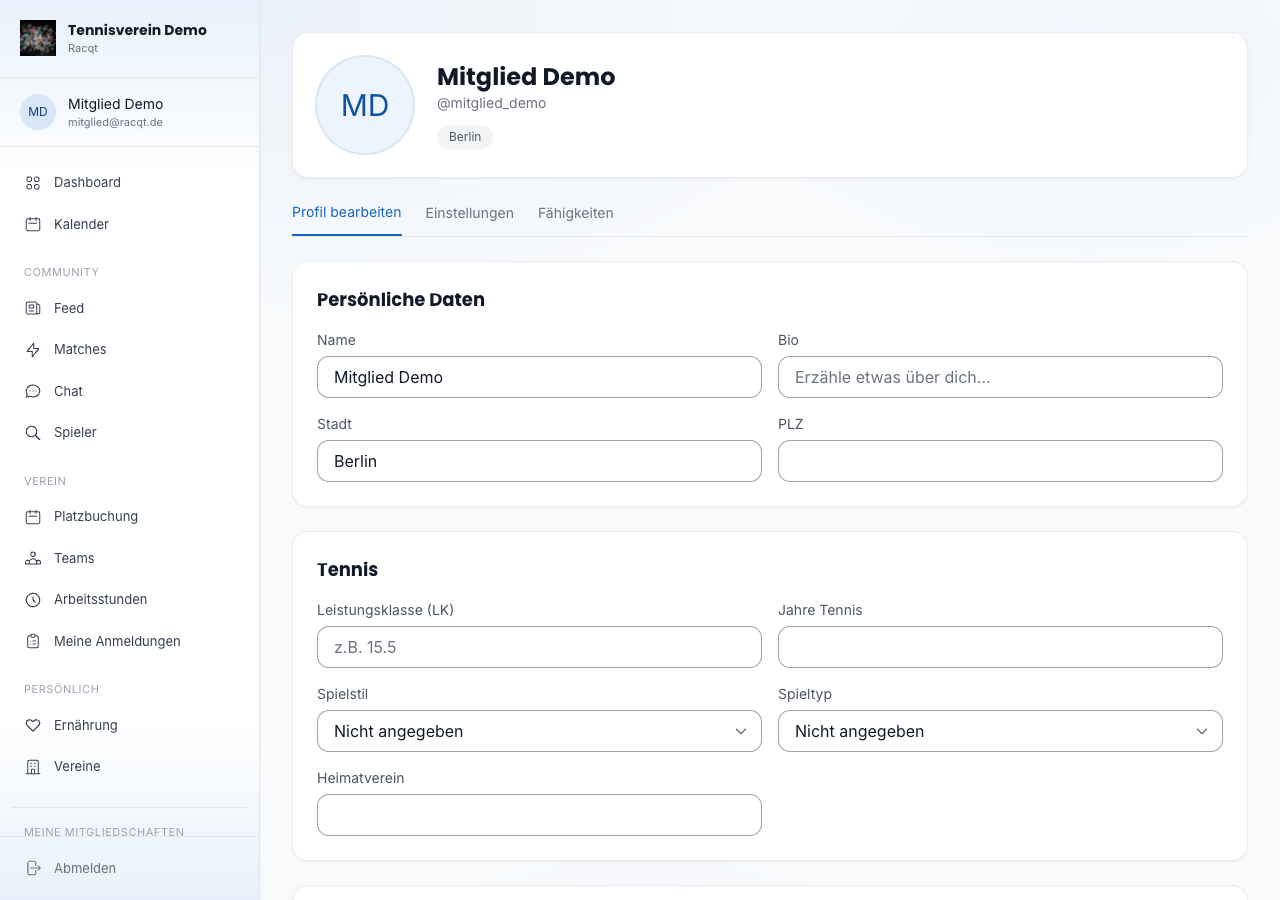
State when you’re generally available to play: mornings, evenings and/or at the weekend. Coaches and clubs can use this information to make suitable offers.
Skills
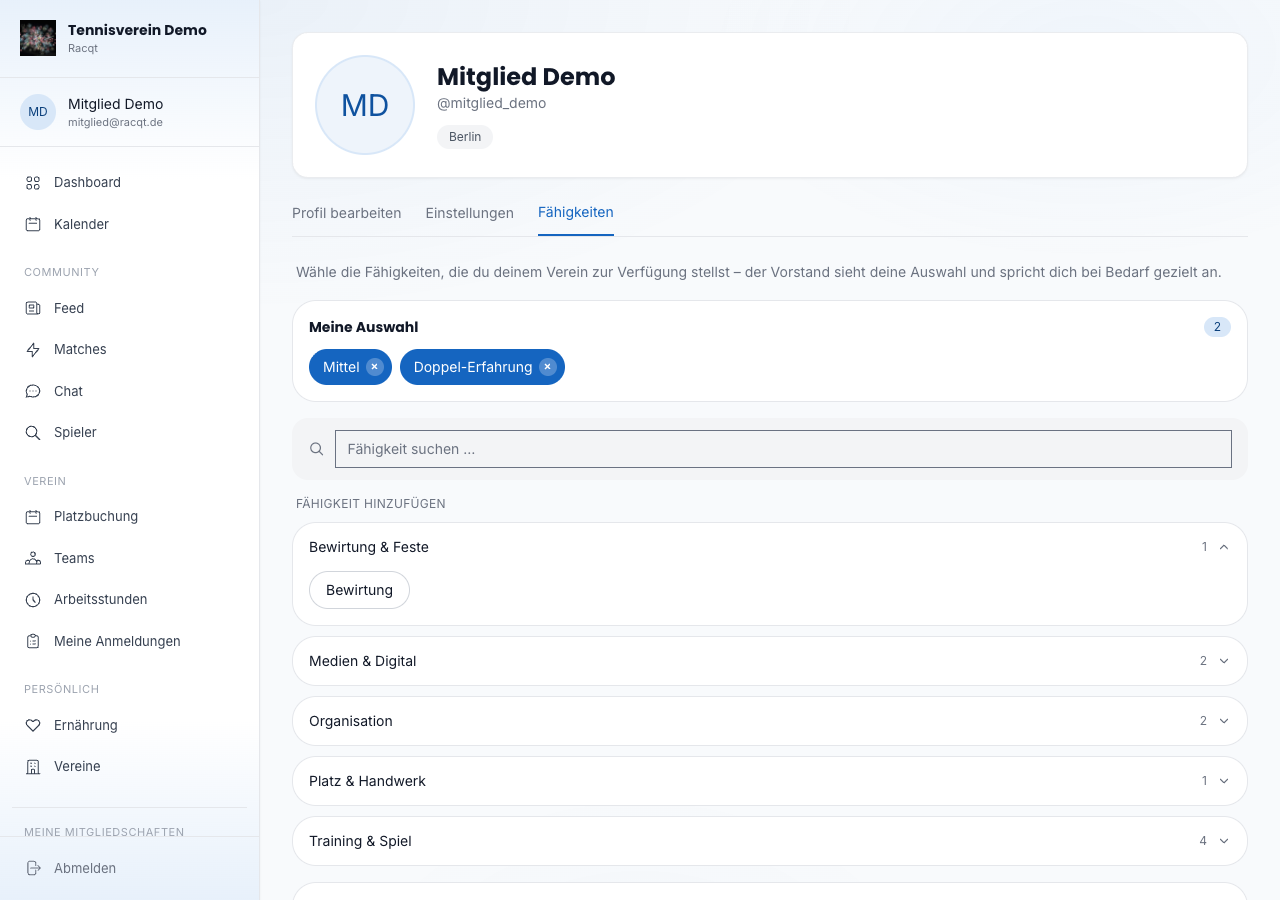
In the “Fähigkeiten” (Skills) tab you tell your club where you can help — from court duty to the club magazine. The committee sees your selection and asks you specifically when needed, for example for work sessions.
- Meine Auswahl (My selection) shows at the top what you’ve already chosen. A click on the × removes a skill again.
- Below you’ll find all your club’s skills neatly grouped by category, such as “Platz & Handwerk” (court & handiwork) or “Organisation”. One click is enough — the skill is taken over immediately, without a save button.
- With the search field you find a particular skill even faster.
- Something missing? Via “Eigene Fähigkeit vorschlagen” (Suggest your own skill) you submit it directly. Your suggestion appears with the note “In Prüfung” (Under review) until the committee approves it.
Settings
In the “Einstellungen” (Settings) tab you control how Racqt contacts you and who can see your profile:
- Push-Benachrichtigungen (push notifications) — turn notifications on your smartphone on or off.
- E-Mail-Benachrichtigungen (email notifications) — switch emails from Racqt on or off.
- Profil öffentlich (profile public) — decides whether other members can see your profile.
- Online-Status anzeigen (show online status) — sets whether your online status is visible to others.
Deleting your account
At the very bottom of the “Einstellungen” tab is the danger zone. There you can permanently delete your account. All data is removed for good. A confirmation prevents accidental deletion.
In the apps
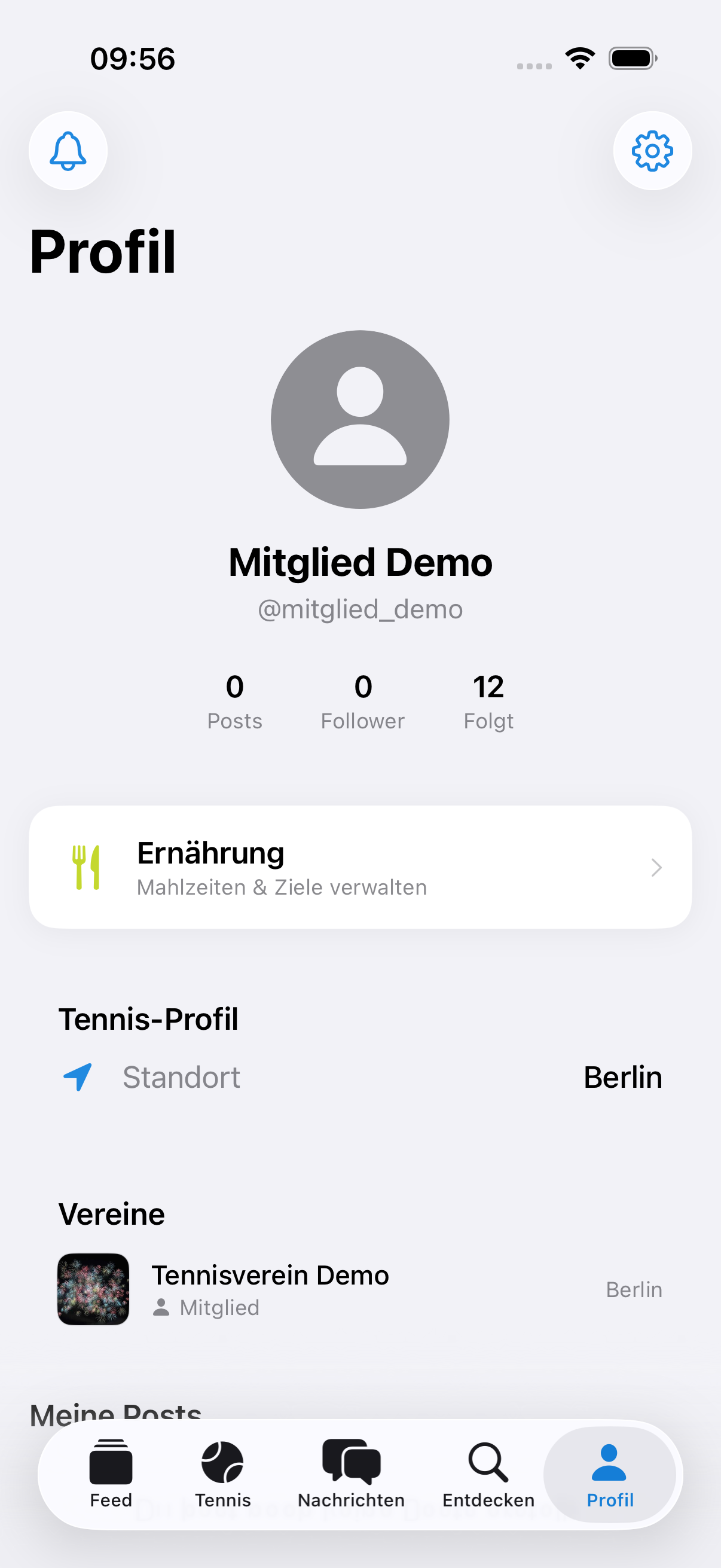
Profile, rating and settings can also be edited in the iOS and Android apps.
Related articles: Notifications
In the changelog:1.4.0