 Racqt
RacqtWebiOSAndroid
Finding players & match requests
Search for hitting partners near you, filter by rating, playing style and availability, and get in touch directly.
On this page
With the player search you find tennis partners near you. In the club context you first see your club’s members; beyond that you can search the whole Racqt community.
Searching for players
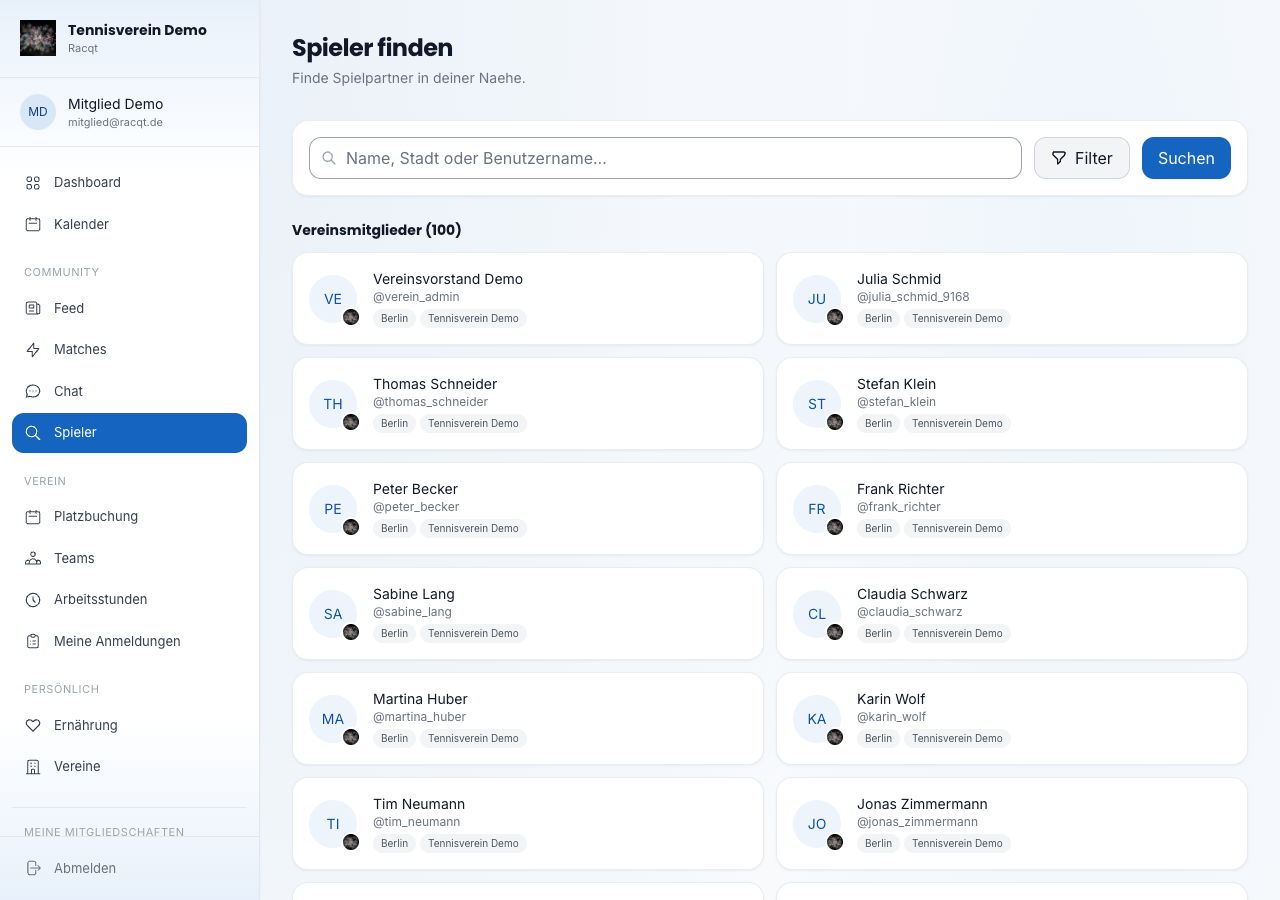
Open the search via the navigation (section “Community → Spieler”, Players). The first time you open it, the portal automatically loads your club’s members. Type a name, a town or a username into the search field and press Enter or click “Suchen” (Search) to update the results. Club members appear in their own group above the other players.
Using filters
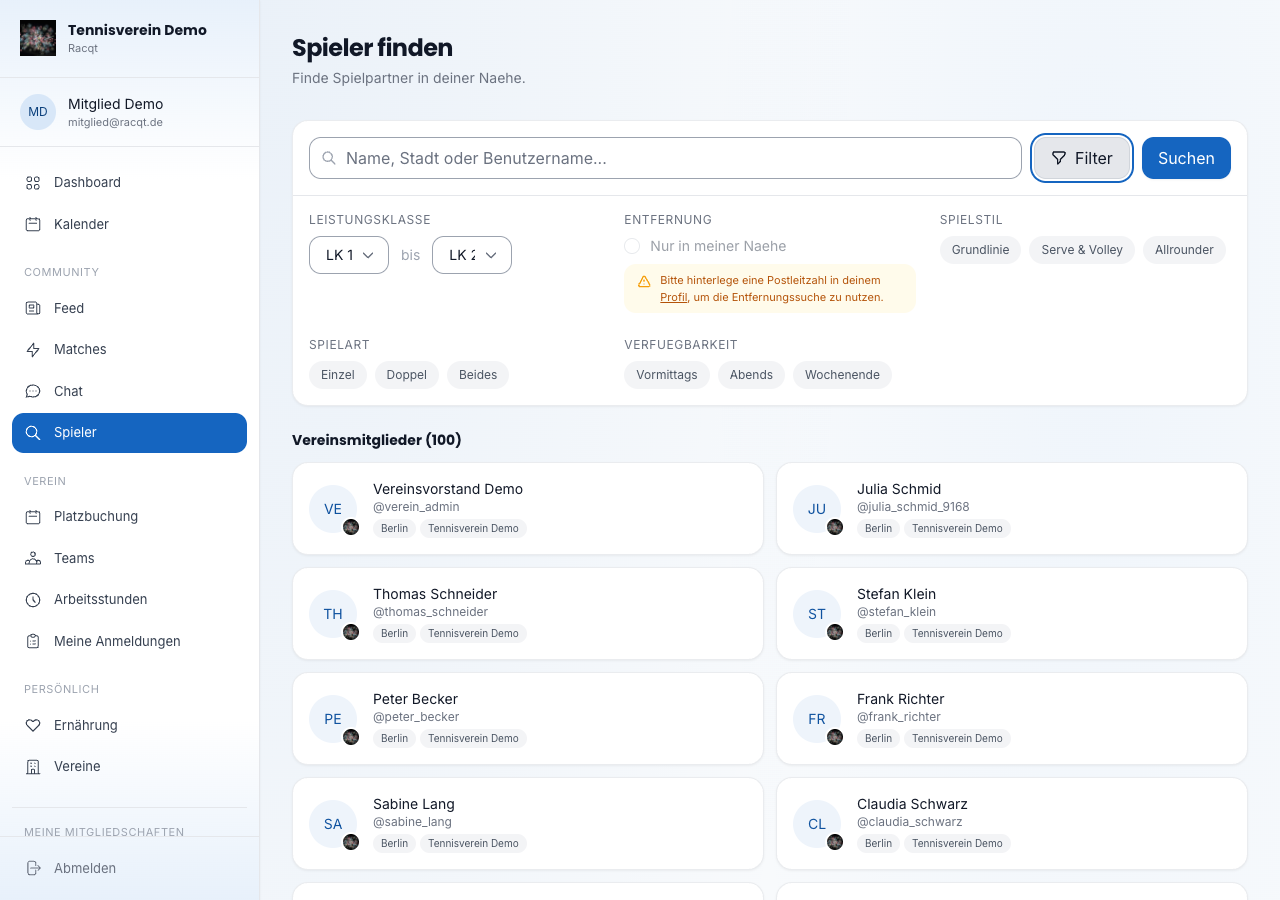
Click the Filter button next to the search field to narrow down the results. These criteria are available:
- Leistungsklasse (rating) — choose a range of the German LK rating (LK 1 to LK 25; lower is stronger).
- Entfernung (distance) — turn on the radius search and set the radius (5–100 km). For this, a postcode must be stored in your profile.
- Spielstil (playing style) — baseliner, serve & volley or all-rounder.
- Spielart (match type) — singles, doubles or both.
- Verfügbarkeit (availability) — mornings, evenings or at the weekend.
“Filter zurücksetzen” (Reset filters) sets all values back to the default.
Opening a player’s profile
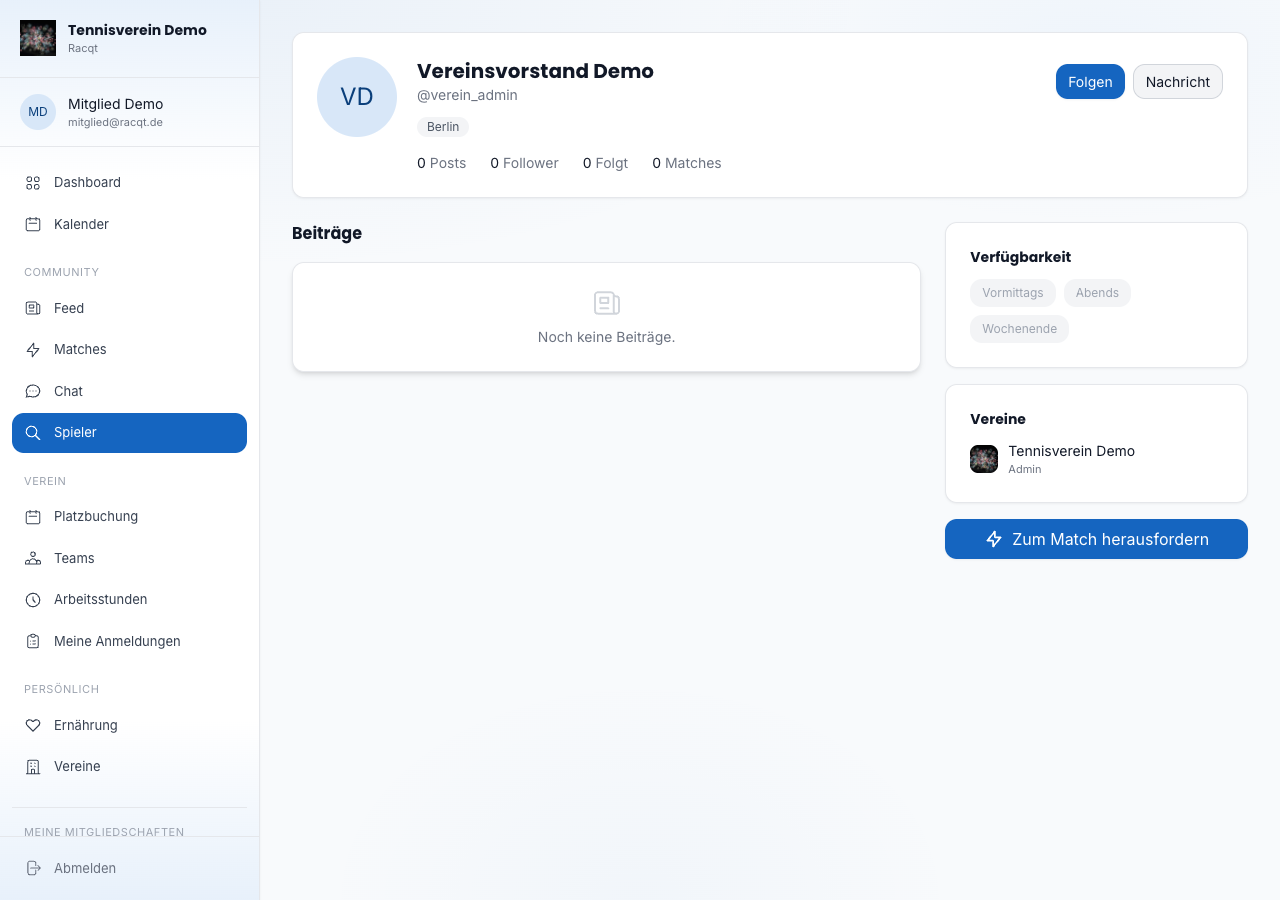
Click a player tile to open the profile. There you see details such as rating, playing style, preferred match type, home club and — if given — how long the person has been playing tennis. With the Nachricht senden (Send message) button you start a chat straight away. With Folgen (Follow) you subscribe to the player’s posts in the feed.
In the apps
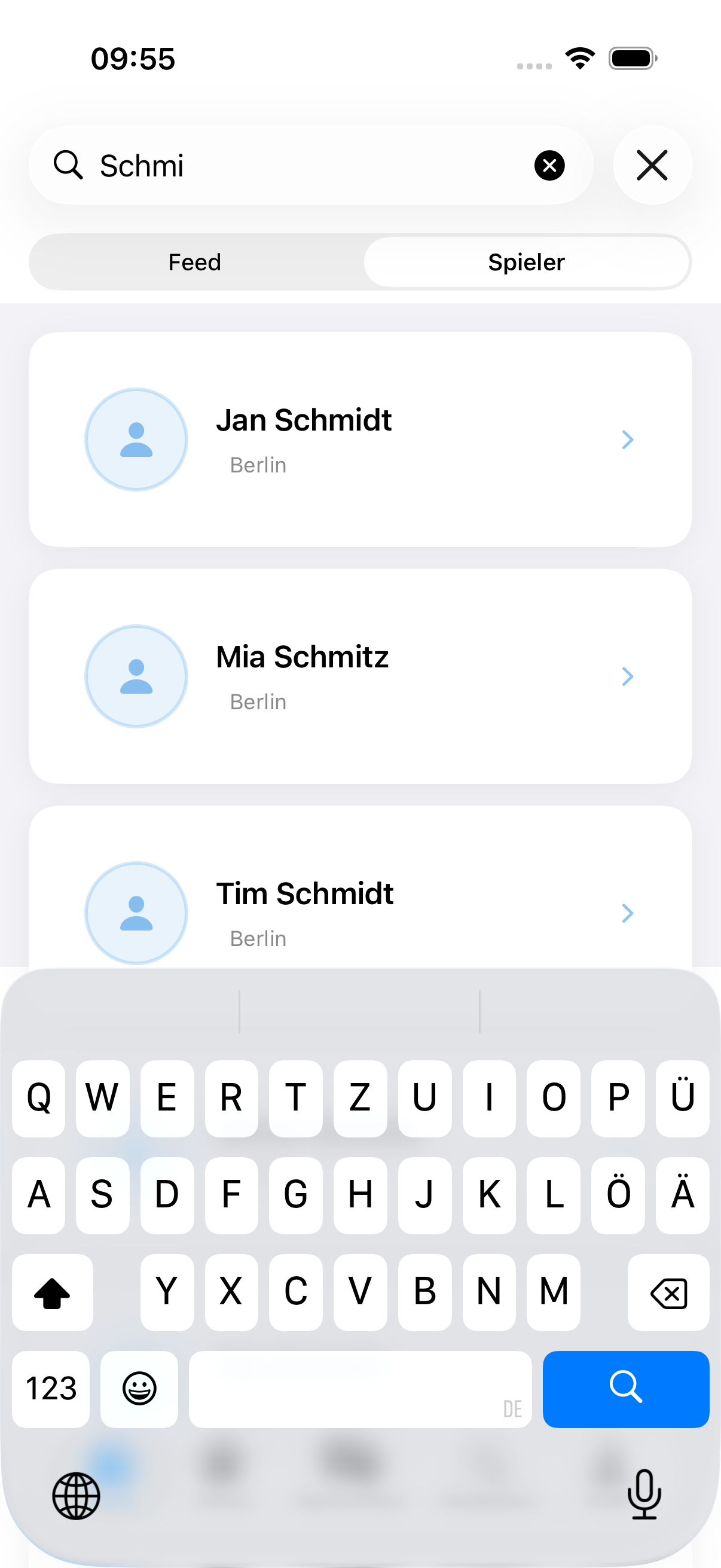
The player search with all filters is also available in the iOS and Android apps. In the app’s filter you also choose the rating from LK 1 to LK 25 and the availability: Vormittags (mornings), Abends (evenings) or Wochenende (weekend) — then you only find players who have time then. Tapping a player tile opens the profile, from where you can also start a chat or record a match.
Related articles: First steps in the portal · Recording matches · Chat & messages