 Racqt
RacqtComing soon WebiOSAndroid
Apps for iPhone & Android
Install the Racqt app for iPhone and Android, sign in and use the most important features — feed, chat, matches, bookings and more — on the go.
Not released yet. This feature belongs to version 1.4.0, 1.4.1, 1.5.1, 1.6.0, 1.7.0 and will be available shortly. To the changelog
On this page
Racqt is available as a native app for iPhone and Android. The apps offer the same portal features as the web — feed, chat, matches, bookings, club administration and profile — optimised for use on the go. The apps’ interface is in German.
What the apps can do
Both apps are organised into five areas:
| Tab | Content |
|---|---|
| Feed | Read, like and comment on posts; hashtag search |
| Tennis | Record and confirm matches, statistics, teams |
| Chat | Real-time messages with club members and hitting partners |
| Entdecken (Discover) | Find clubs and coaches, court bookings |
| Profil (Profile) | Profile details, settings, subscriptions |
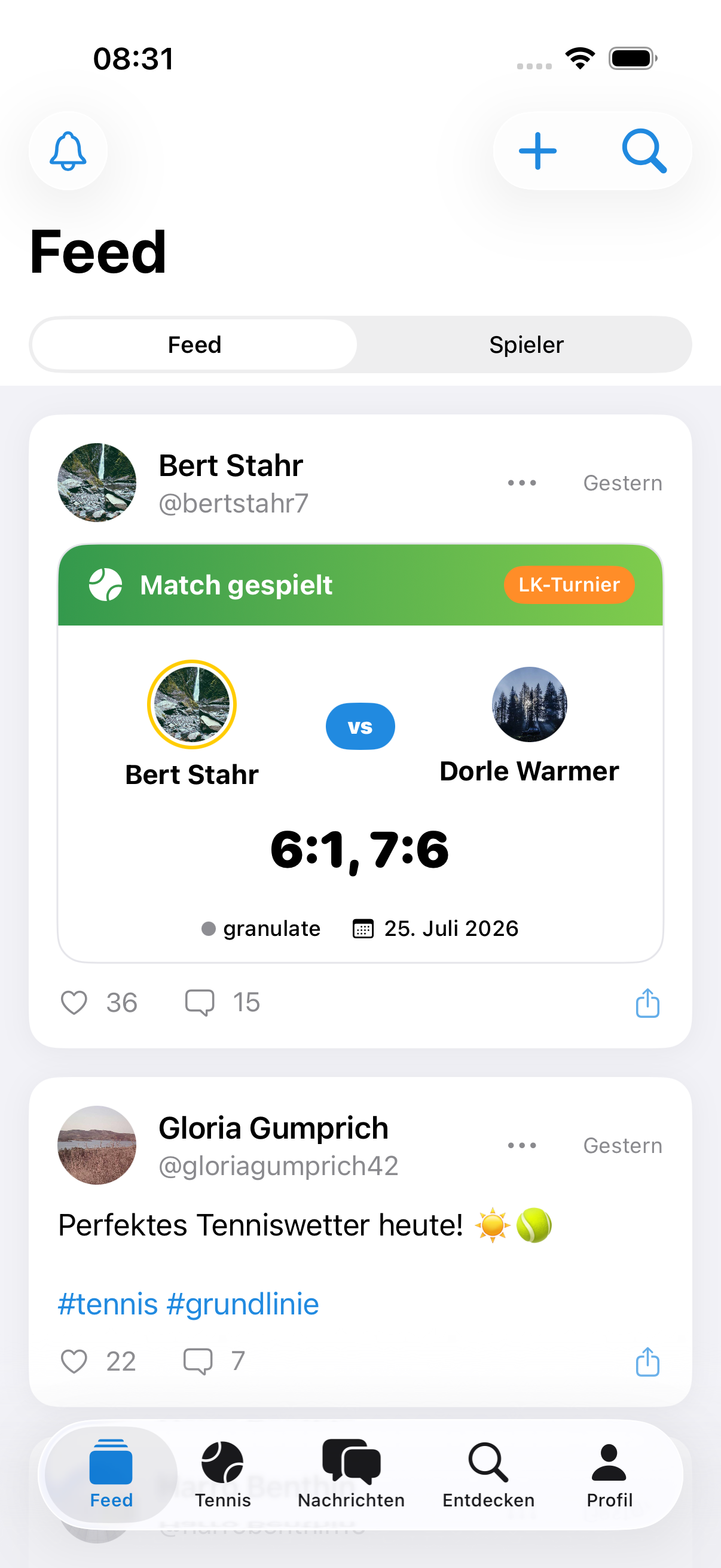
Real-time chat
The chat area runs over a WebSocket connection. Messages appear immediately, without having to reload the page. Typing indicators and read receipts show whether the other person is active.
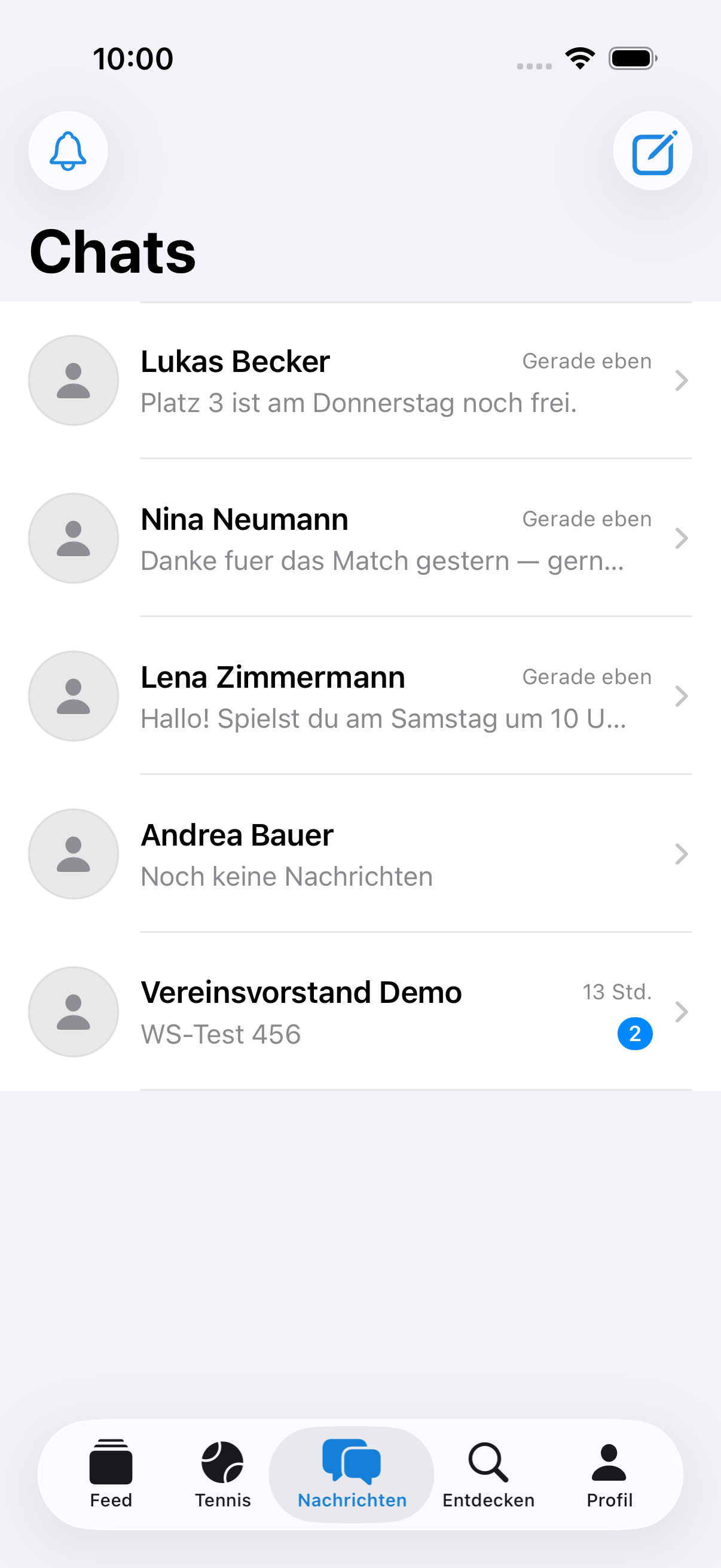
Push notifications
The apps support push notifications for new messages, match invitations and club news. You can turn push notifications on or off at any time in the profile tab — see also Data protection & deleting your account.
Discover
In the Discover area you find clubs near you, coach profiles and the courts you’ve booked.
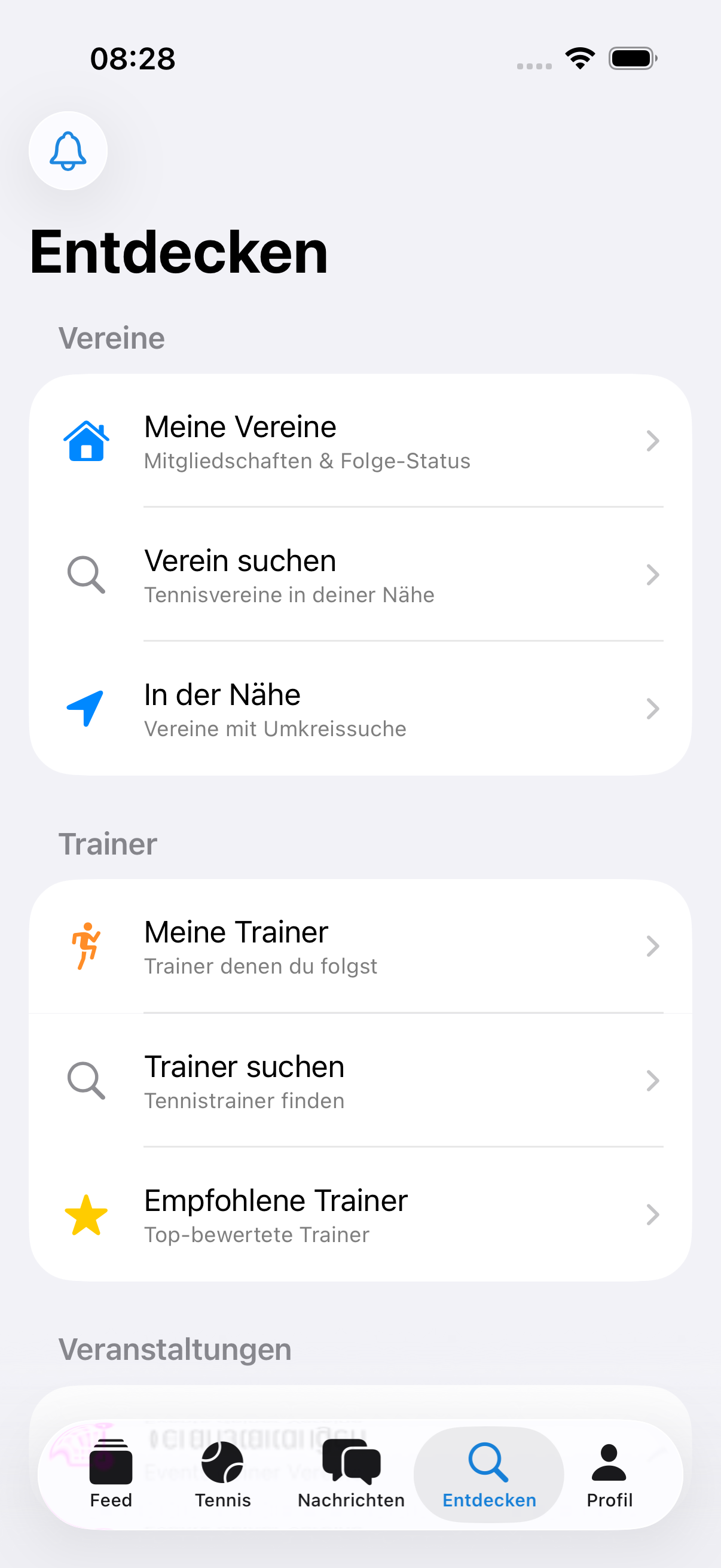
Light and dark mode
The apps automatically follow your device’s display setting: if your phone is set to dark mode, Racqt also appears in a pleasantly dark design — with easily readable text in all areas, from chat and profile to statistics. In club mode you can also fix the appearance: under Mehr → Darstellung (More → Appearance) you choose between system, light and dark; on the right of the row you see what’s currently active.
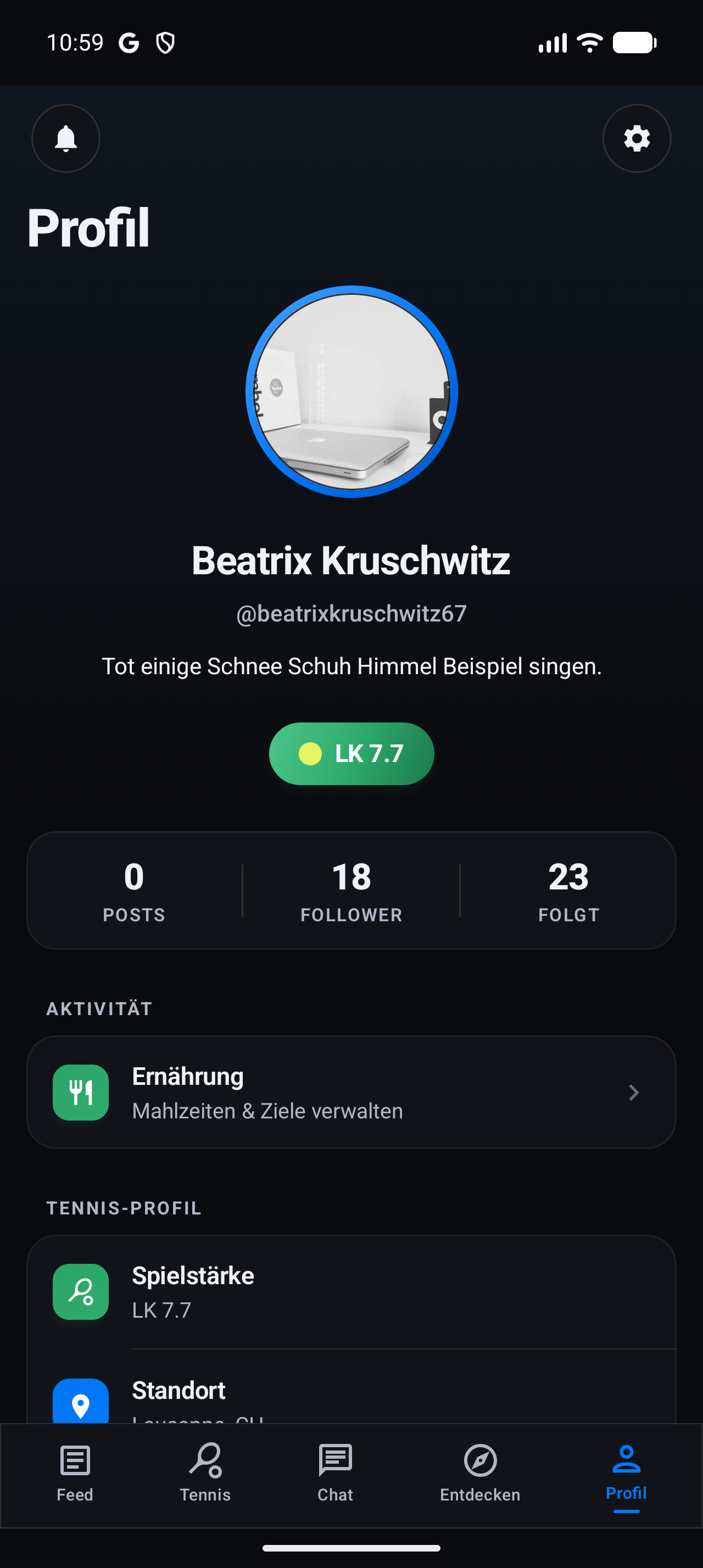
Foldable phones and tablets
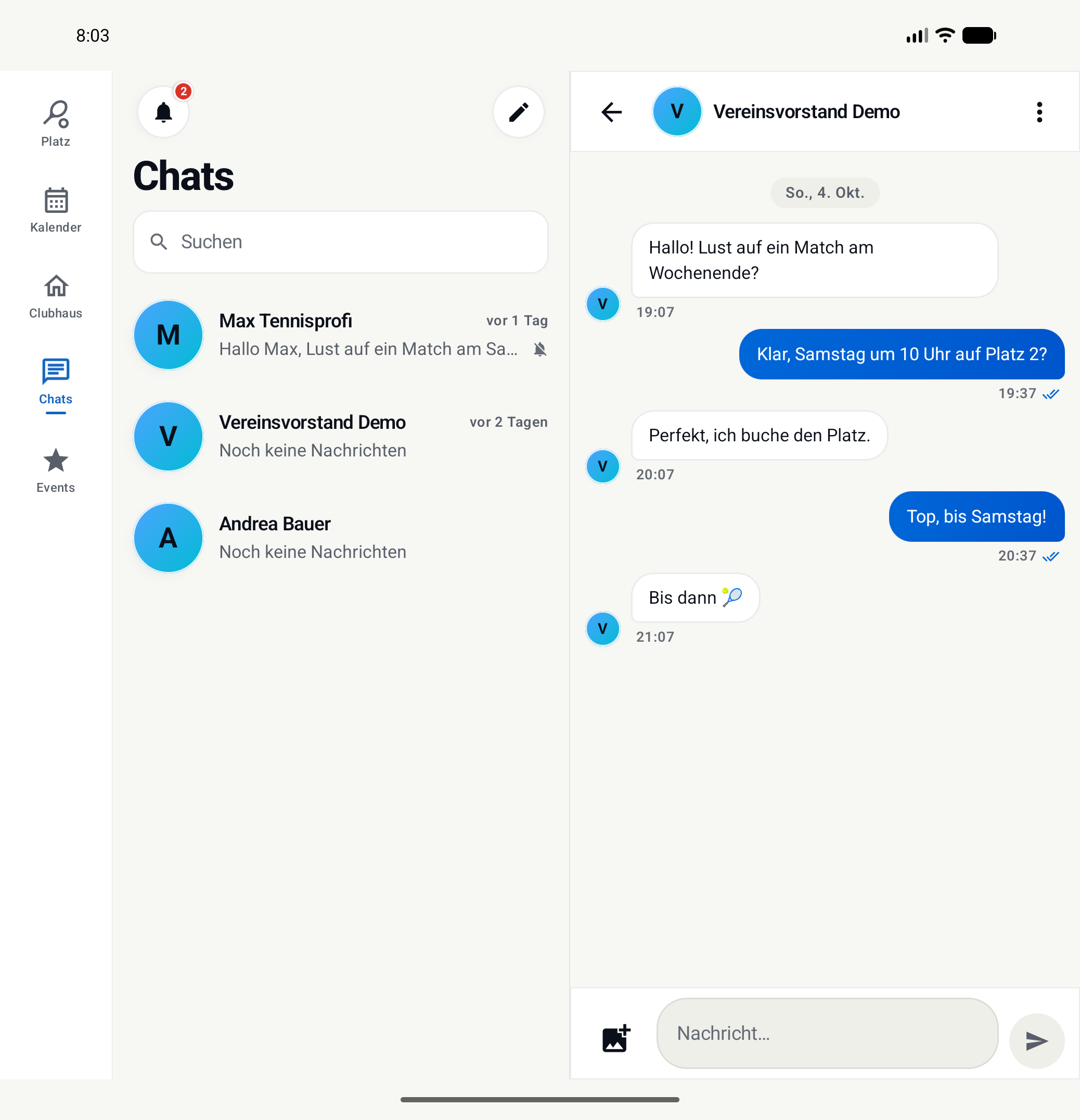
On a foldable phone such as the iPhone Duo or the Pixel Fold – and on tablets – Racqt uses the extra space. Unfolded, the tabs move to the edge, and in Chats you see your conversations on the left and the open chat on the right. In the club calendar, month and daily schedule sit side by side.
You can fold and unfold at any time: the open chat, a post you’ve started and half-filled forms are kept. If you stand your phone half open like a book, Racqt splits the view exactly at the fold – buttons are then always on one side and never in the crease.
Images and data usage
The apps fetch profile pictures and post images only once and then remember them. If you scroll through the feed or your chats, images you’ve already seen appear immediately instead of being reloaded every time — that saves waiting time and mobile data. On the iPhone, images are also only loaded at the size you actually see them: a small profile picture in a list no longer pulls the full resolution over your connection.
Images you’ve seen are kept even if you close the app and open it again later. If you’re briefly offline, you can still see them; new images appear as soon as you have reception again.
Installation
- iPhone: search for “Racqt” in the App Store and tap “Get”. The app requires iOS 26 or later.
- Android: search for “Racqt” in the Google Play Store and tap “Install”. The app requires Android 8.0 or later.
If your iPhone still runs an older iOS version, you can keep using Racqt: the last installed version keeps working, but new features no longer arrive there. Everything you need at your club is then also available via the website in your browser.
Signing in
Launch the app after installing it. On the sign-in screen you can sign in with your email address and password.
On iPhone and Android, Mit Apple anmelden (Sign in with Apple) is also available — you sign in with your Apple ID without having to enter a separate password. On Android, Apple’s sign-in page opens briefly for this and then takes you back to the app automatically.
On iPhone and Android you can also choose Mit Google anmelden (Sign in with Google): tap the button, choose your Google account and you’re in straight away — no password needed. If you sign in this way for the first time, we create your Racqt account automatically with your Google email address. If you already had an account with the same email address, it’s simply linked — your data is kept and you can still sign in with your password too.
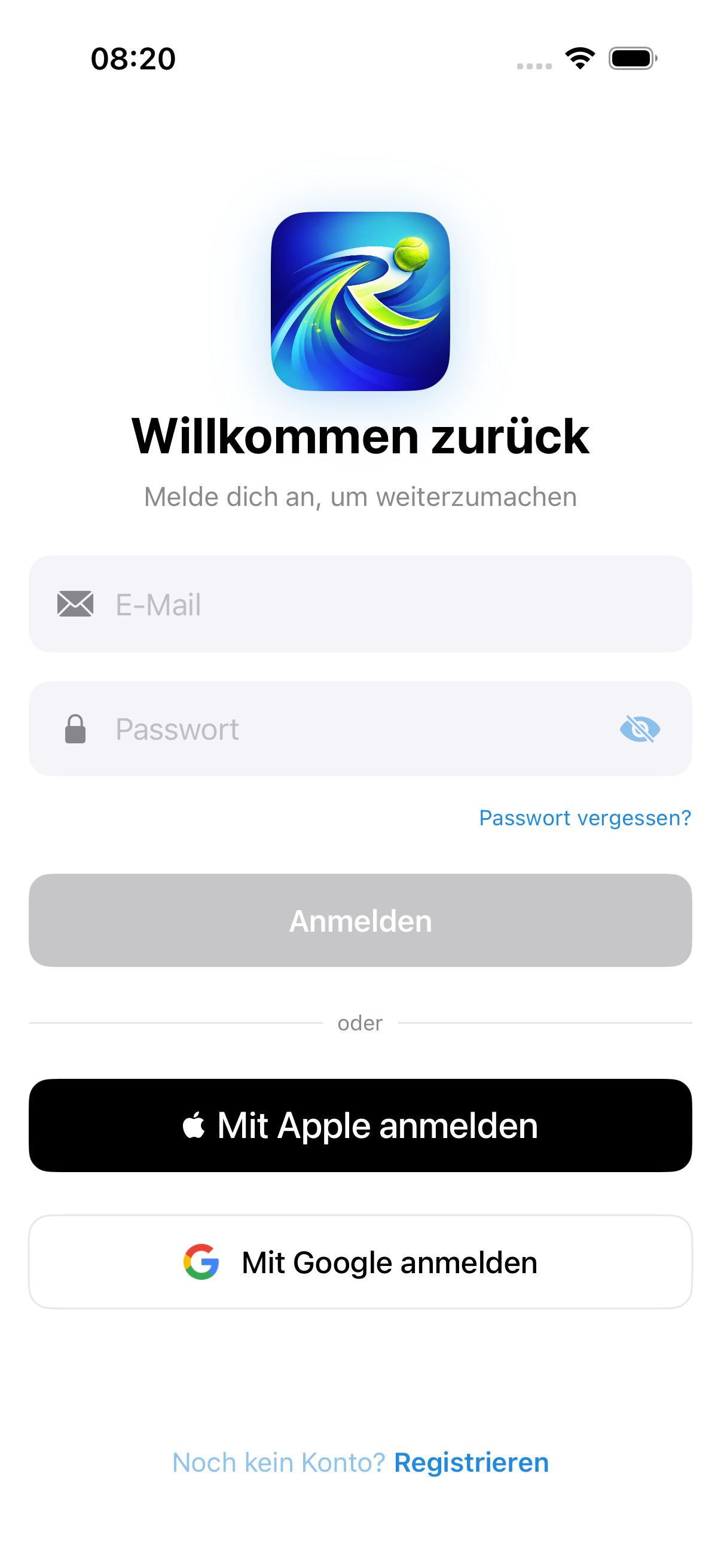
If you don’t have an account yet, tap “Registrieren” (Register) and follow the registration flow — you’ll find more details in the article Registration & invitation.
Both apps make sure with every connection that they only talk to the Racqt servers — not just when signing in. Your login details and messages stay protected, even on someone else’s Wi-Fi; you don’t have to set anything for this. Since version 1.6.0 this applies on the iPhone just as on Android.