 Racqt
RacqtWebiOSAndroid
Payments & SEPA mandates
View your own fees, set up a SEPA direct debit mandate, see active mandates and revoke them.
On this page
If your club offers SEPA direct debit as a payment method, you can store a mandate in the member portal. The club then collects amounts due — such as membership fees — automatically from your account, without you having to trigger each payment manually.
My fees
In the portal under Meine Beiträge (My fees) and in the app in the Mehr › Beiträge (More › Fees) tab you can see what your club has charged: open items at the top, paid ones below, with due date and amount.
At the top it says how payment works:
- SEPA-Lastschrift (SEPA direct debit) — your club debits the amount. You see the last four digits of your account number and get a pre-notification by email before every debit, stating amount, date and mandate reference.
- Selbstzahler (self-payer) — you transfer the money yourself. If you’d like to take part in direct debit, contact your club.
If you pay for your children, you see their fees too — each item then says whom it is for.
Below that is Meine Unterlagen (My documents): what your club has stored about your membership, such as your membership application. The files are private — only you and your club can open them. A click on Öffnen (Open) loads the file via a link that is only valid for a few minutes.
Setting up a SEPA mandate
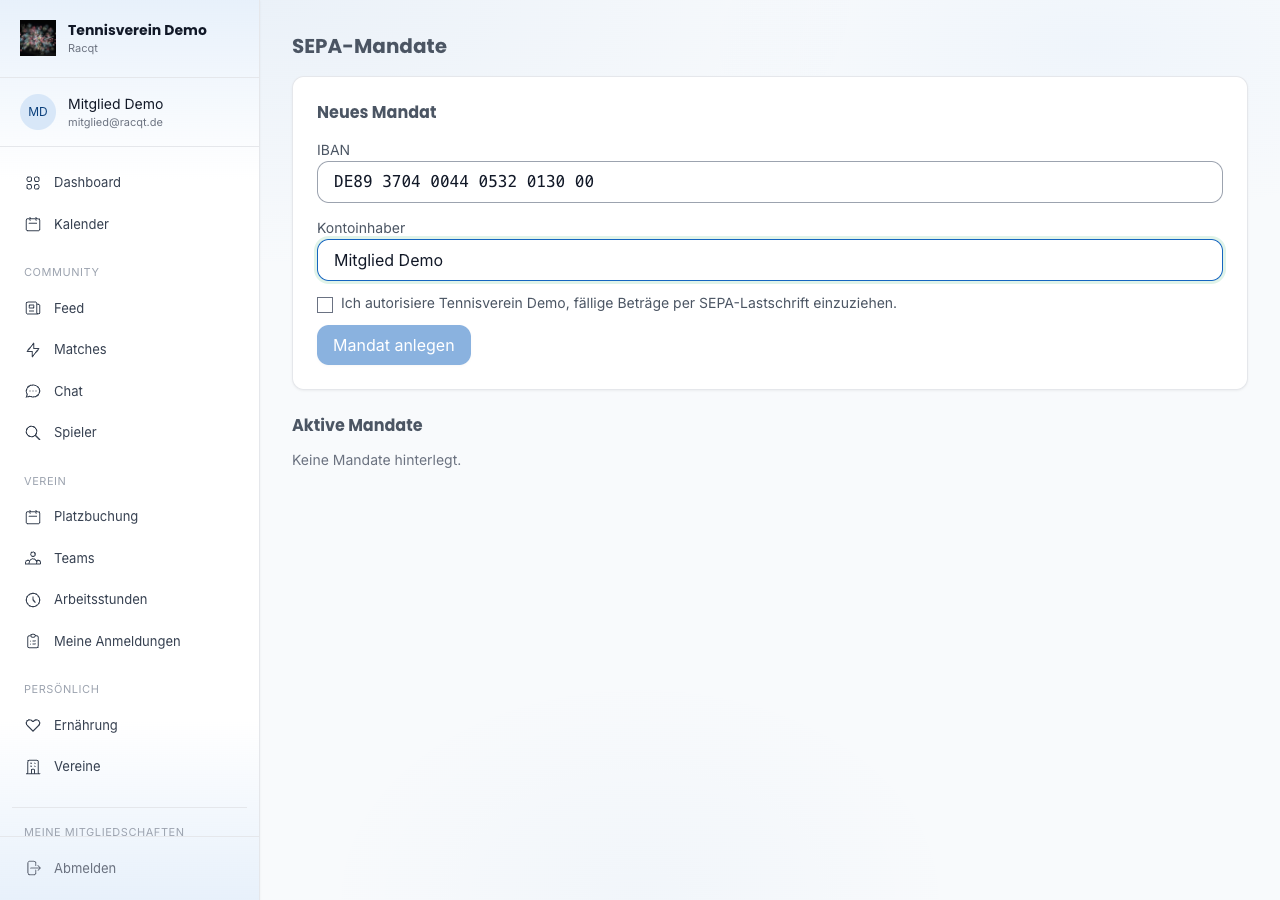
In the portal, open the SEPA-Mandate area (under your profile or directly via /portal/sepa-mandates). In the “Neues Mandat” (New mandate) section you enter:
- IBAN — your account number in IBAN format (spaces are removed automatically)
- Kontoinhaber (account holder) — the name of the account holder
- Einwilligung (consent) — with the tick you authorise your club to collect amounts due by SEPA direct debit. Without this confirmation the mandate can’t be created.
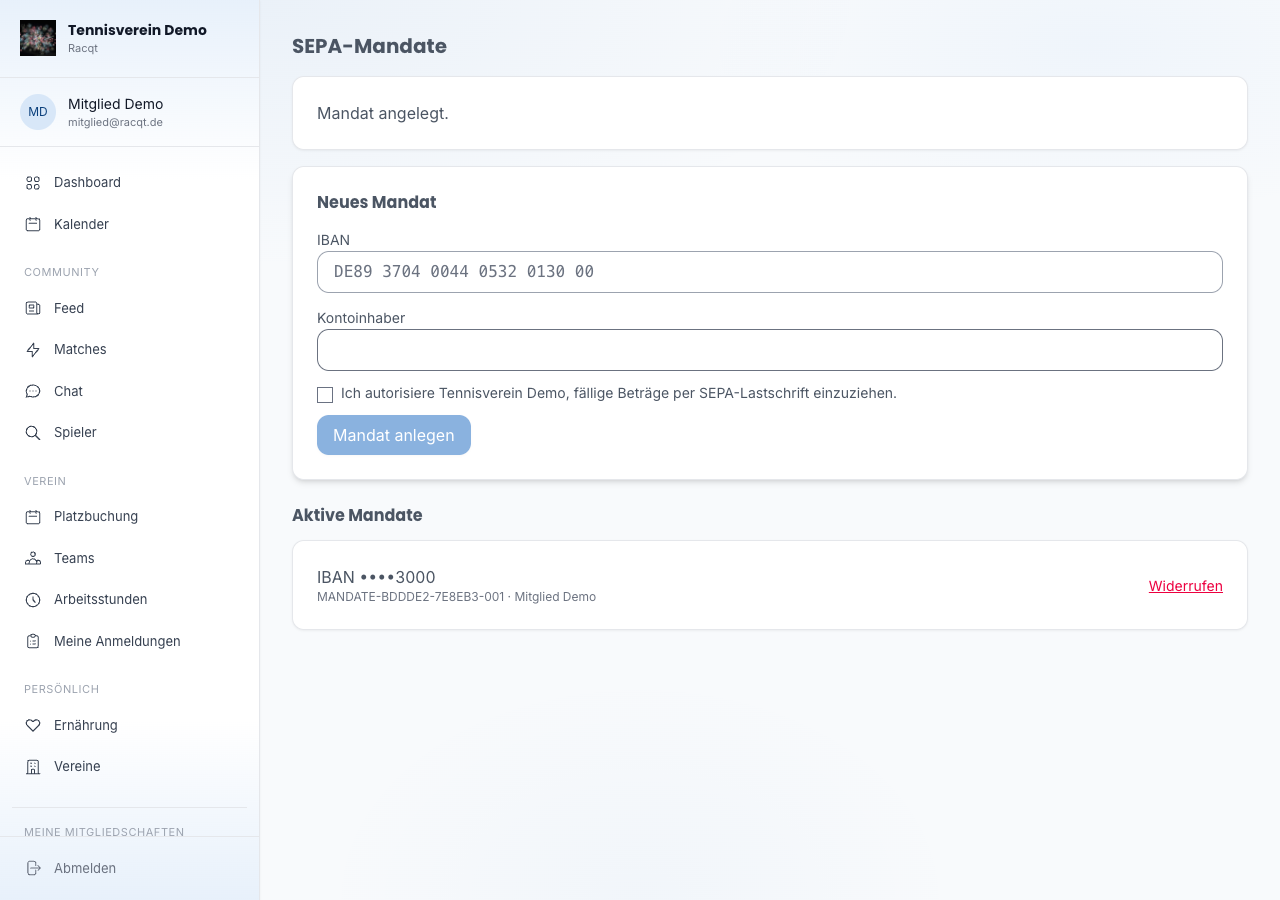
After submitting, the mandate is activated immediately and appears in the list of active mandates. Your consent is recorded with date and time — so it can always be traced when you granted the mandate.
Viewing active mandates
All stored mandates are shown in a list. For each mandate you see the last four digits of the IBAN, the mandate reference and the account holder.
Revoking a mandate
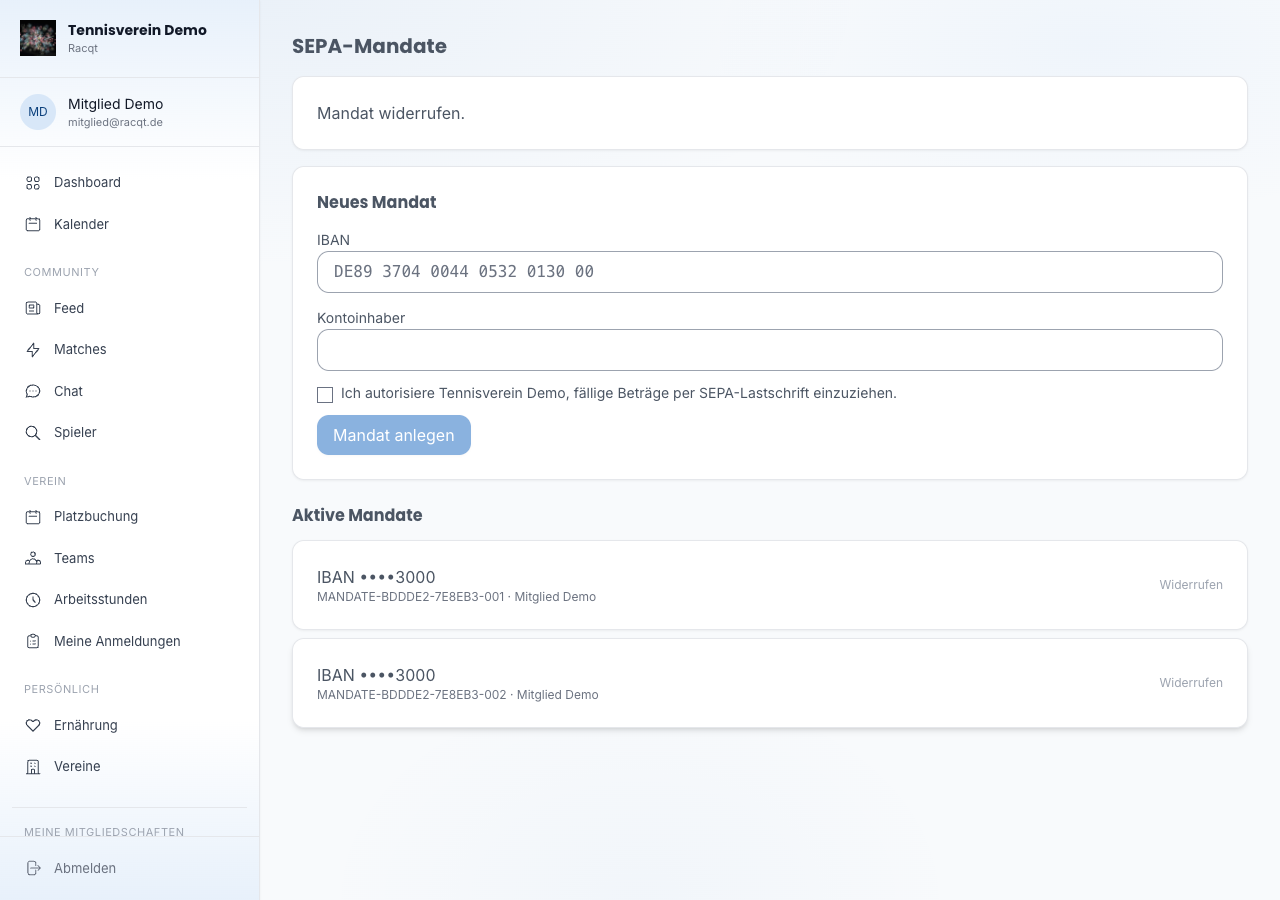
Click Widerrufen (Revoke) next to an active mandate. The mandate is deactivated immediately. Direct debits already submitted can no longer be affected by this — in that case, contact your club directly.
Notes
- A SEPA mandate only applies to the club where you stored it. If you’re a member of several organisations, you manage the mandates separately.
- Which payment methods your club offers exactly (SEPA direct debit, PayPal or others) is decided by the club itself.