 Racqt
RacqtWeb
News & newsletter
Write news, sort it into categories, share it on social media and manage newsletter subscribers.
On this page
In the “Neuigkeiten” (News) area (Dashboard › Neuigkeiten) you maintain posts for your members and the public. Articles appear on the club website and can be shared directly on social media. The newsletter shows you who receives your emails.
Creating and editing articles
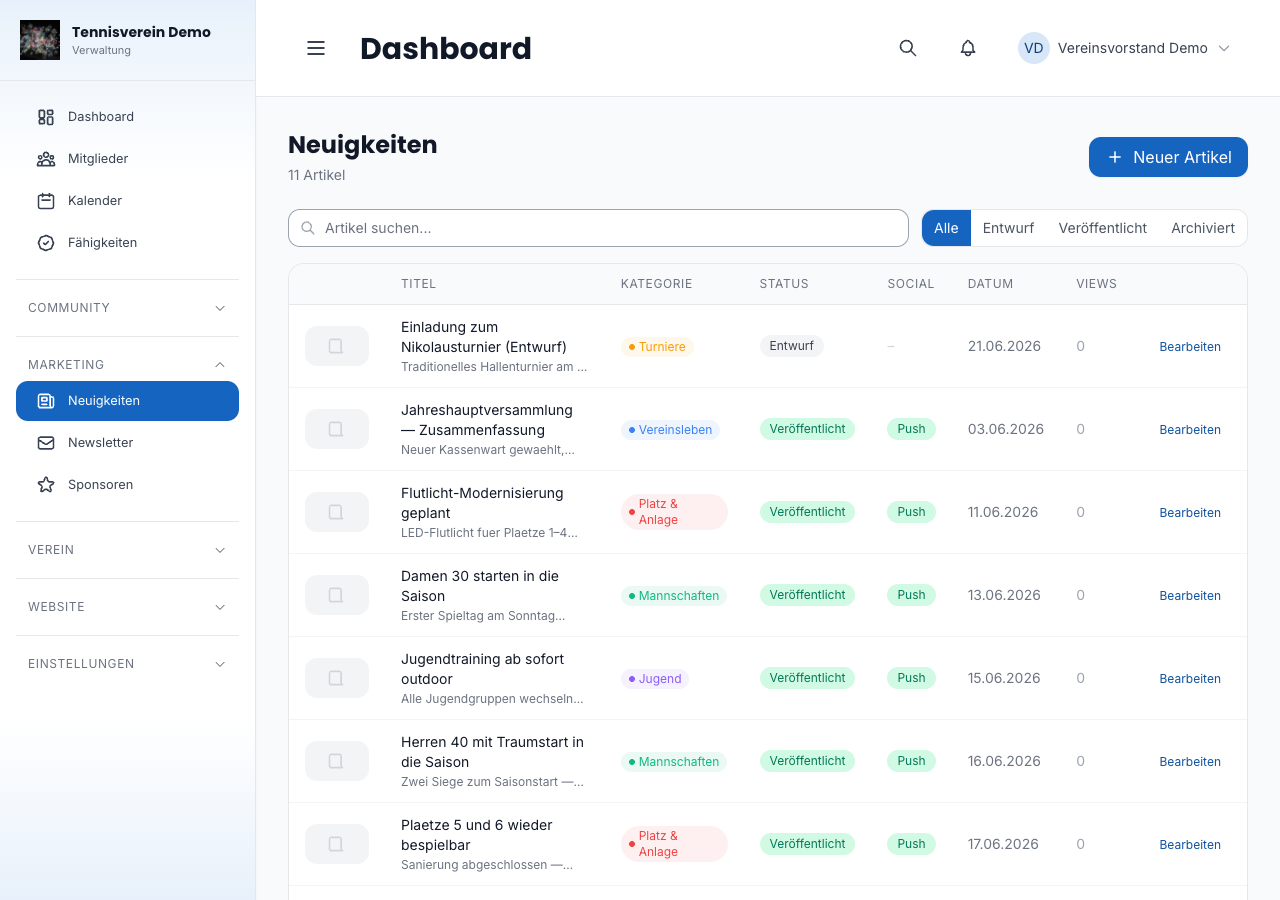
Click “Neuer Artikel” (New article). Enter a title, short description and optionally a category, and choose a featured image from the media library. The article is first saved as a draft — you edit the full content in the next step in the rich text editor.
In the editor you add the article text, can add an image gallery and store a social media caption. When you’re done, you publish the article with one click. Optionally Racqt posts it directly to Facebook or Instagram at the same time if your account is connected (see Settings & branding).
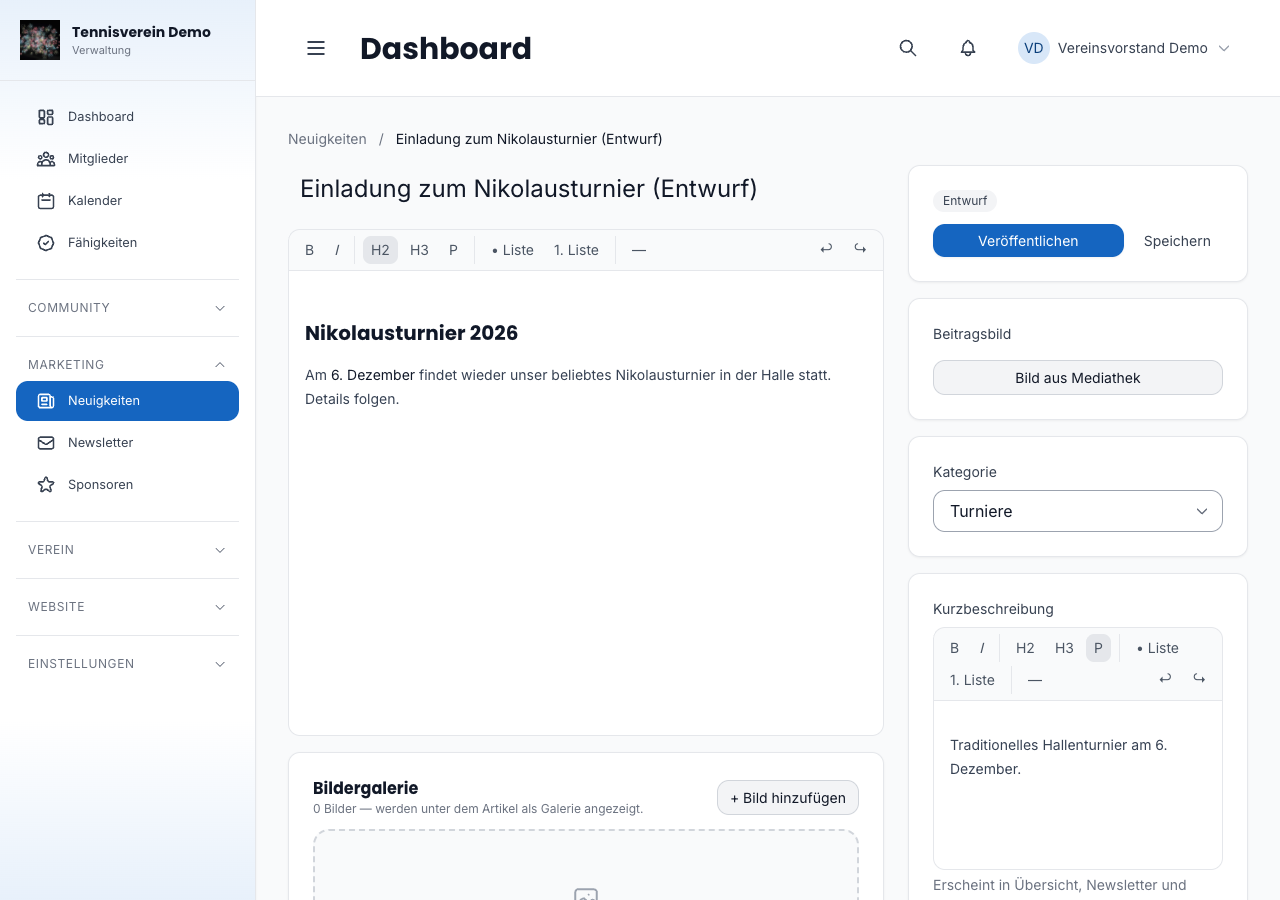
The short description – your preview
The short description is the text your members see first: in the news overview on the club website, in the dashboard and in the iPhone and Android apps. You can format it as usual – bold and italics are kept in the preview and highlight what matters most, such as a date or a registration deadline.
To keep the overviews calm, Racqt shows the short description there as one continuous line: several paragraphs or a list are combined and shortened after two lines. The full text appears unchanged in the opened post. The preview reads best if you keep it short – one or two sentences that make people curious.
Status and visibility
Every article has one of three statuses: Entwurf (draft), Veröffentlicht (published) or Archiviert (archived). The list view also shows whether a push notification was sent and whether the post appeared on Facebook or Instagram. The “Views” column tells you how often it was viewed on the club website.
Categories
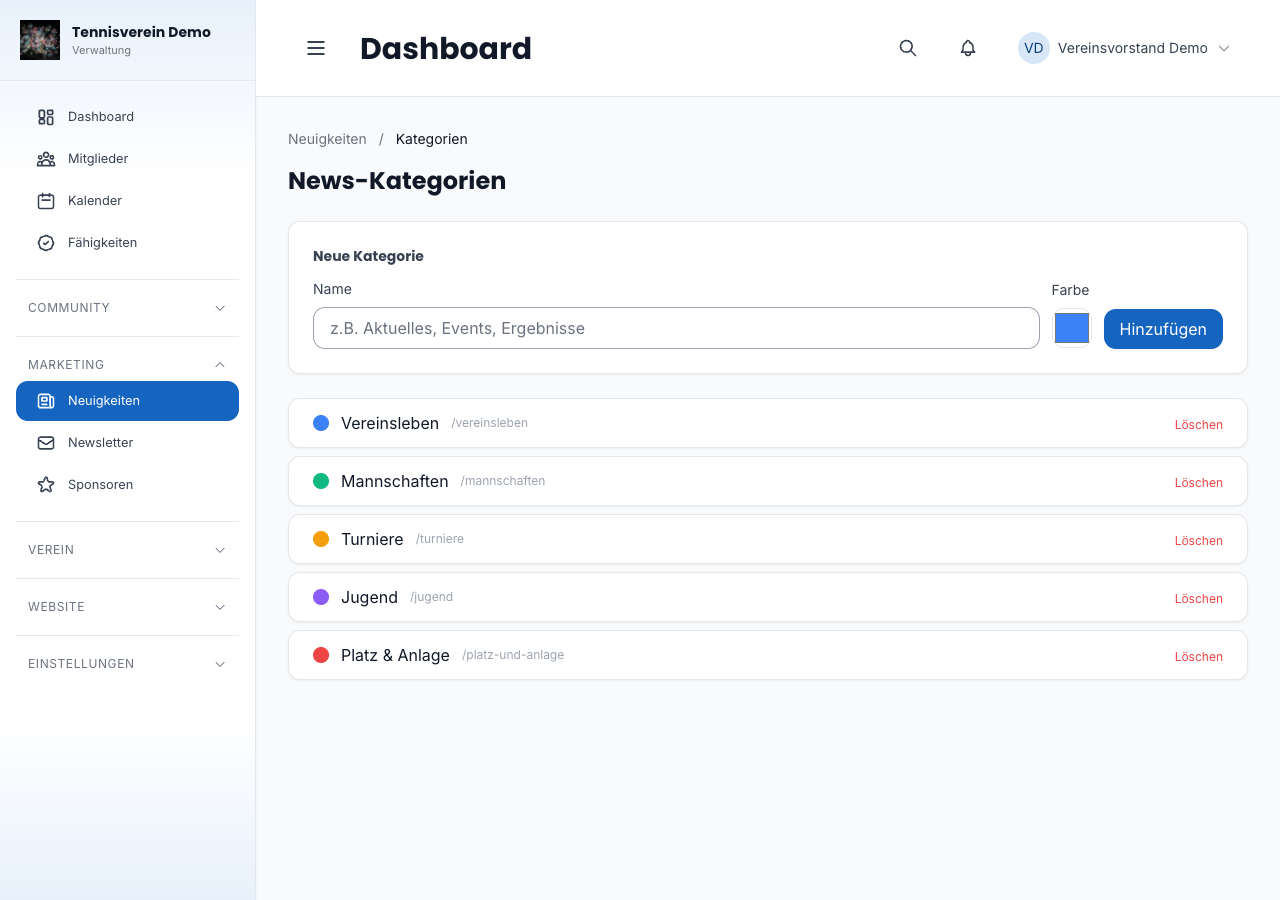
Under Neuigkeiten › Kategorien (News › Categories) you create your own categories with name and colour. Each article can be assigned to a category; on the public website, visitors can filter by category.
Newsletter subscribers
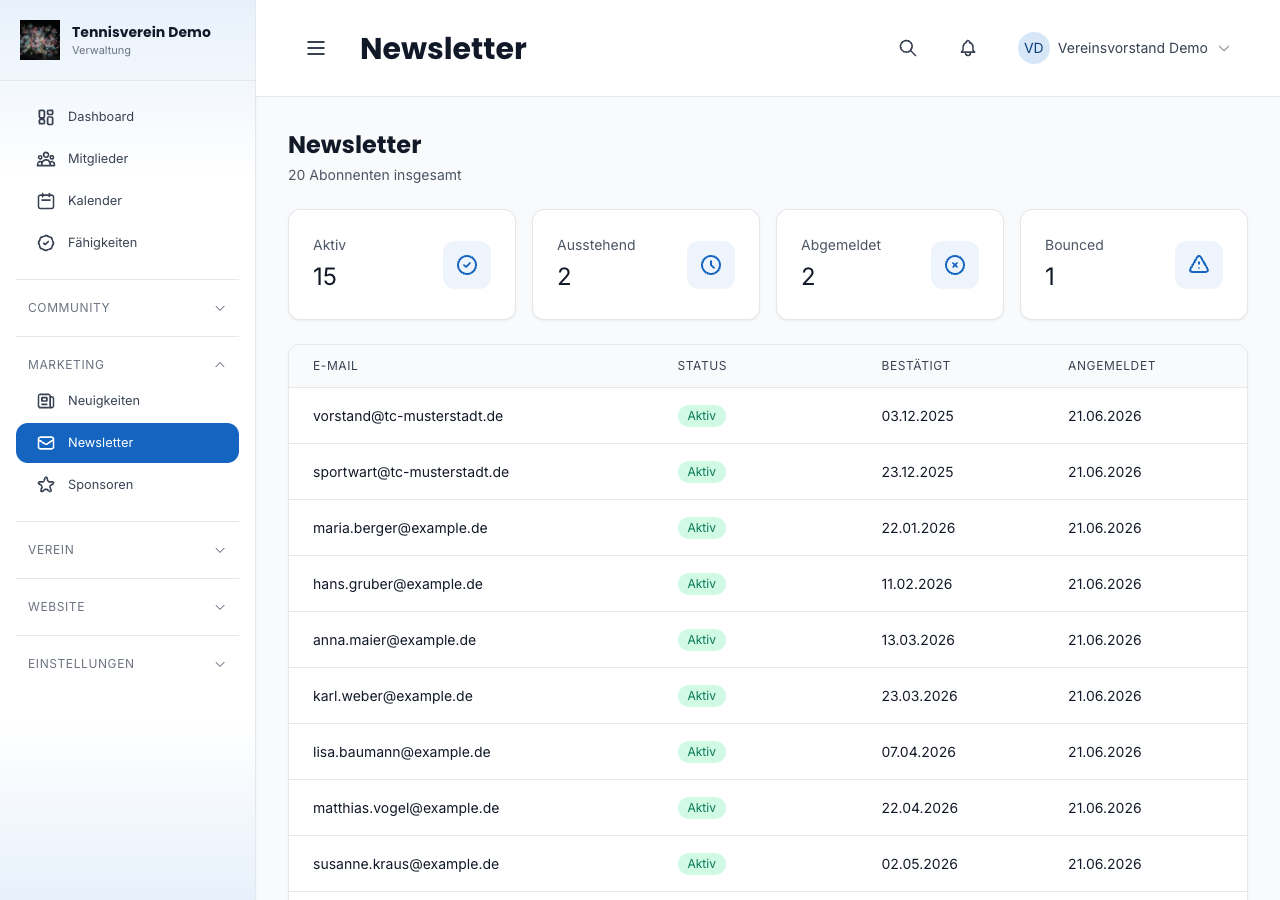
Under “Newsletter” (Dashboard › Newsletter) you see everyone who has signed up for your newsletter, with their status: Aktiv (active), Ausstehend (pending — not yet confirmed by email), Abgemeldet (unsubscribed) or Bounced. The key figure cards at the top show the numbers at a glance.
Related articles: Club website (CMS) · Settings & branding
In the changelog:1.5.1