 Racqt
RacqtWeb
Dashboard for clubs
An overview of the Racqt dashboard for club admins — key figures, navigation and first steps after setup.
On this page
The Racqt dashboard is the control centre for club admins, committee members and staff with dashboard access. Here you see at a glance how active your club is and can get quickly from anywhere to the most important areas. The dashboard is in German; we name the German labels in this help centre.
Access to the dashboard
The dashboard is available under your club domain (for example meinverein.racqt.app/app/dashboard). Members with the role Administrator, Vorstand (erweitert) (extended committee) or Platzwart (groundskeeper)
have access. Ordinary club members land in the member portal instead.
Key figures at a glance
Right after signing in, the dashboard shows four tiles with current figures: members, courts, teams and training groups. Below them is an up-to-date evaluation of court bookings — bookings today, this week, monthly utilisation and monthly revenue.
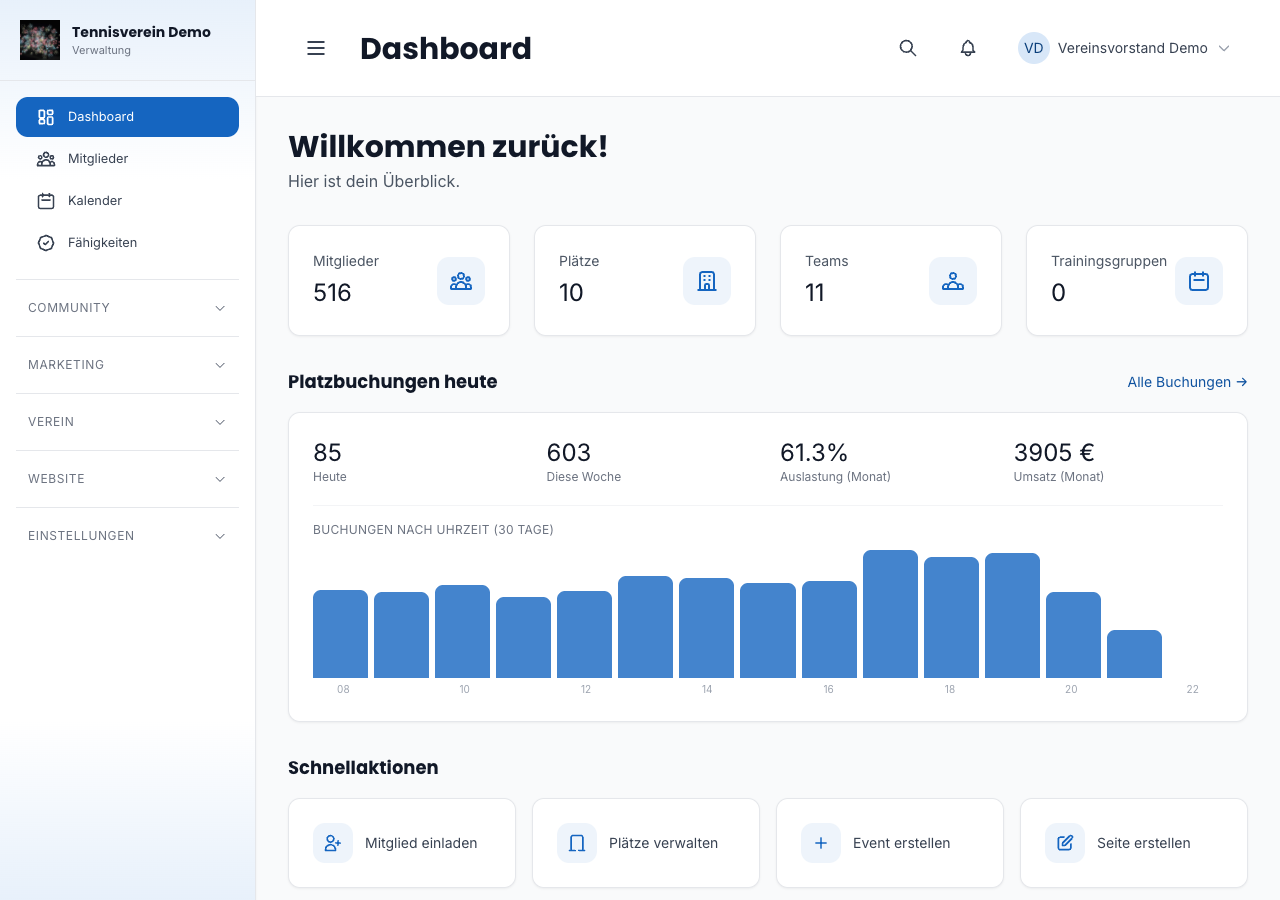
Court bookings at a glance
Below the key figures you’ll find a bar chart with the distribution of bookings by time of day over the last 30 days. That way you see at a glance when your courts are used most.
Quick actions
At the bottom of the dashboard there are four shortcut tiles: invite a member, manage courts, create an event and create a page. These links take you straight to frequently used areas without opening the sidebar.
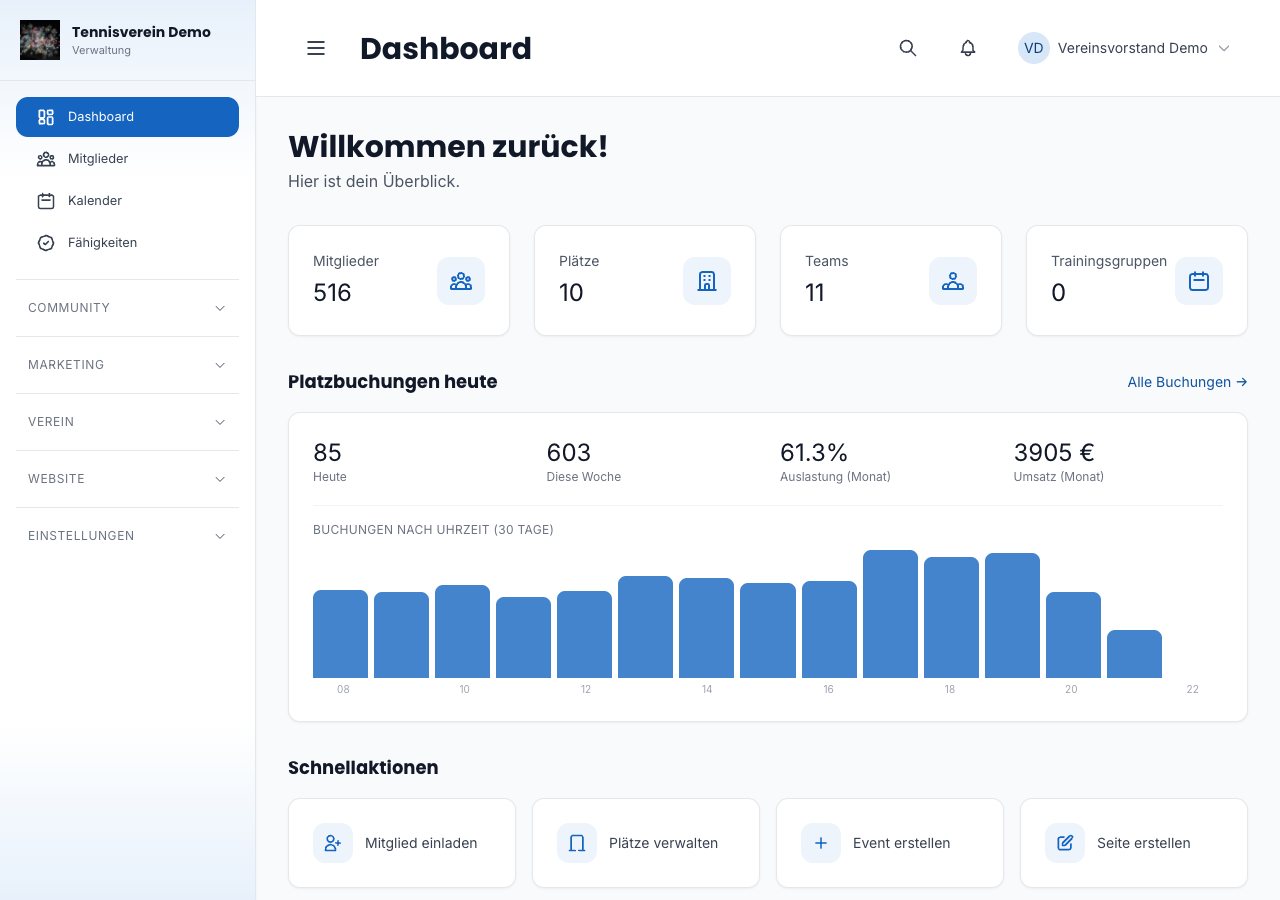
Navigating via the sidebar
The sidebar on the left organises all areas of the dashboard. For clubs, the most relevant are:
- Mitglieder (Members) — member management, invitations, fee status
- Sport — teams, events, fixtures
- Verwaltung (Administration) — volunteer hours, fees, committee
- Buchungen (Bookings) — court bookings and utilisation
- Einstellungen (Settings) — club profile, payments, registration
Next steps
After your first sign-in, we recommend going through things in this order: