 Racqt
RacqtWeb
Sponsors
Manage club sponsors with logos, levels and contract details, and keep an eye on income and expiring contracts.
On this page
In the “Sponsoren” (Sponsors) area (Dashboard › Sponsoren) you record all the companies and people who support your club financially. Logos, levels and contract terms are maintained in one place; the billing view gives a quick overview of income and expiring contracts. The dashboard is in German; we name the German labels.
Creating sponsors and levels
The page is divided into two tabs: “Sponsoren” (Sponsors) and “Stufen” (Levels). First create your sponsor levels under “Stufen” (for example gold, silver, bronze) and assign an amount to each. Then add individual partners under “Sponsoren”: name, website, logo (uploaded from your files), the matching level, the displayed logo size (small, medium, large) and the contract term (from/to date).
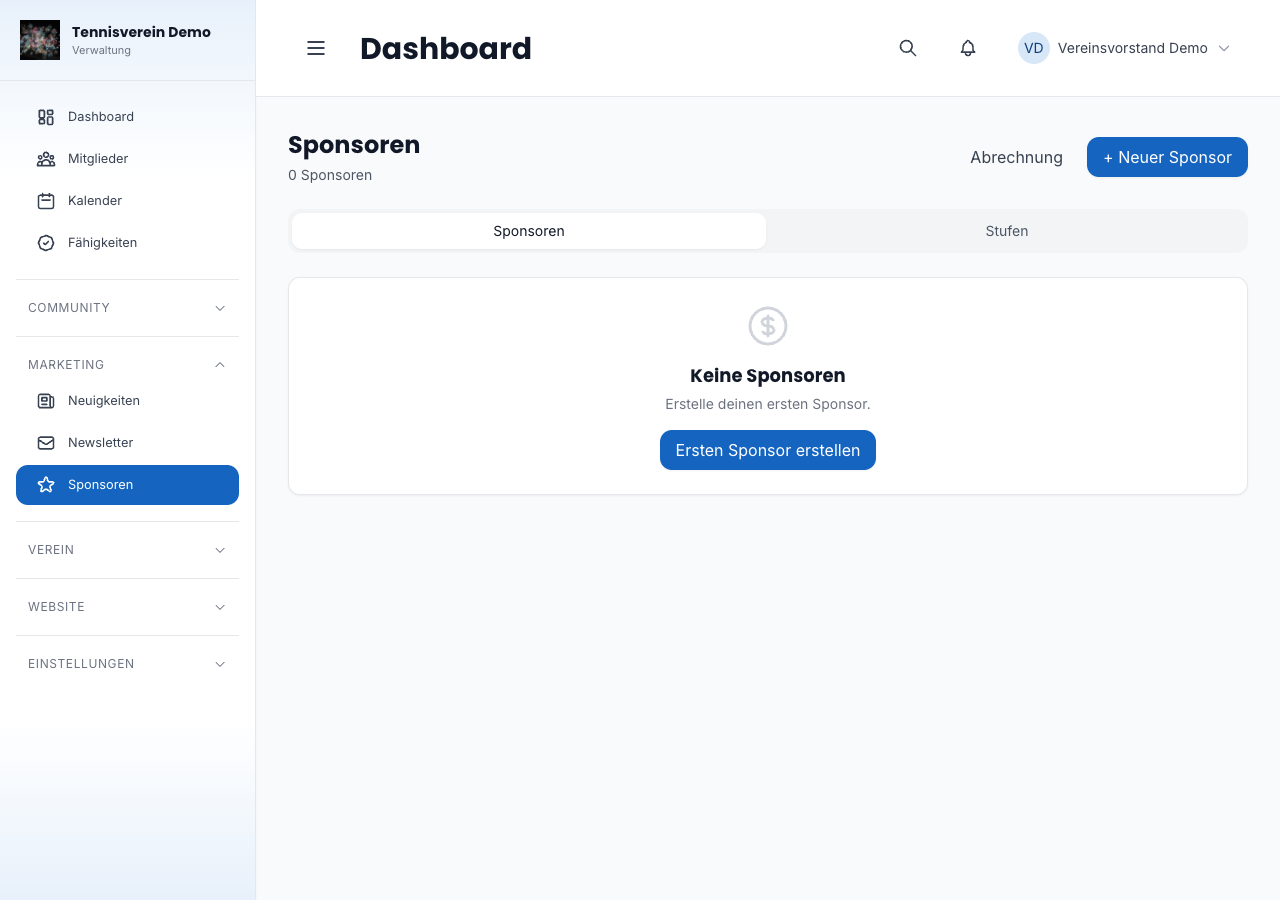
Editing a sponsor
Open a sponsor by clicking its name. On the detail page you can change all the details — you can also upload a new logo or remove it here. The order of sponsors in the list view can be changed by drag and drop; Racqt saves the new order automatically.
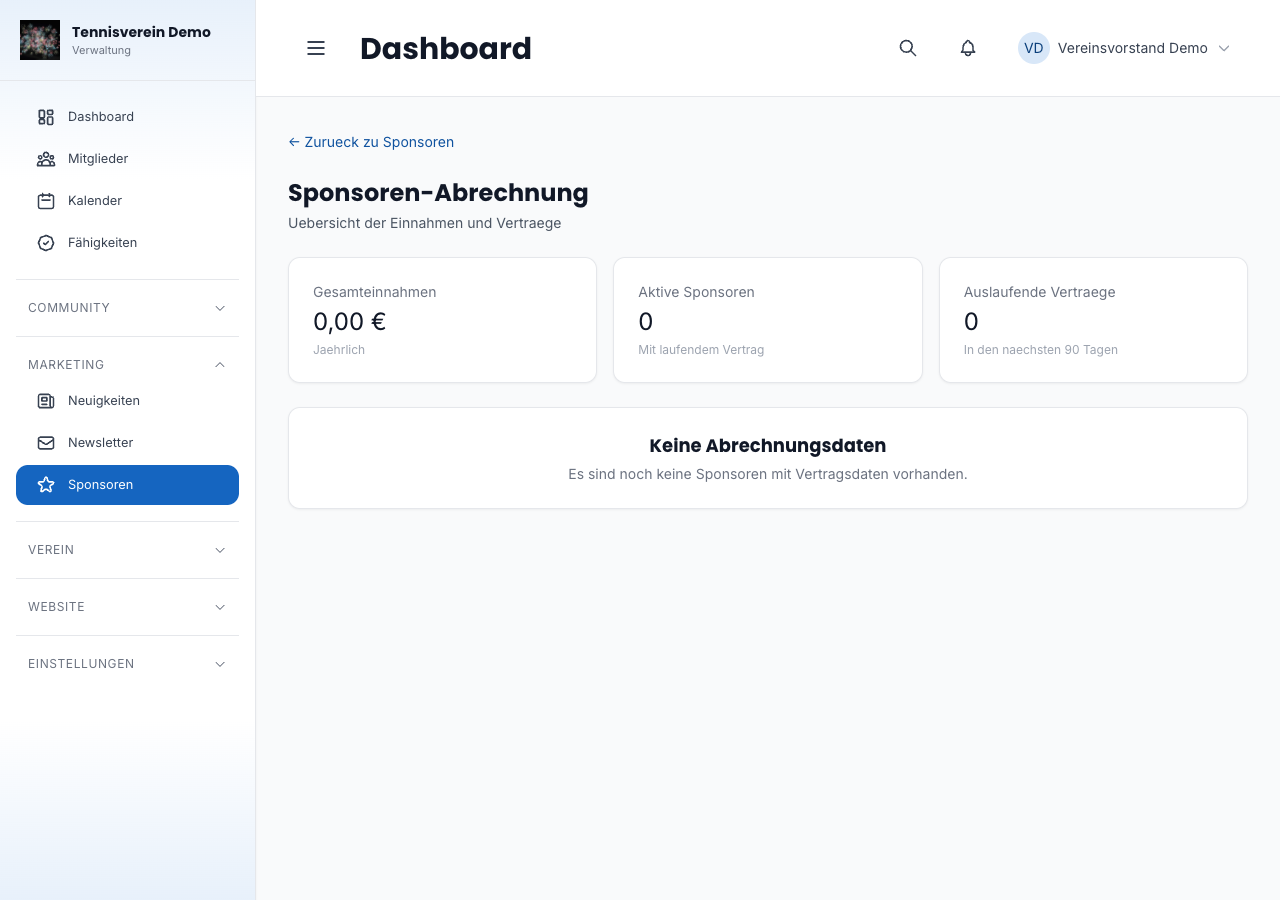
Billing
Under Sponsoren › Abrechnung (Sponsors › Billing, /app/sponsors/billing) you see at a glance the total annual income from all active sponsors, the number of active contracts and how many contracts expire in the next 90 days. The table below lists every sponsor with amount and end date — contracts that expire soon are highlighted in colour.
Related articles: Club website (CMS) · Settings & branding